Screenshots
See it in action
A modern, intuitive interface designed for productivity.
Warning: May cause sudden urges to containerize everything.
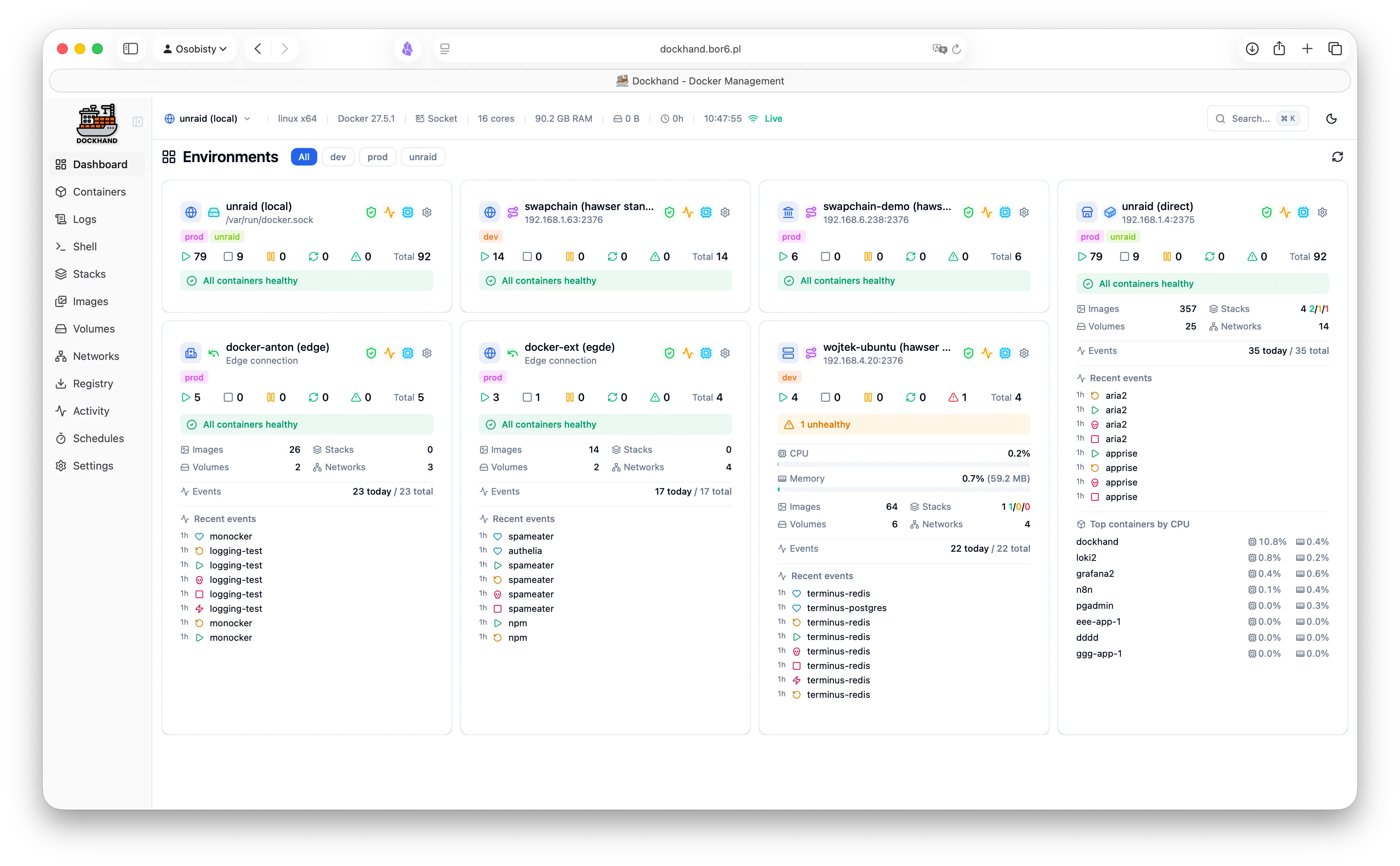
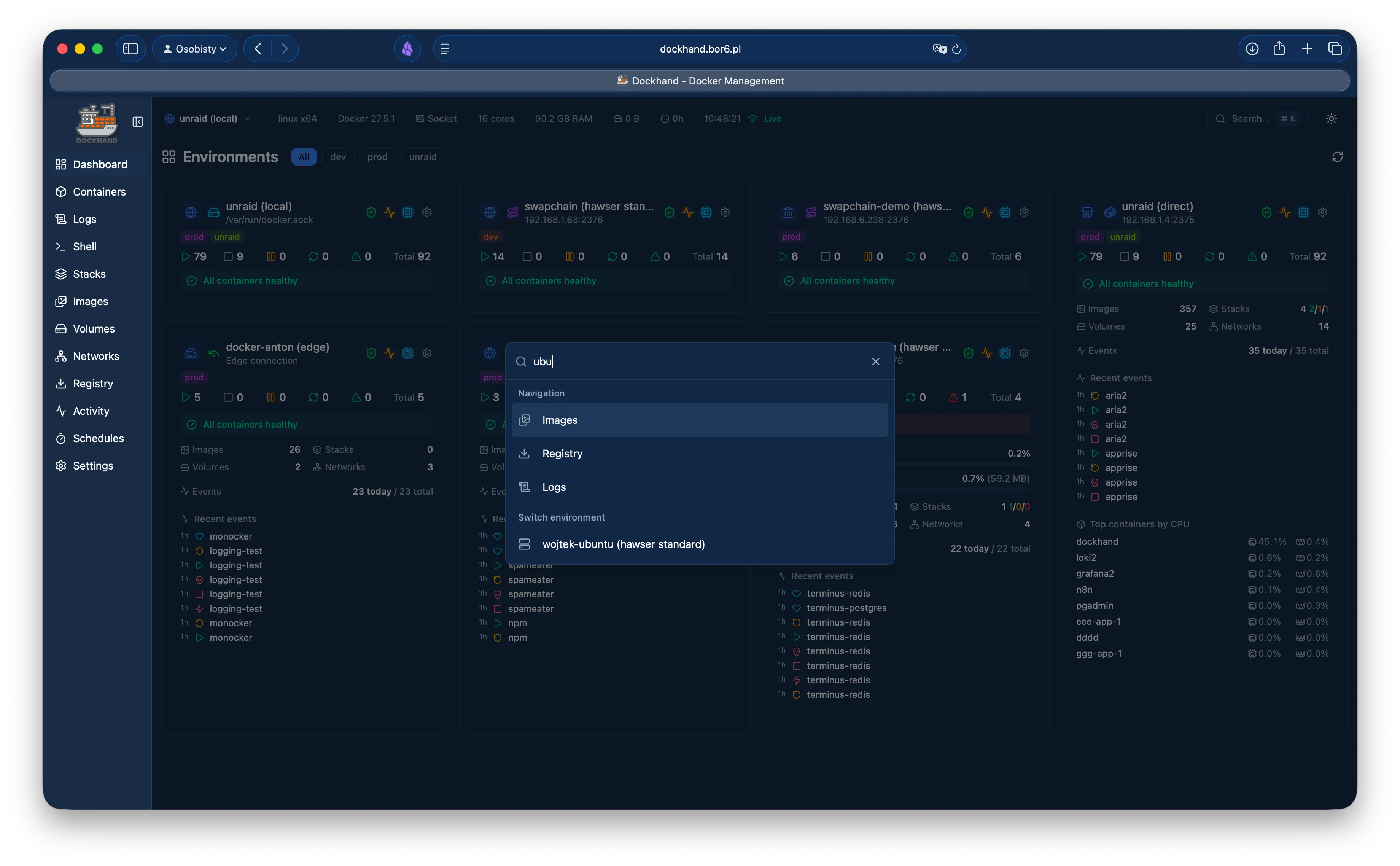
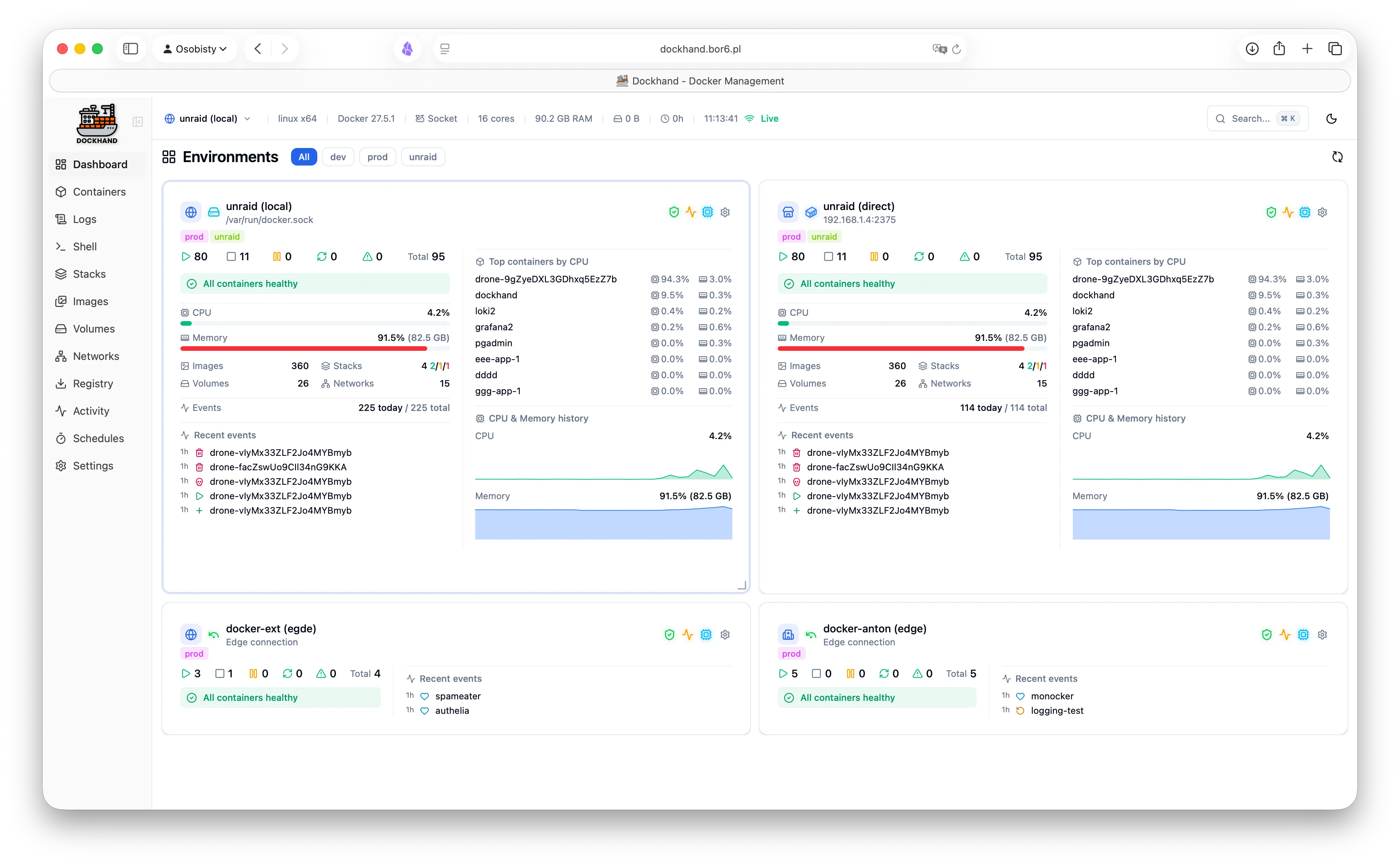
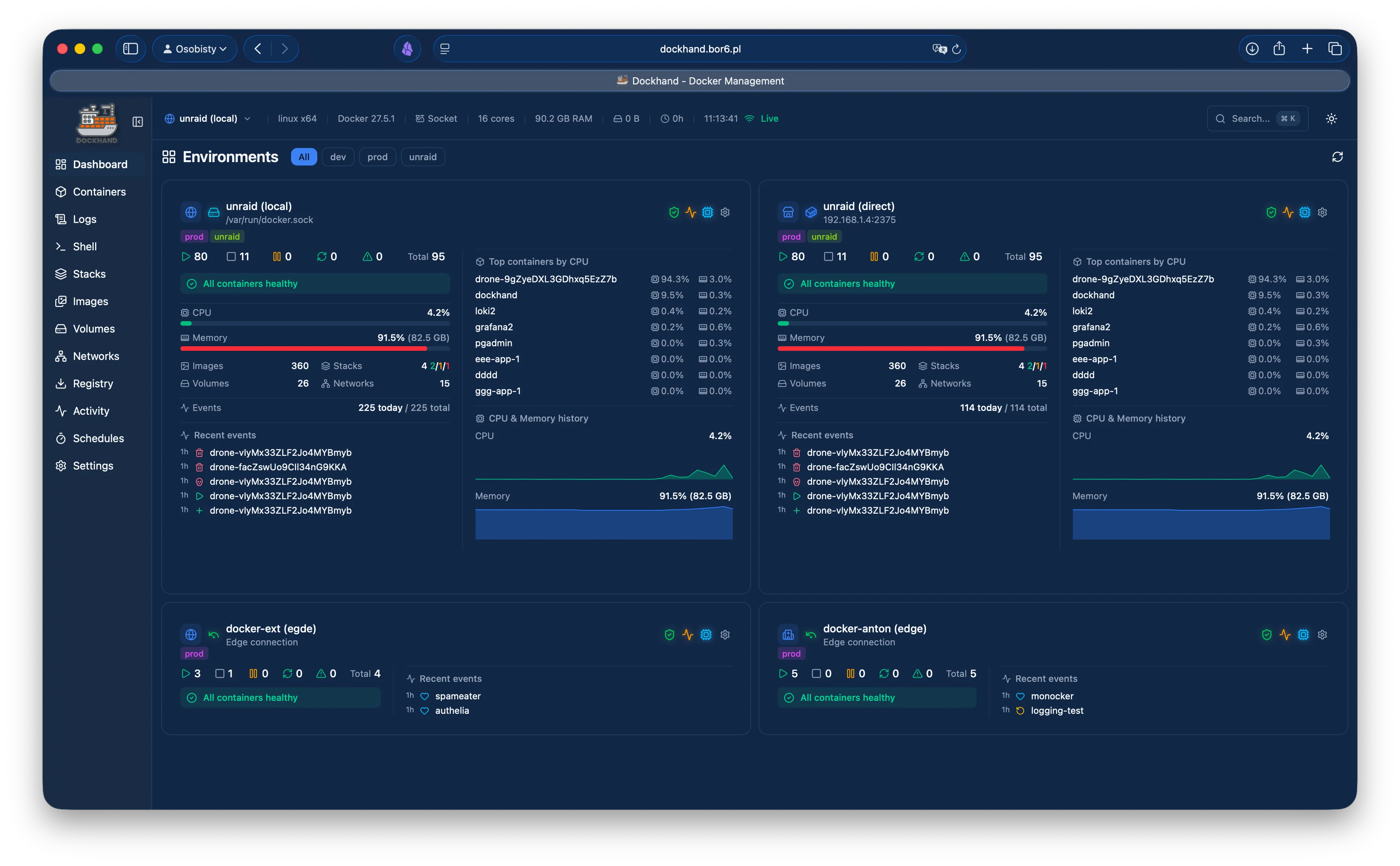
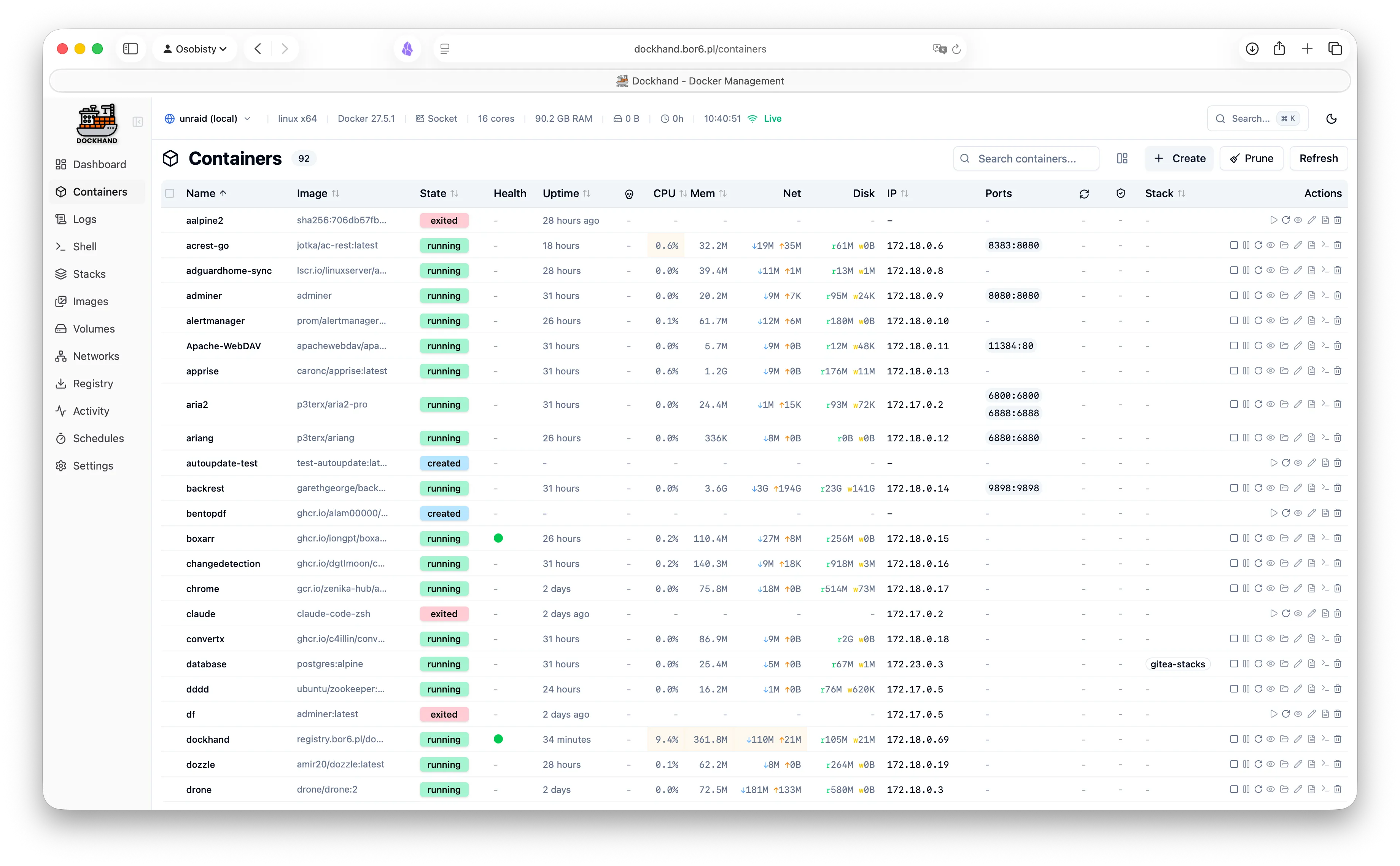
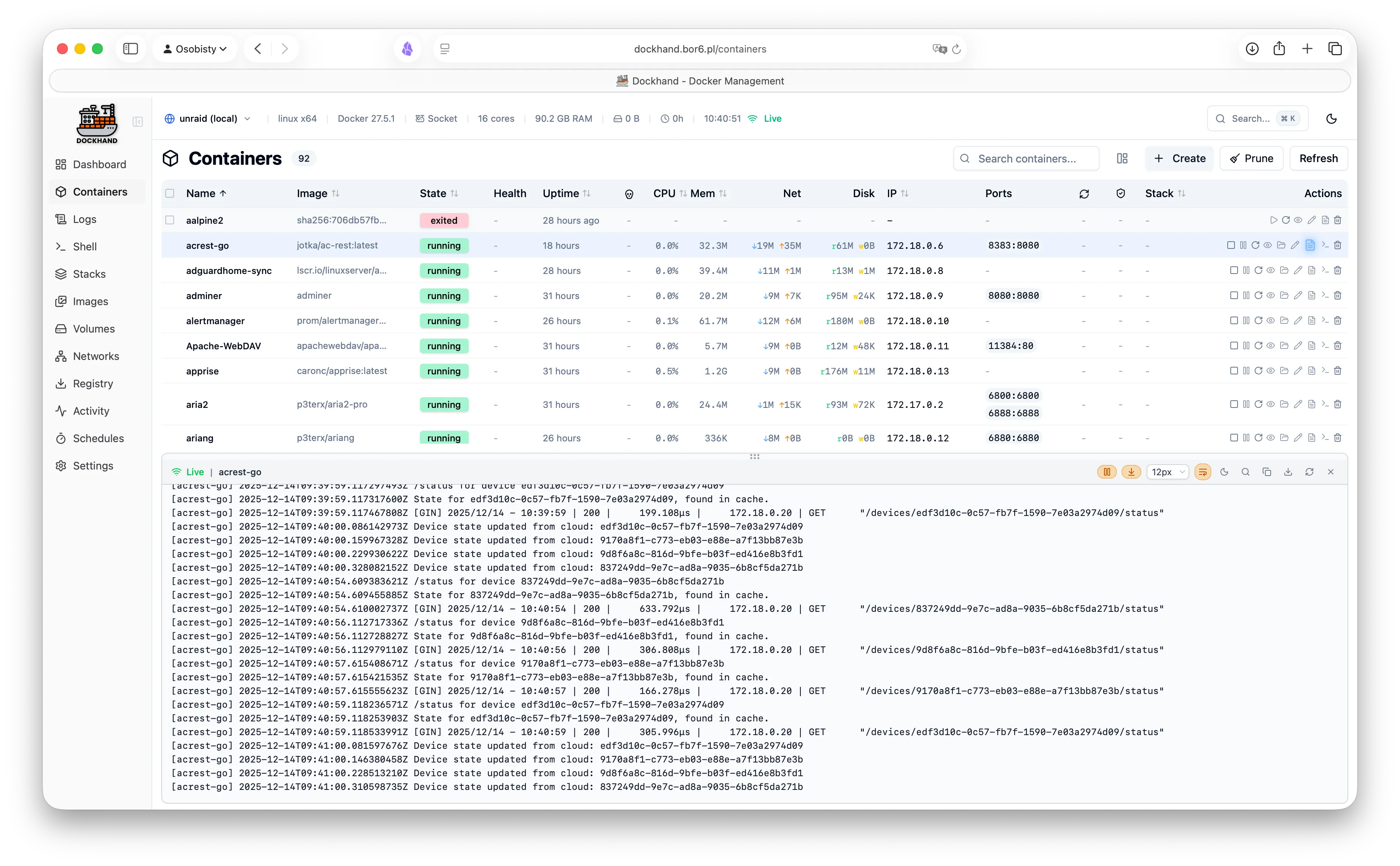
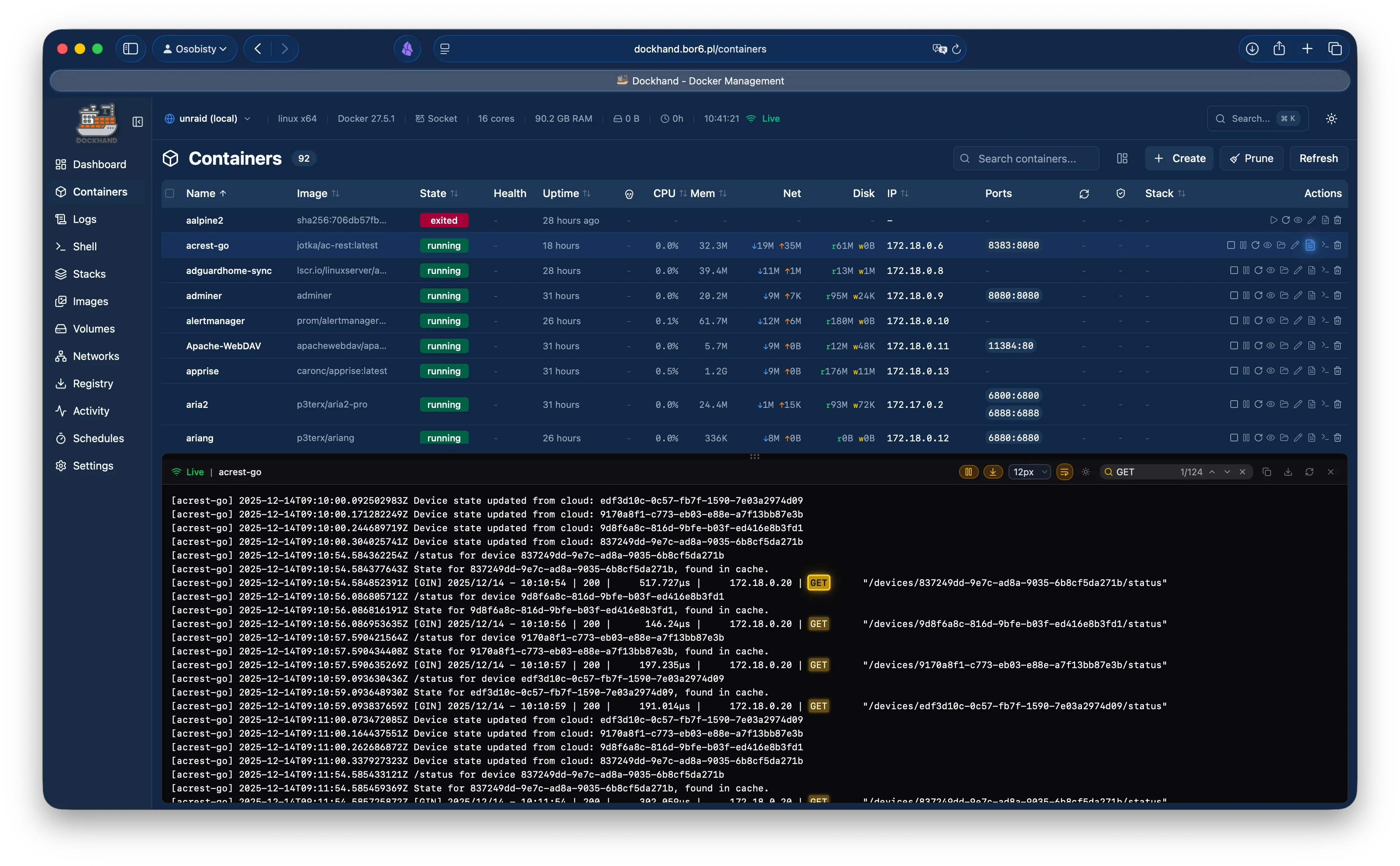
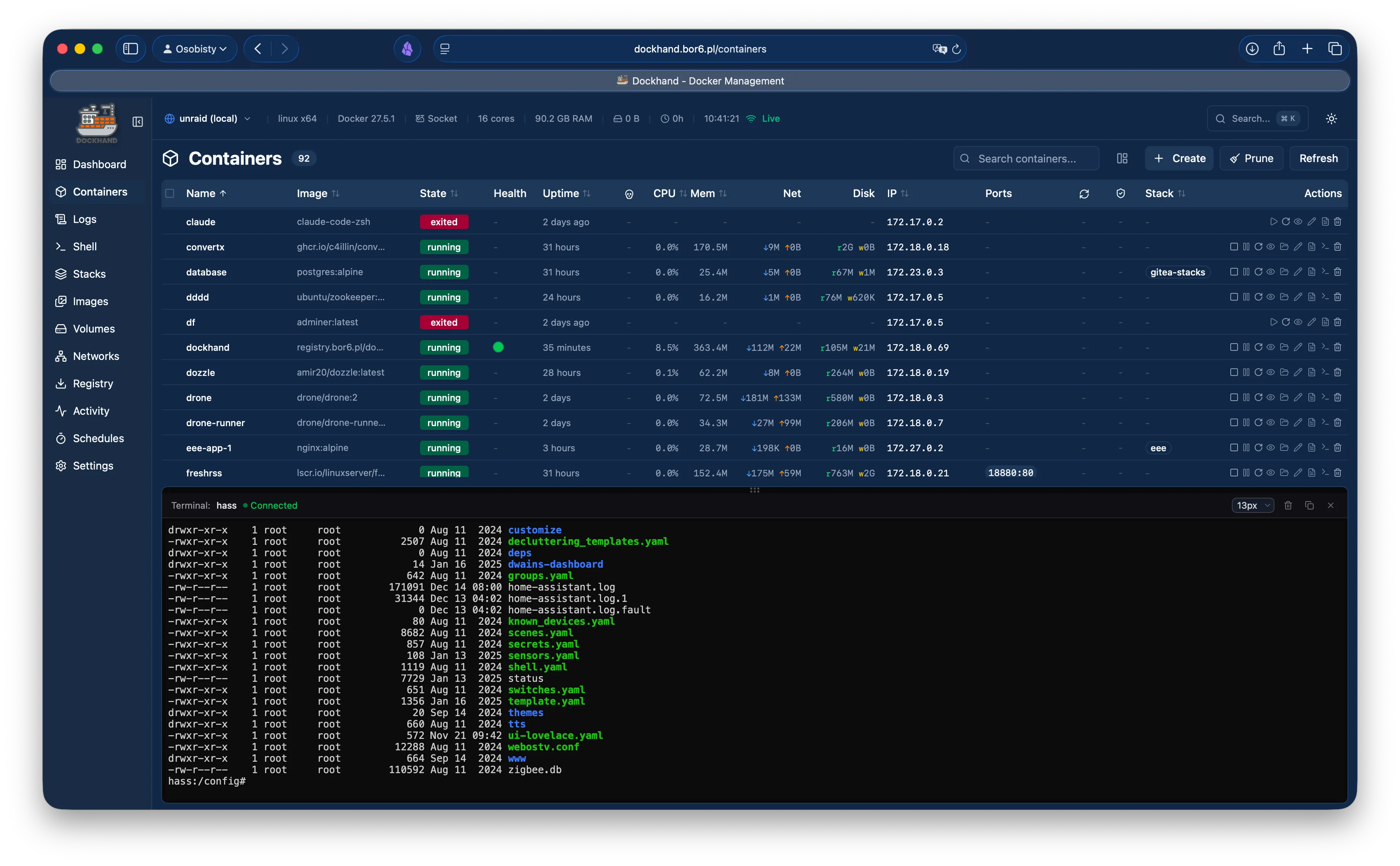
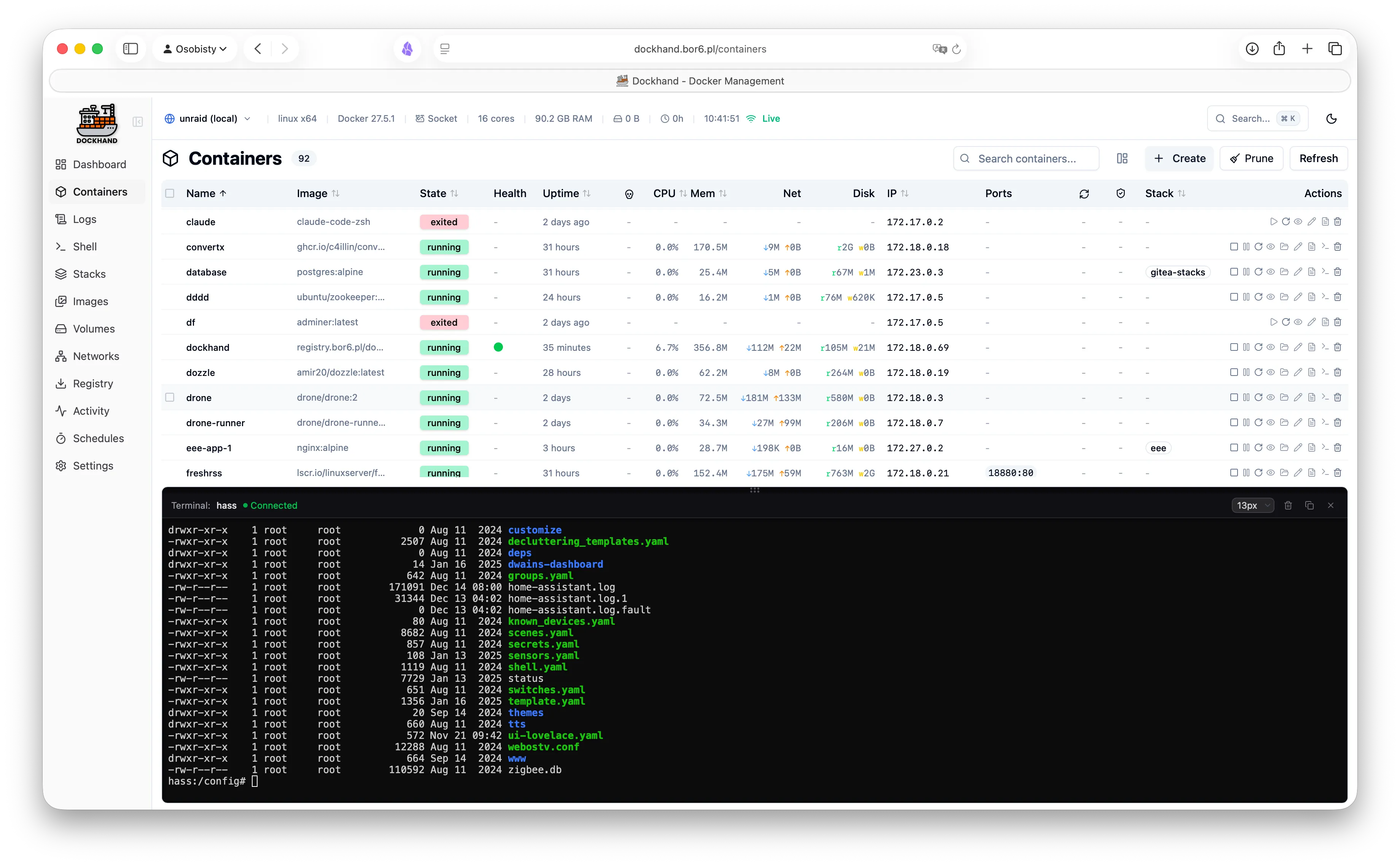
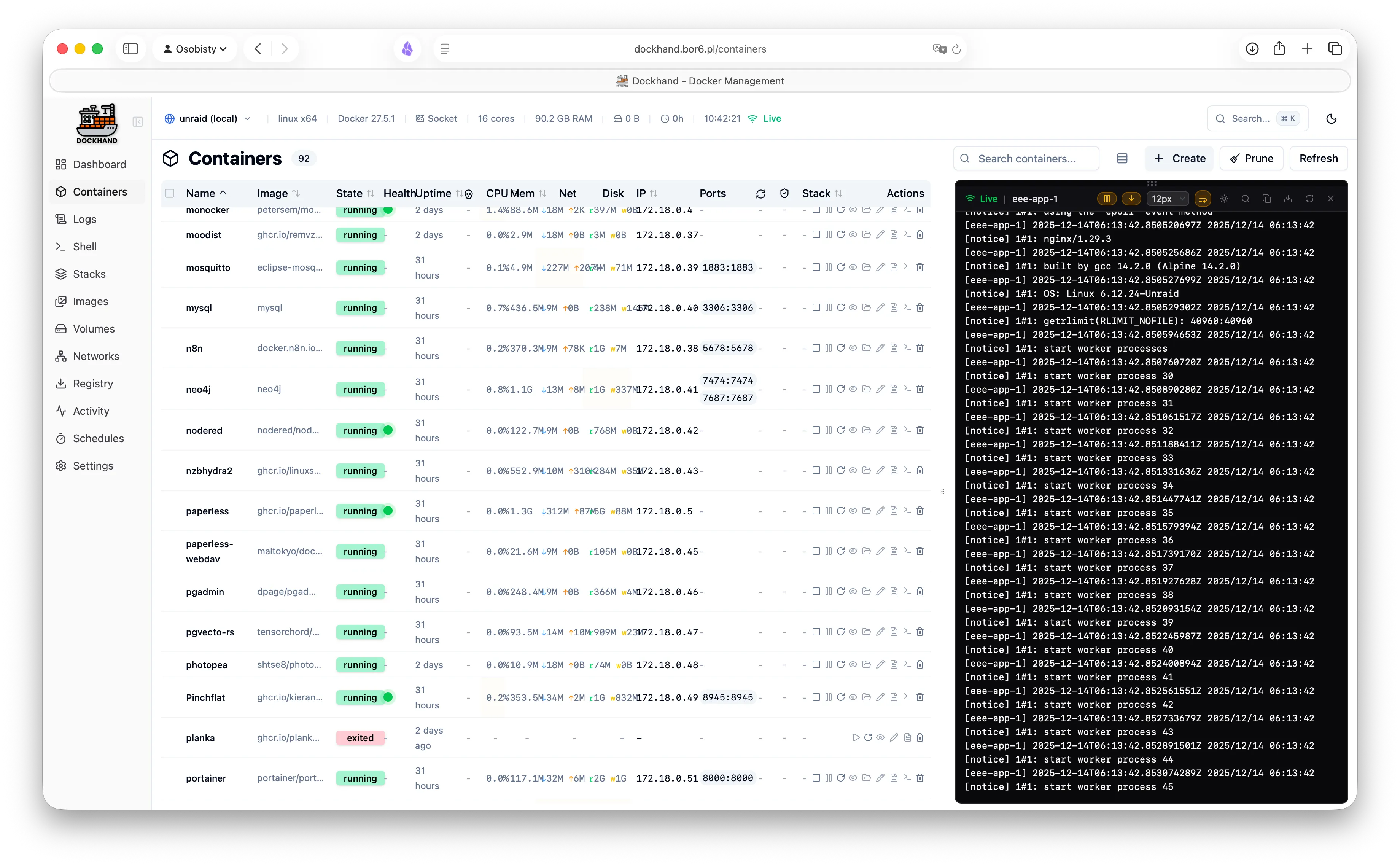
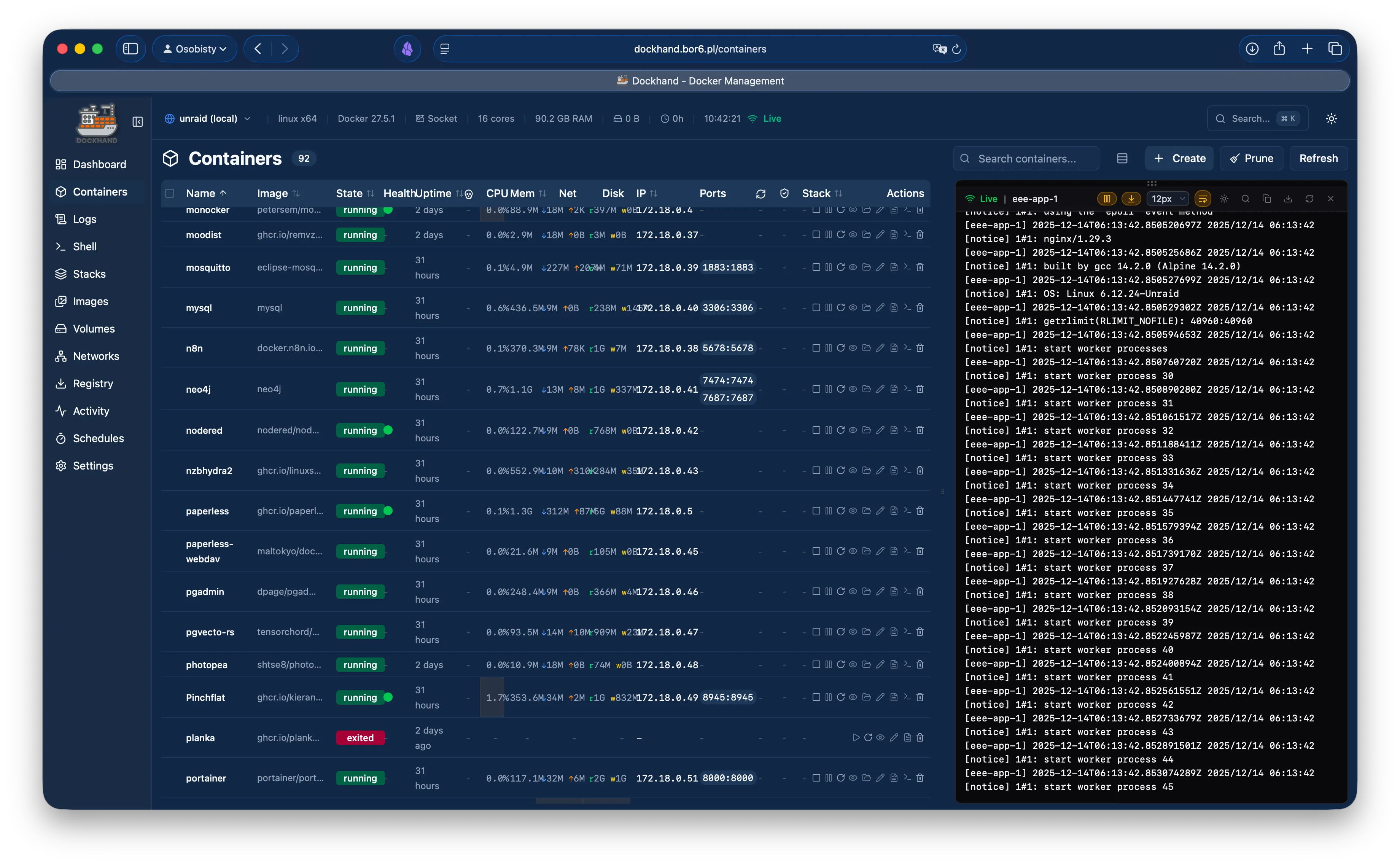
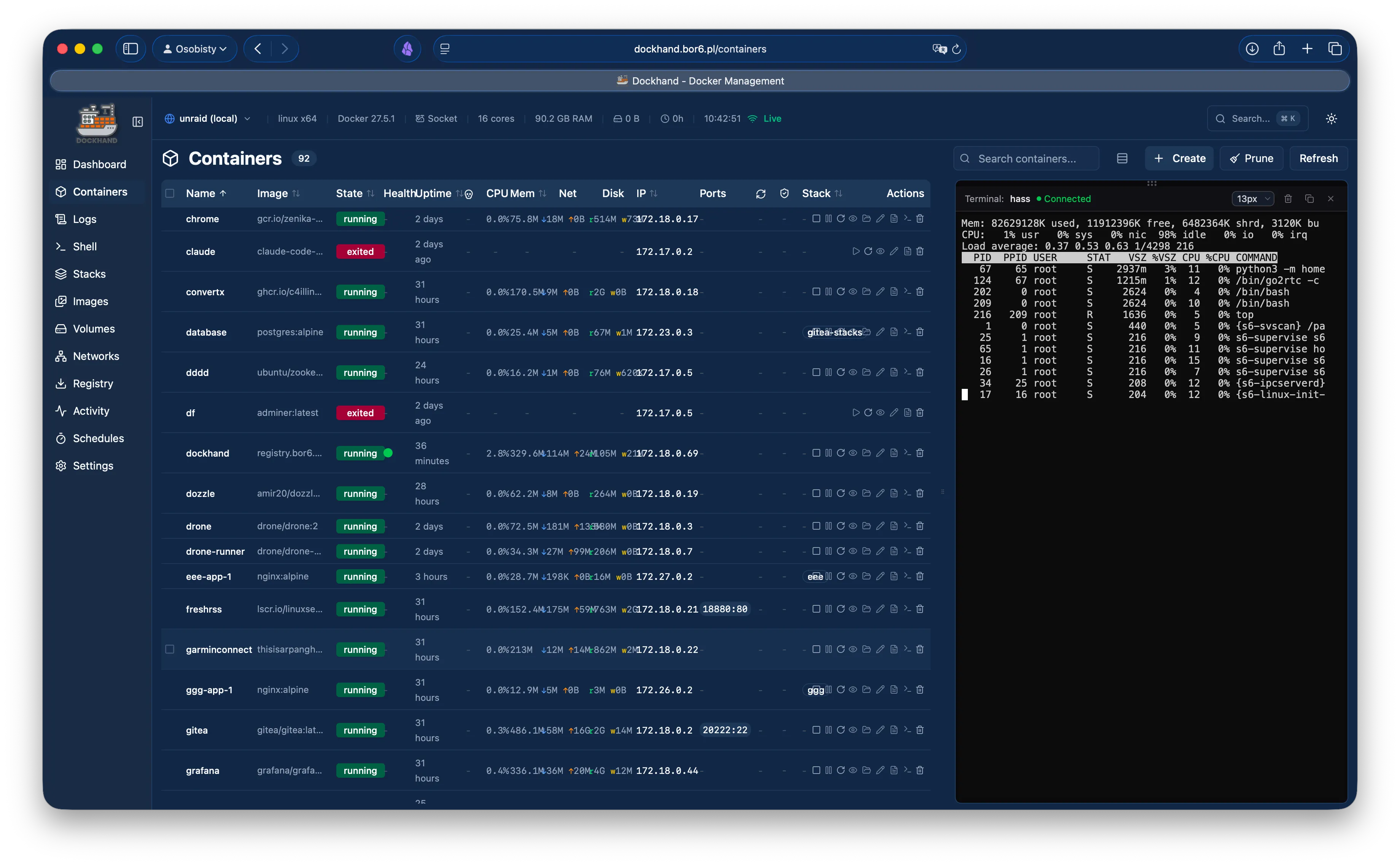
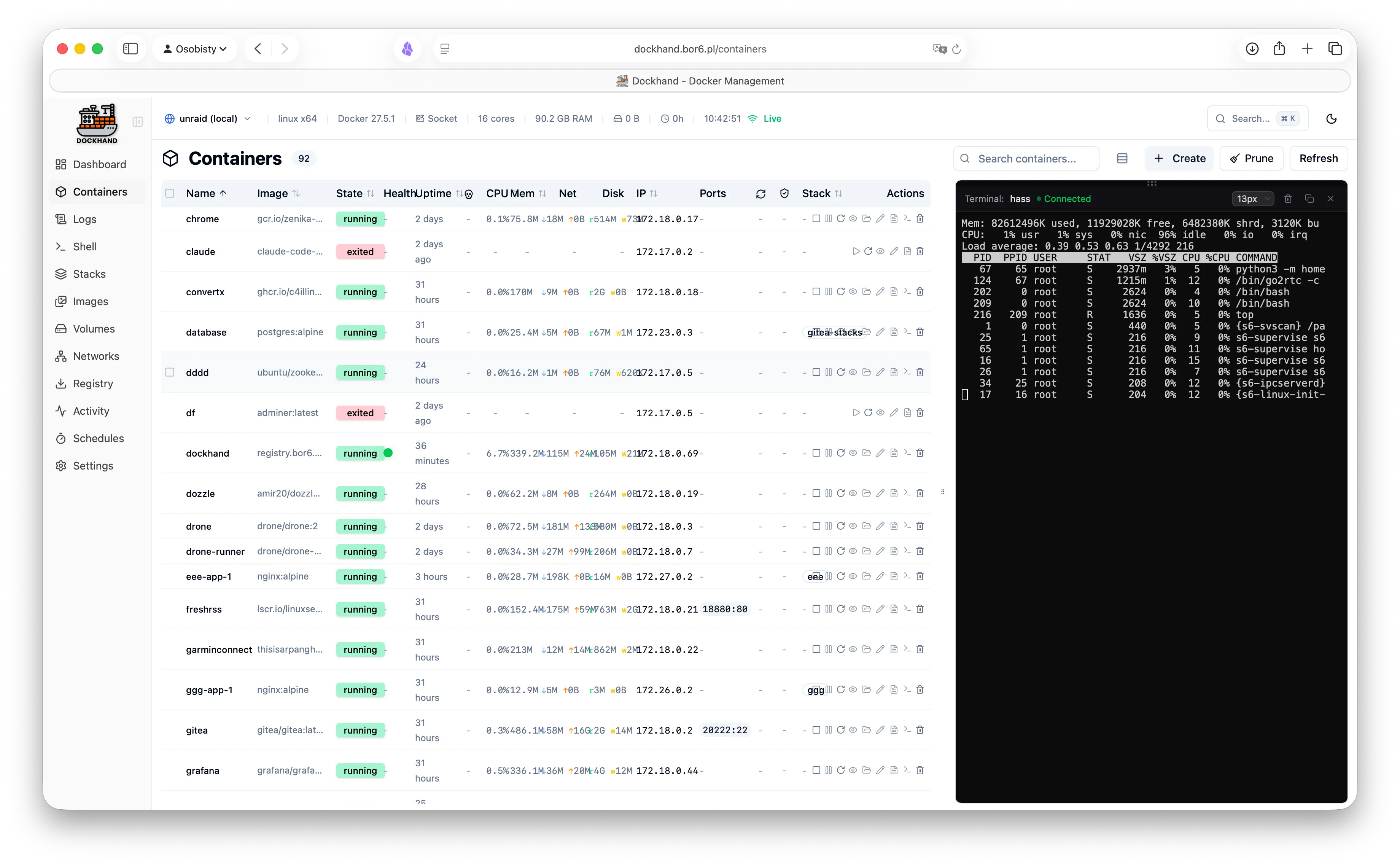
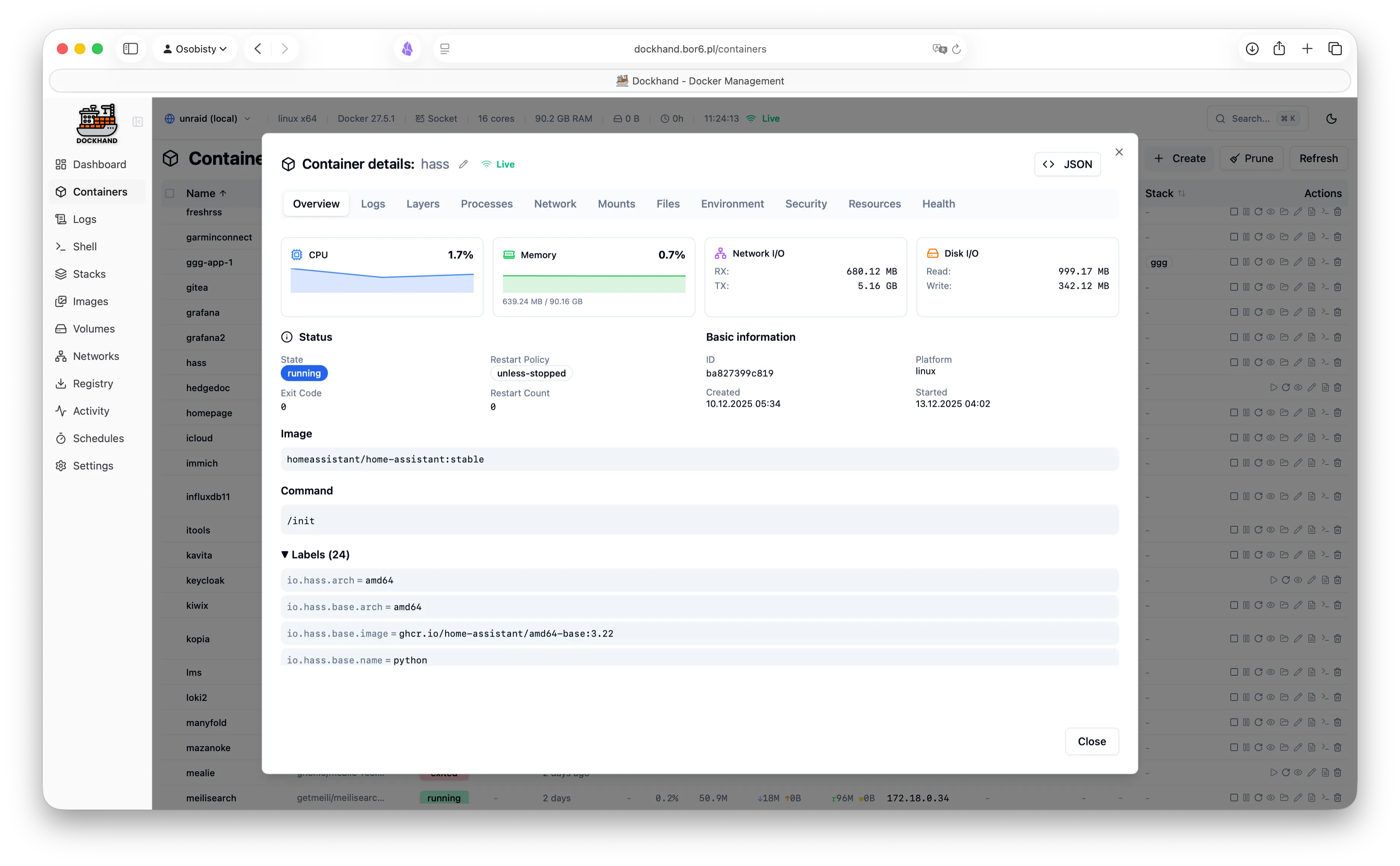
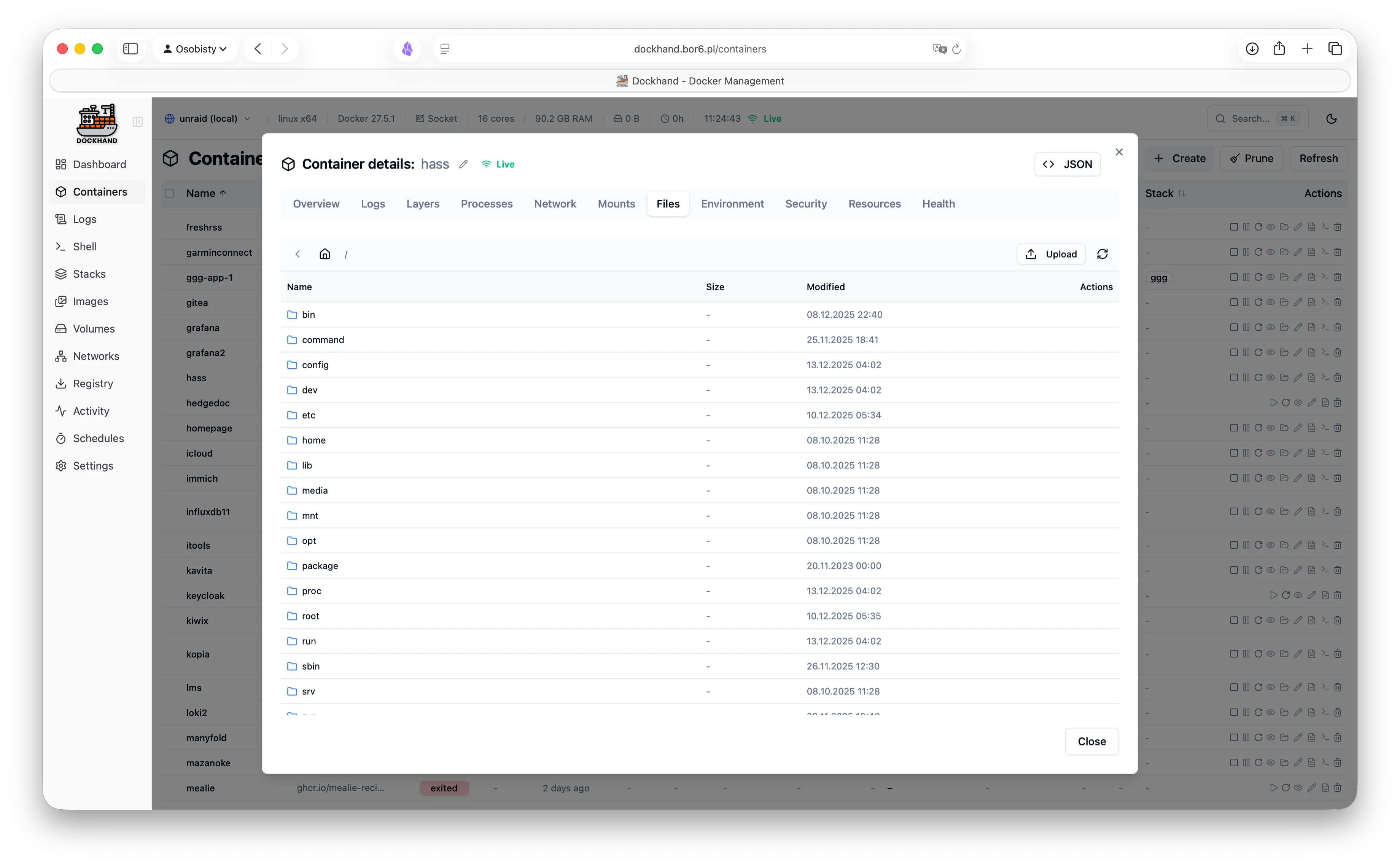
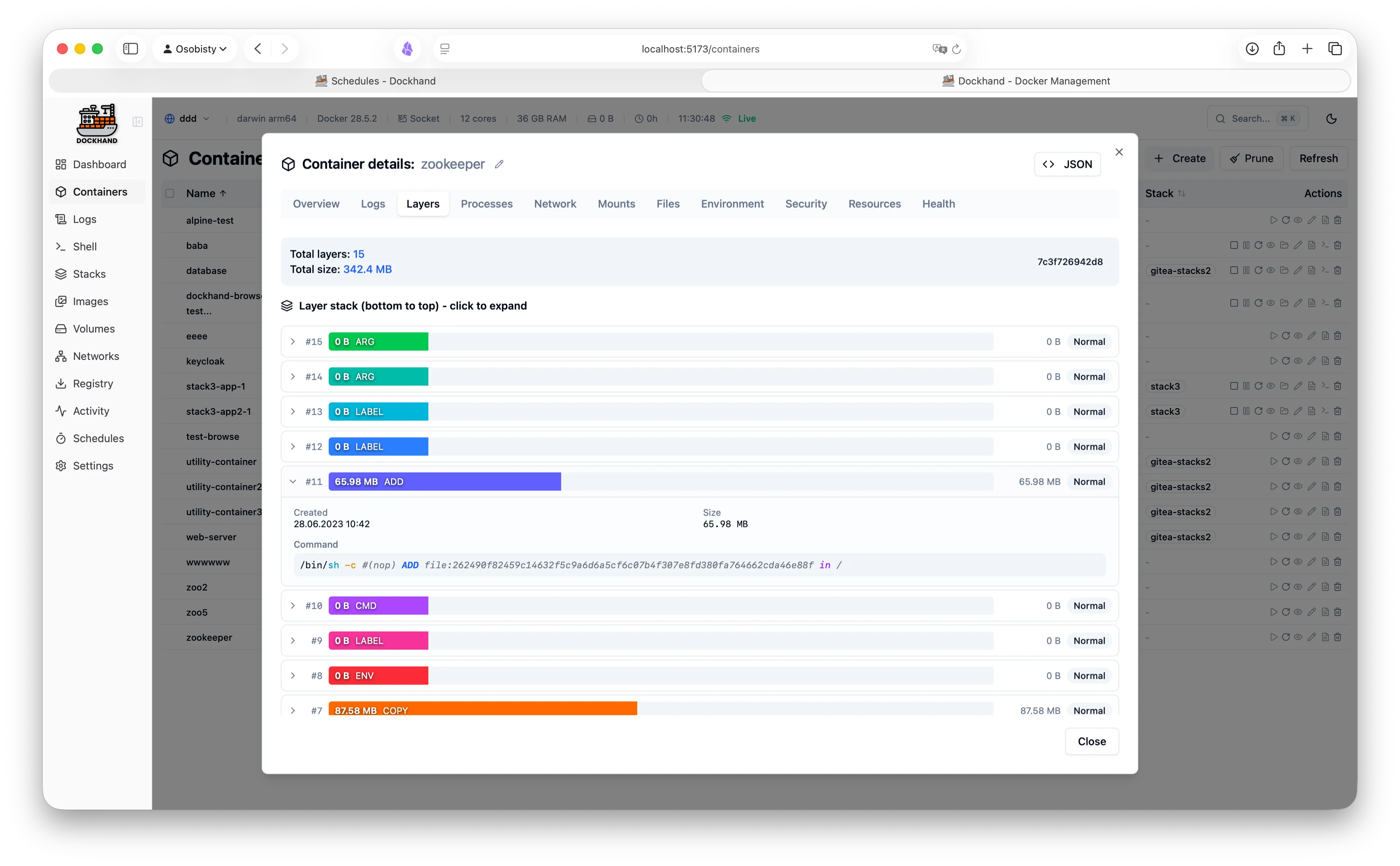
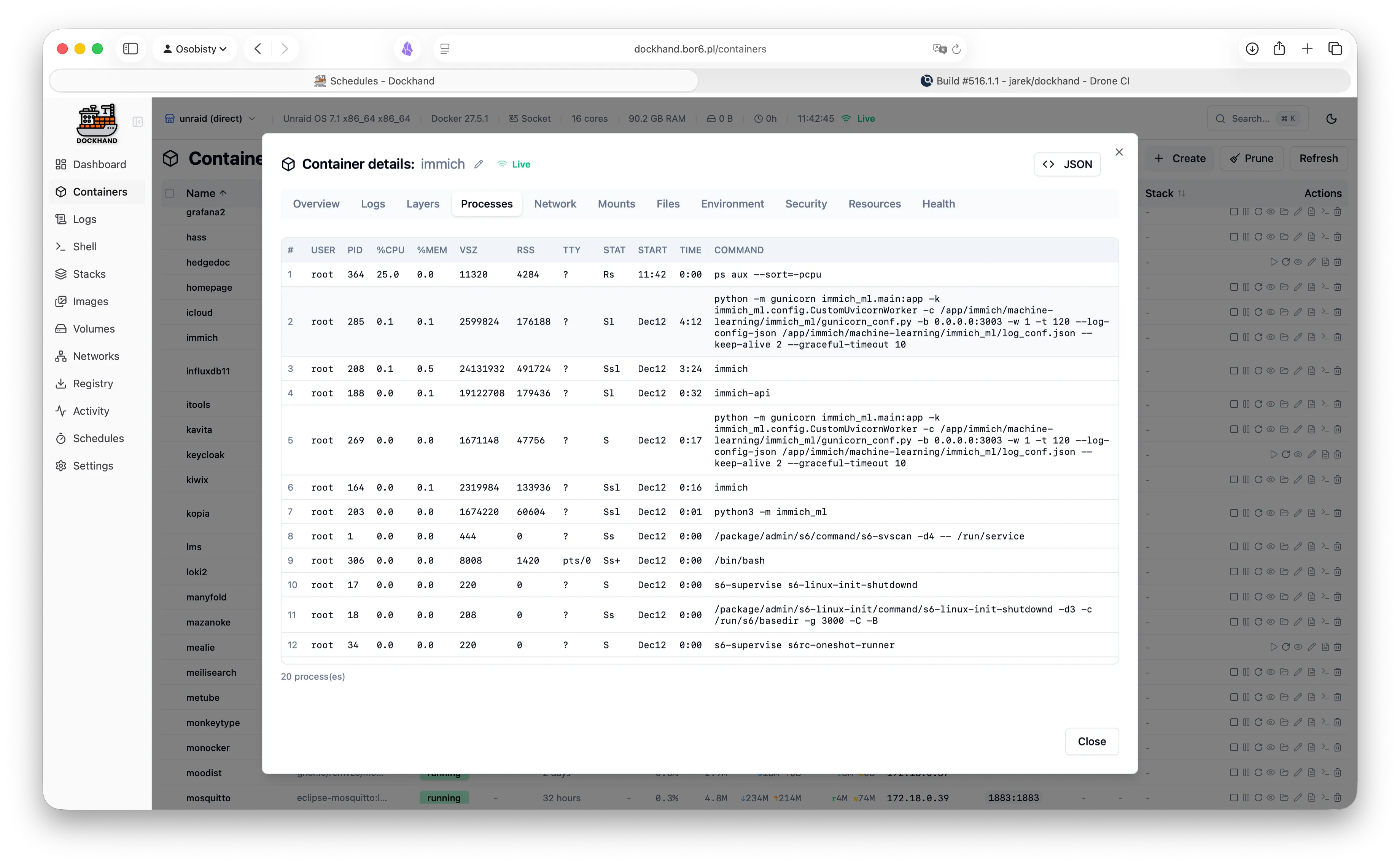
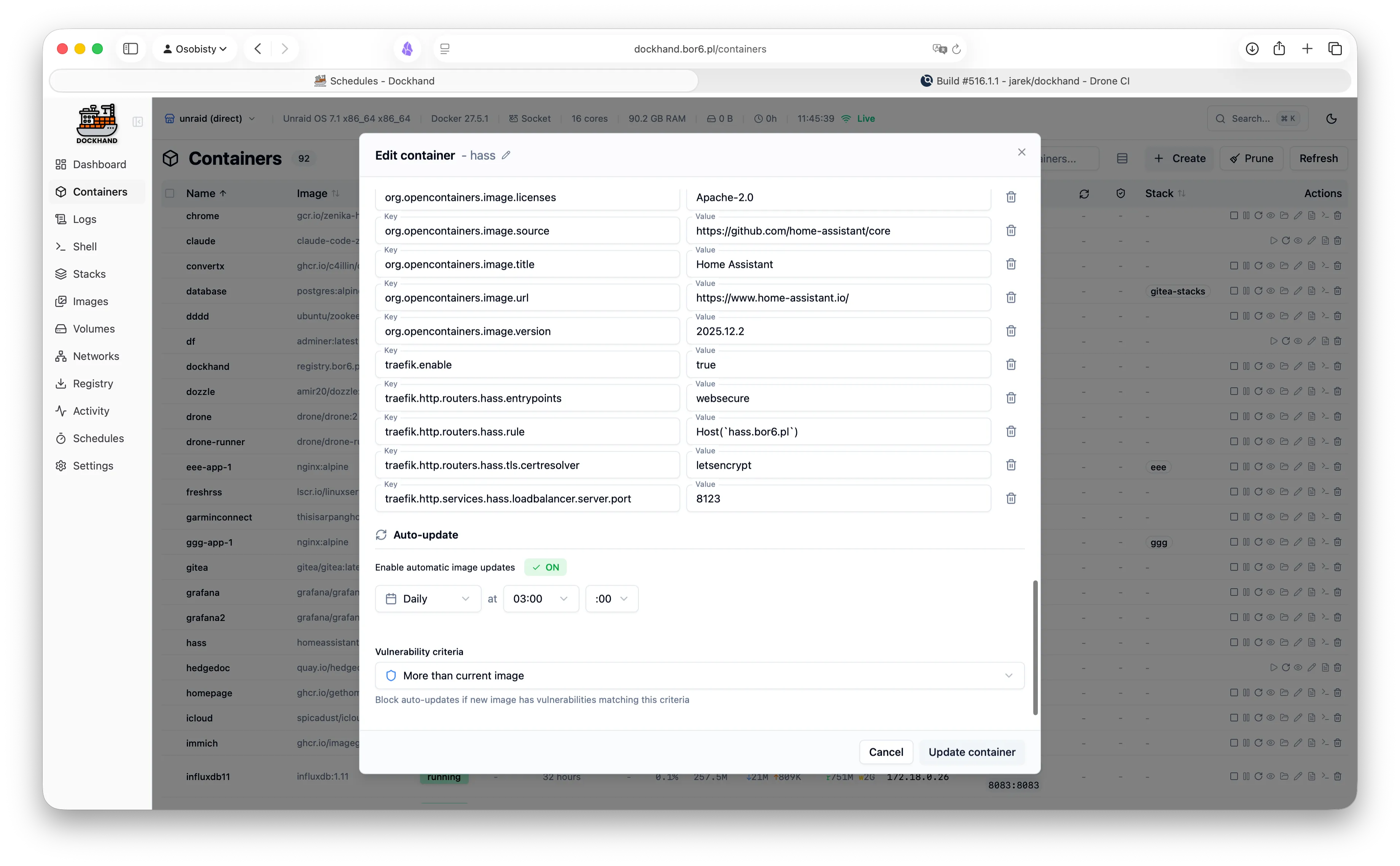
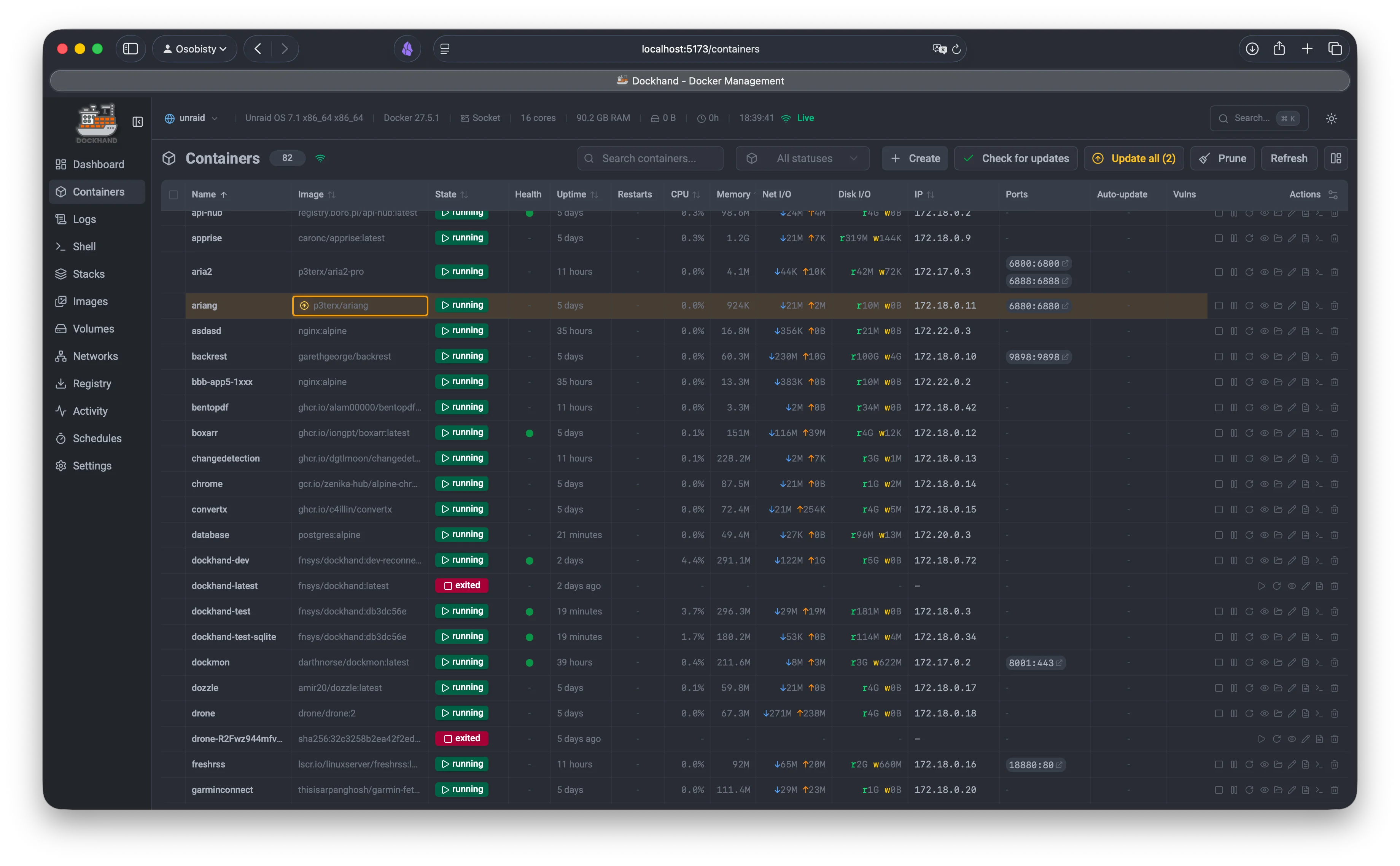
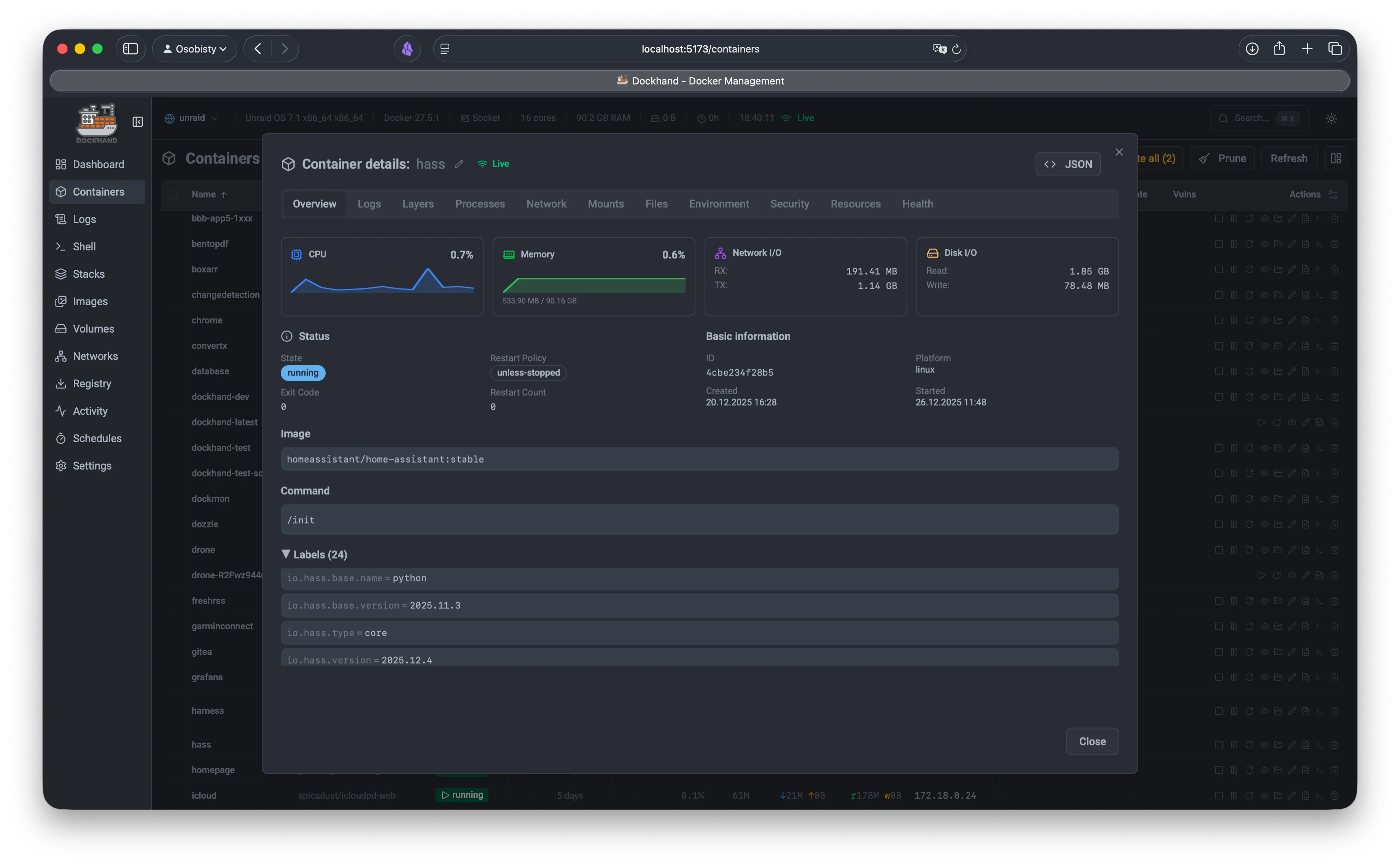
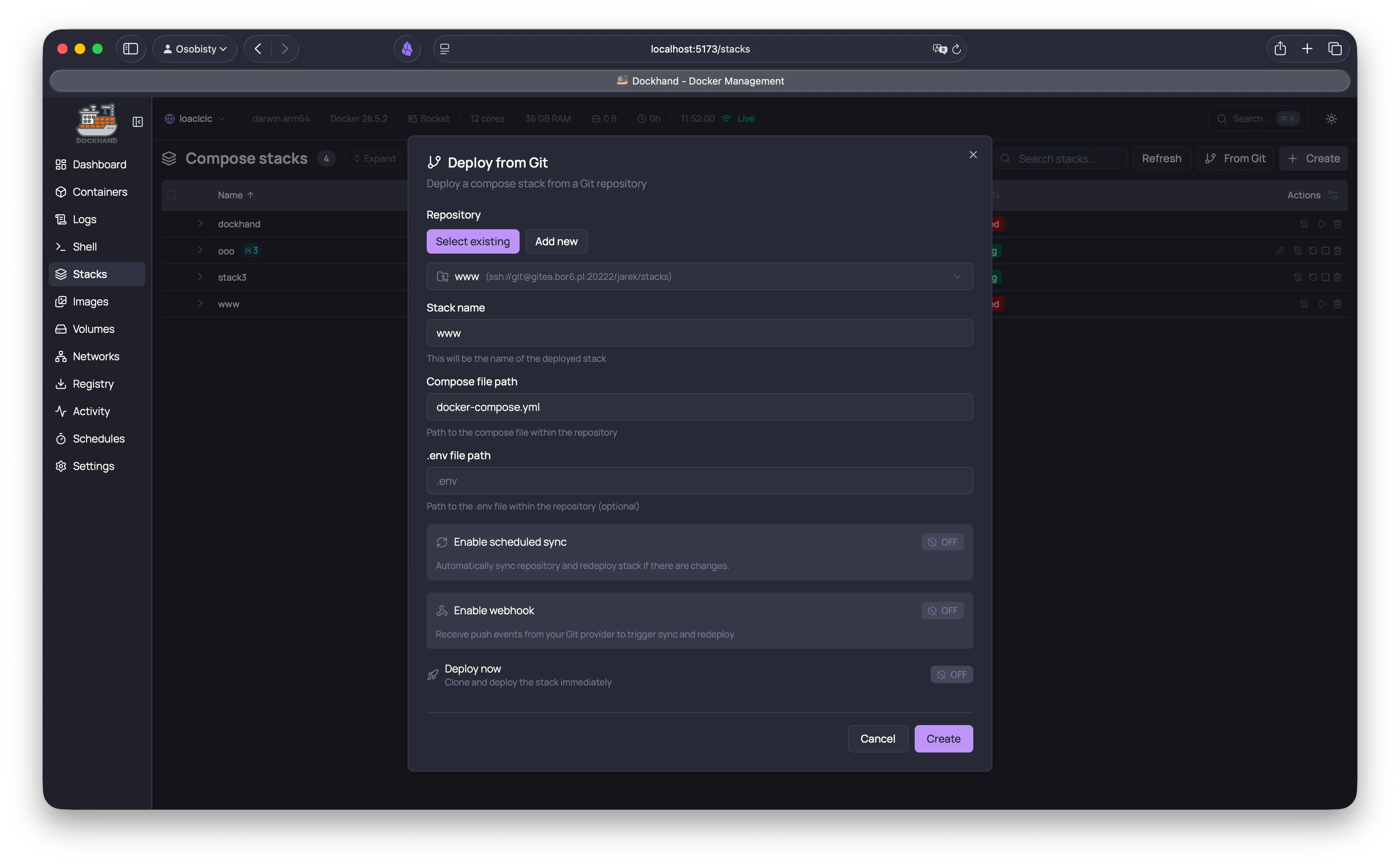
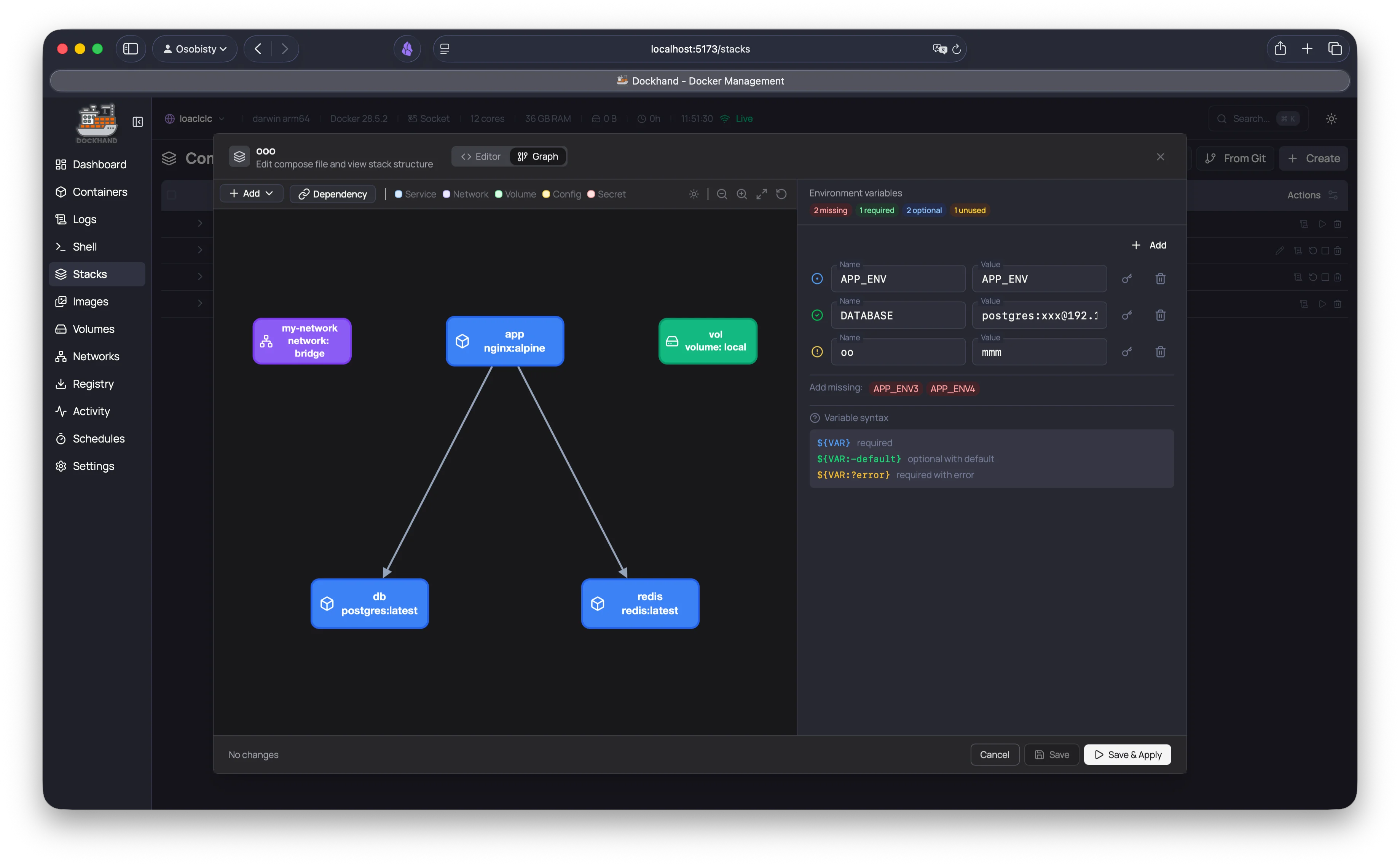
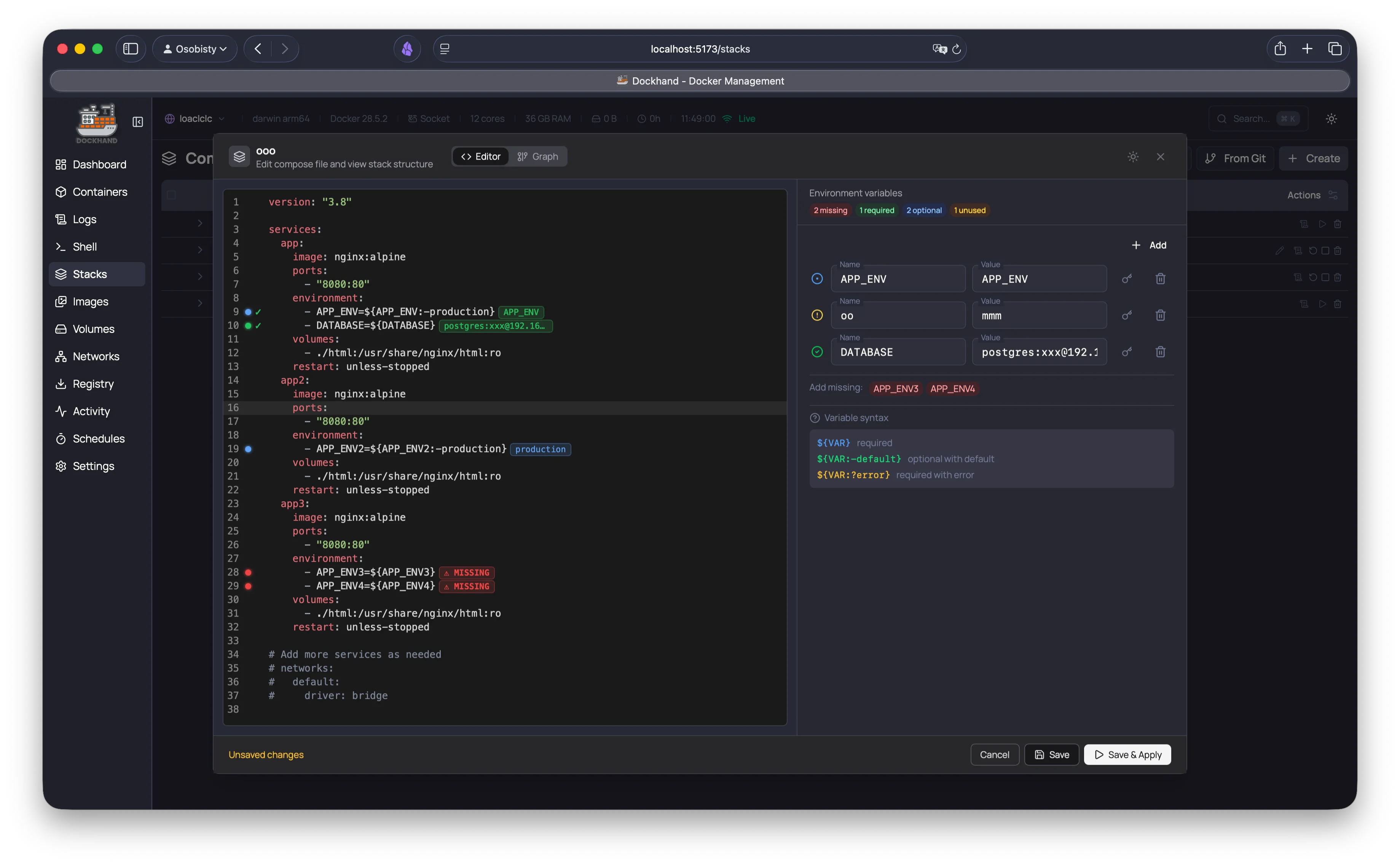
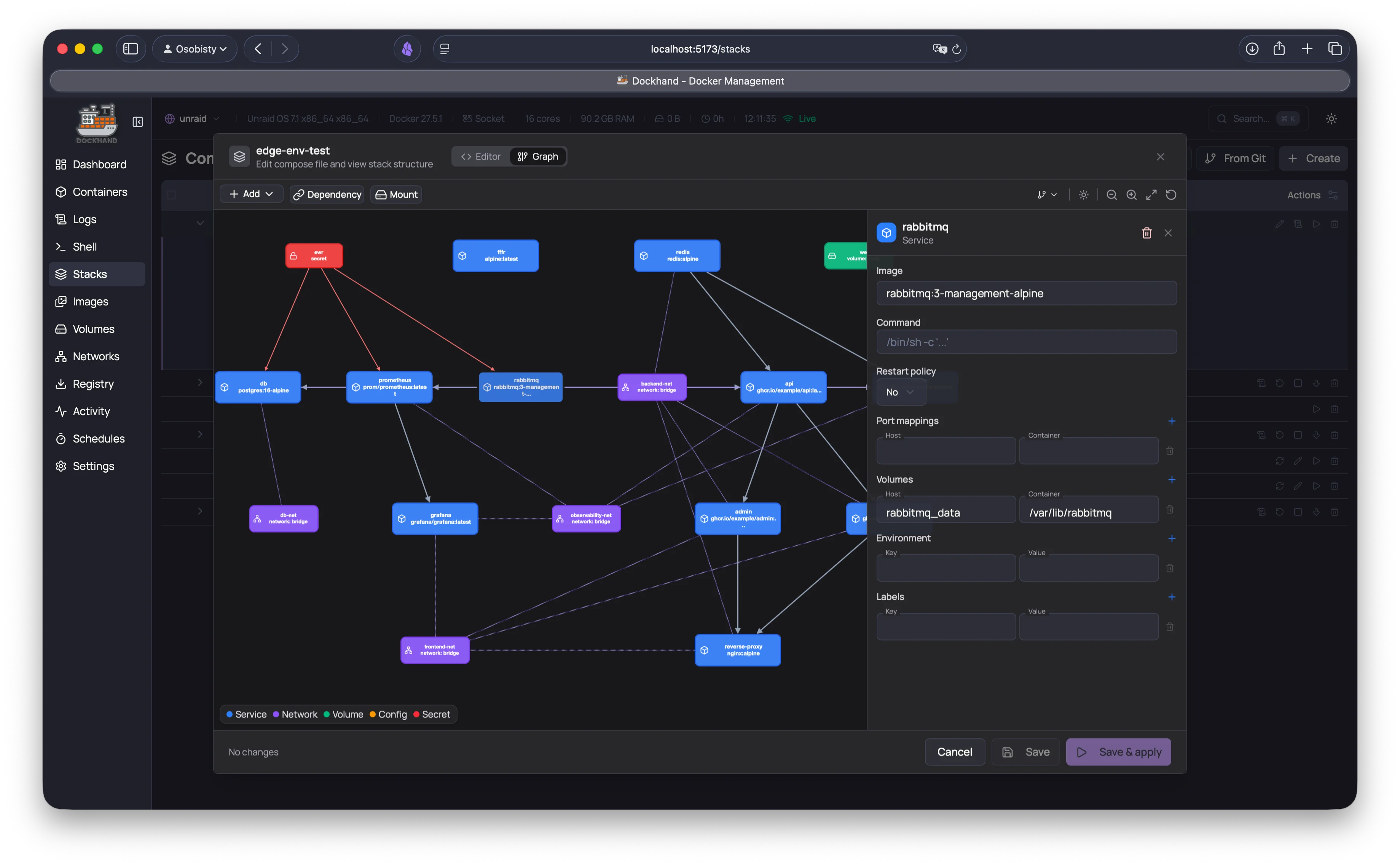
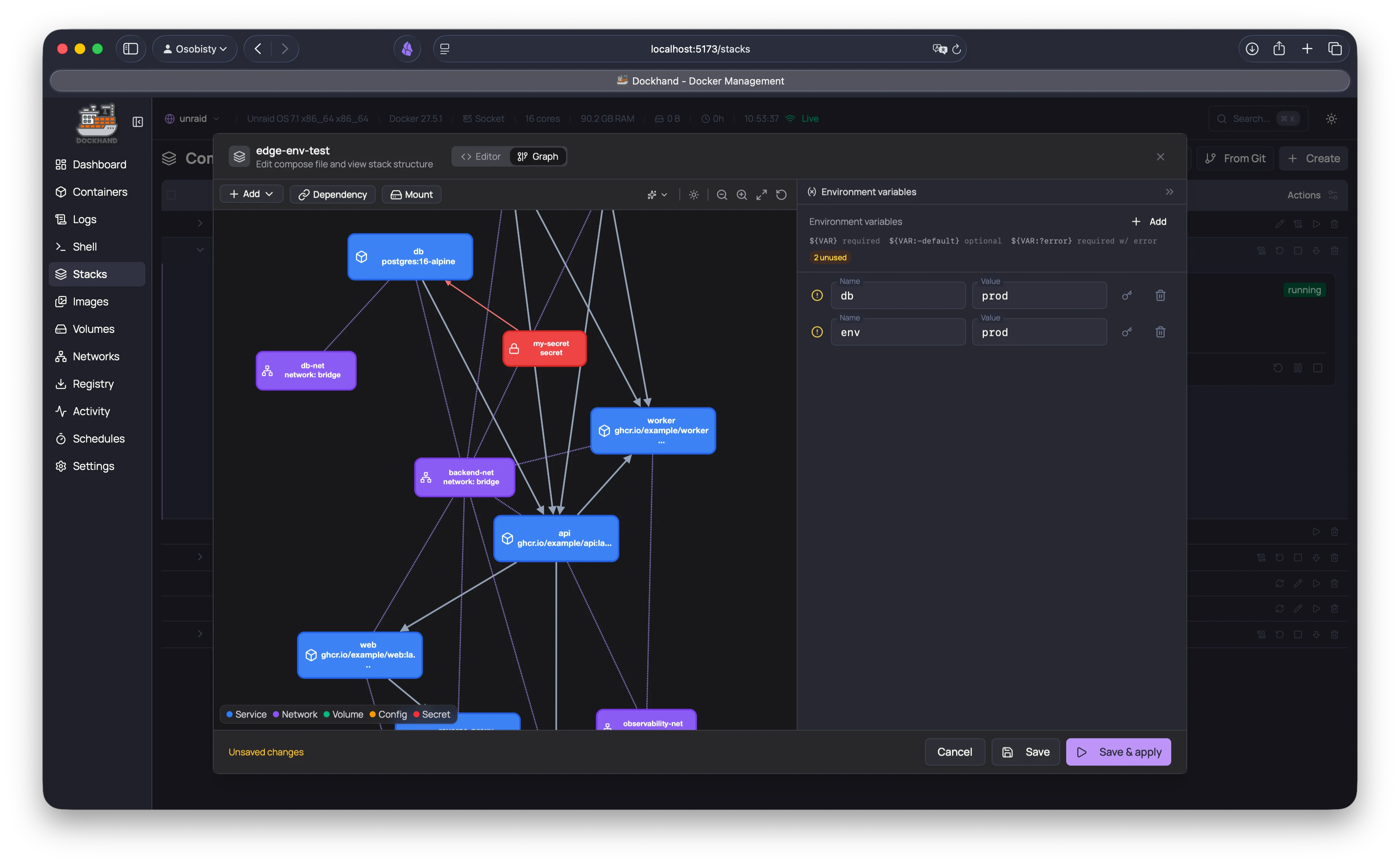
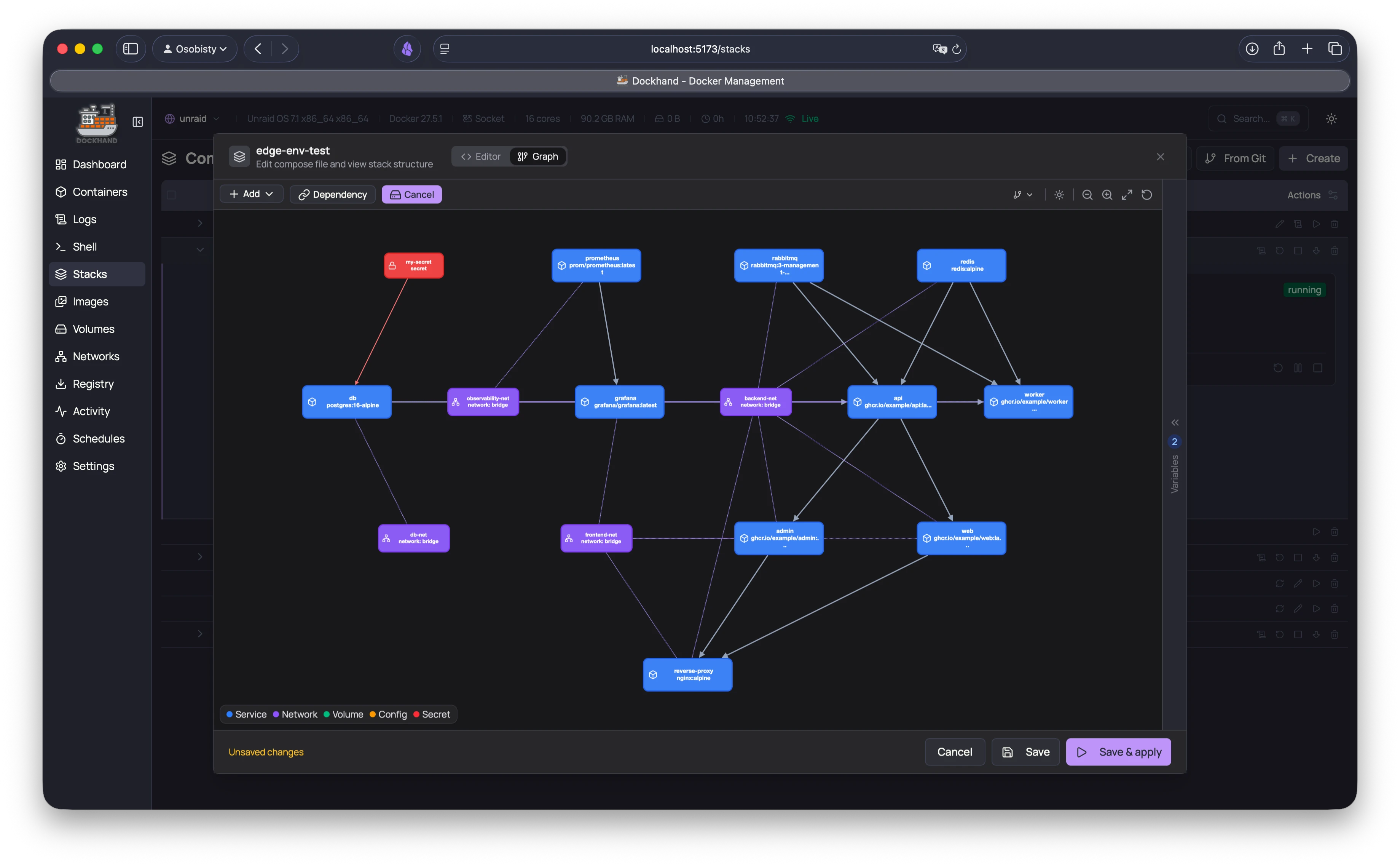
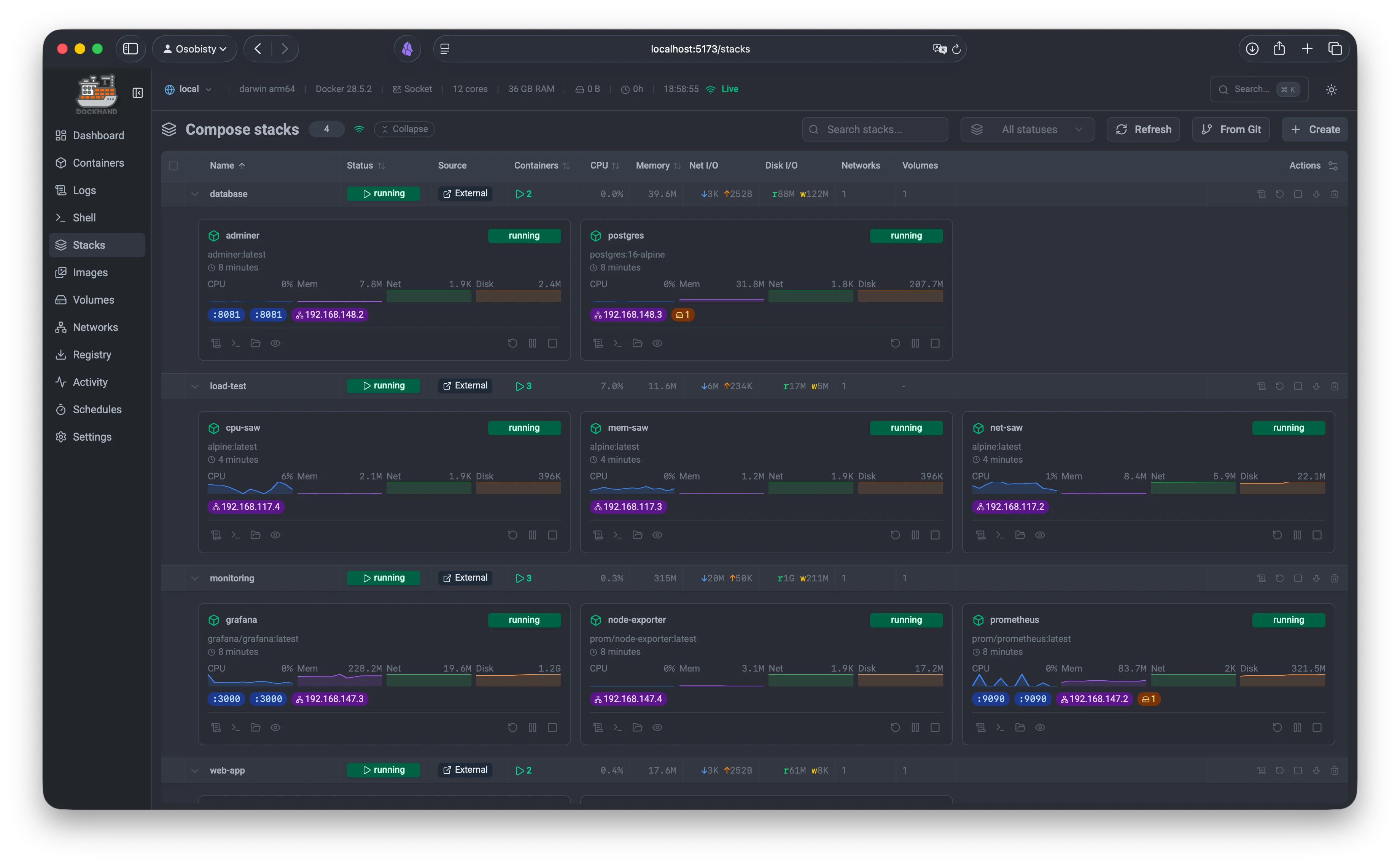
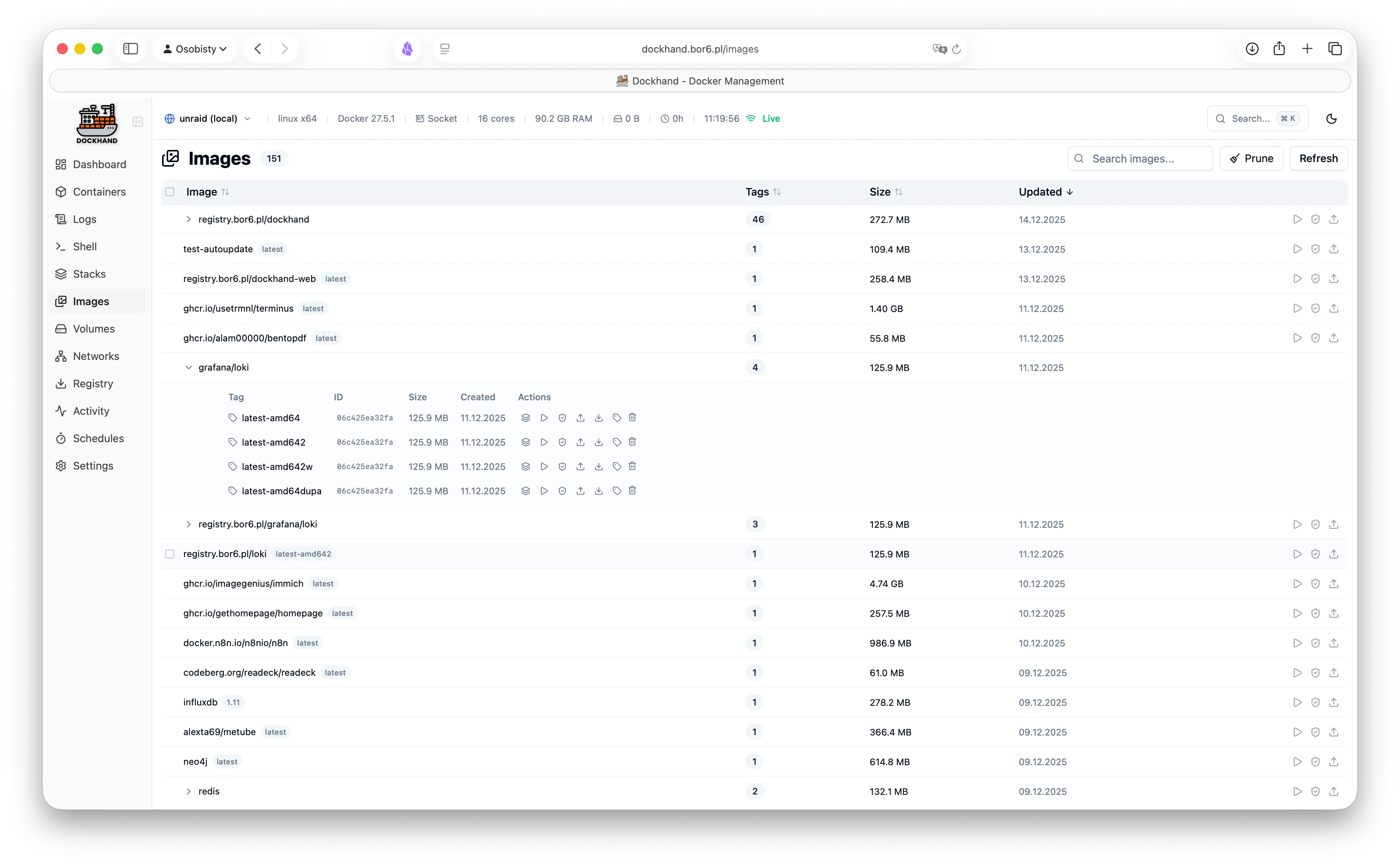
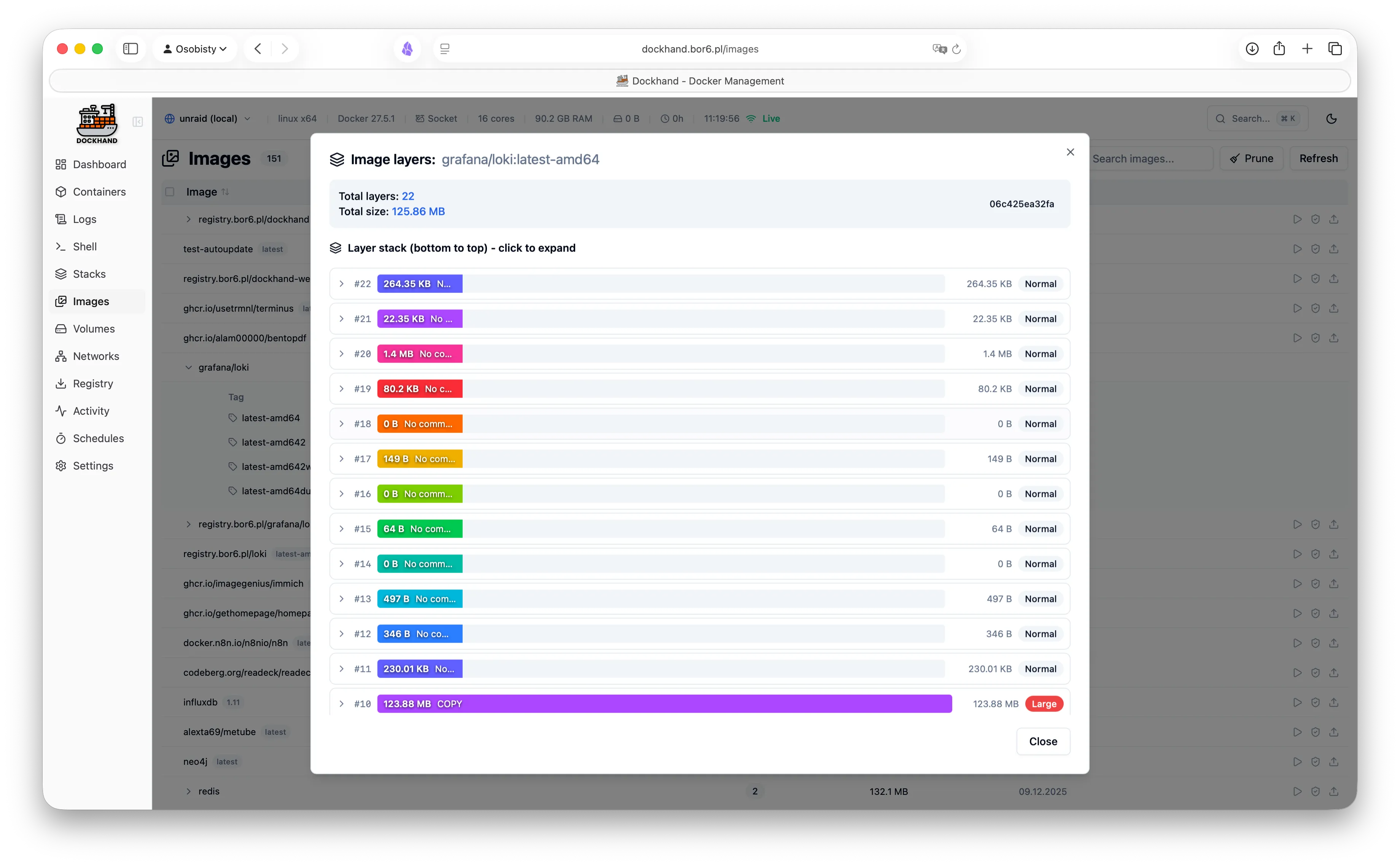
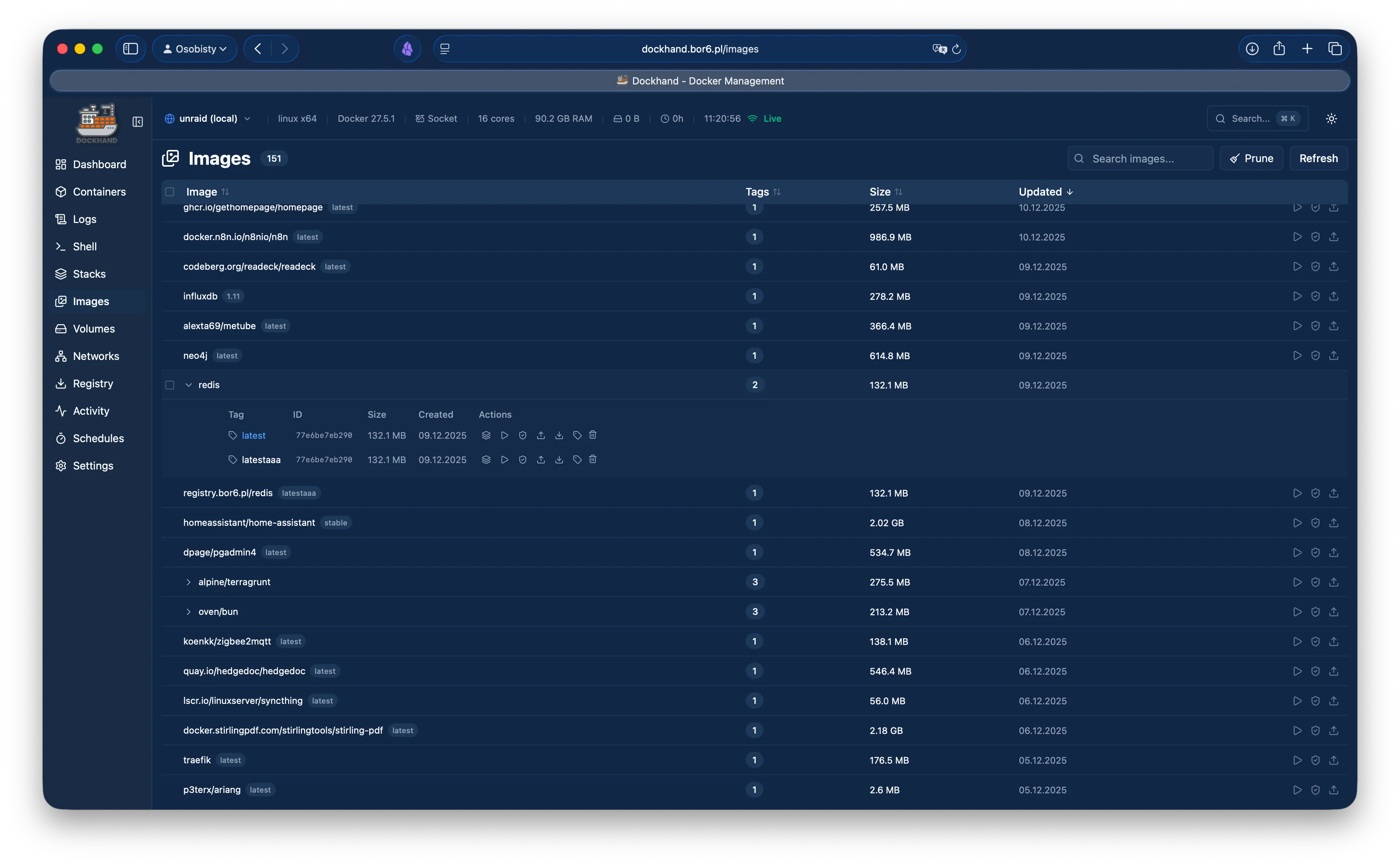
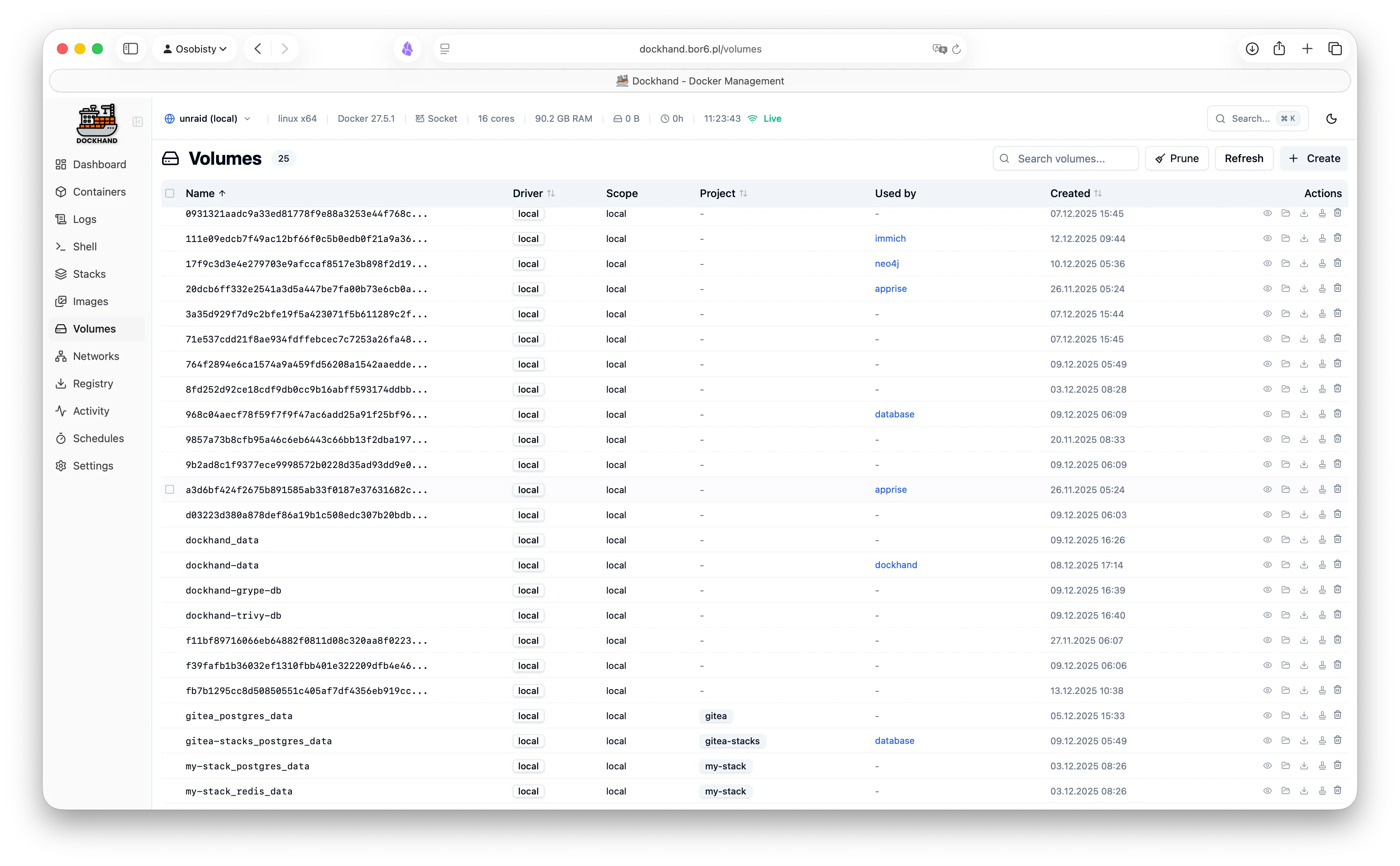
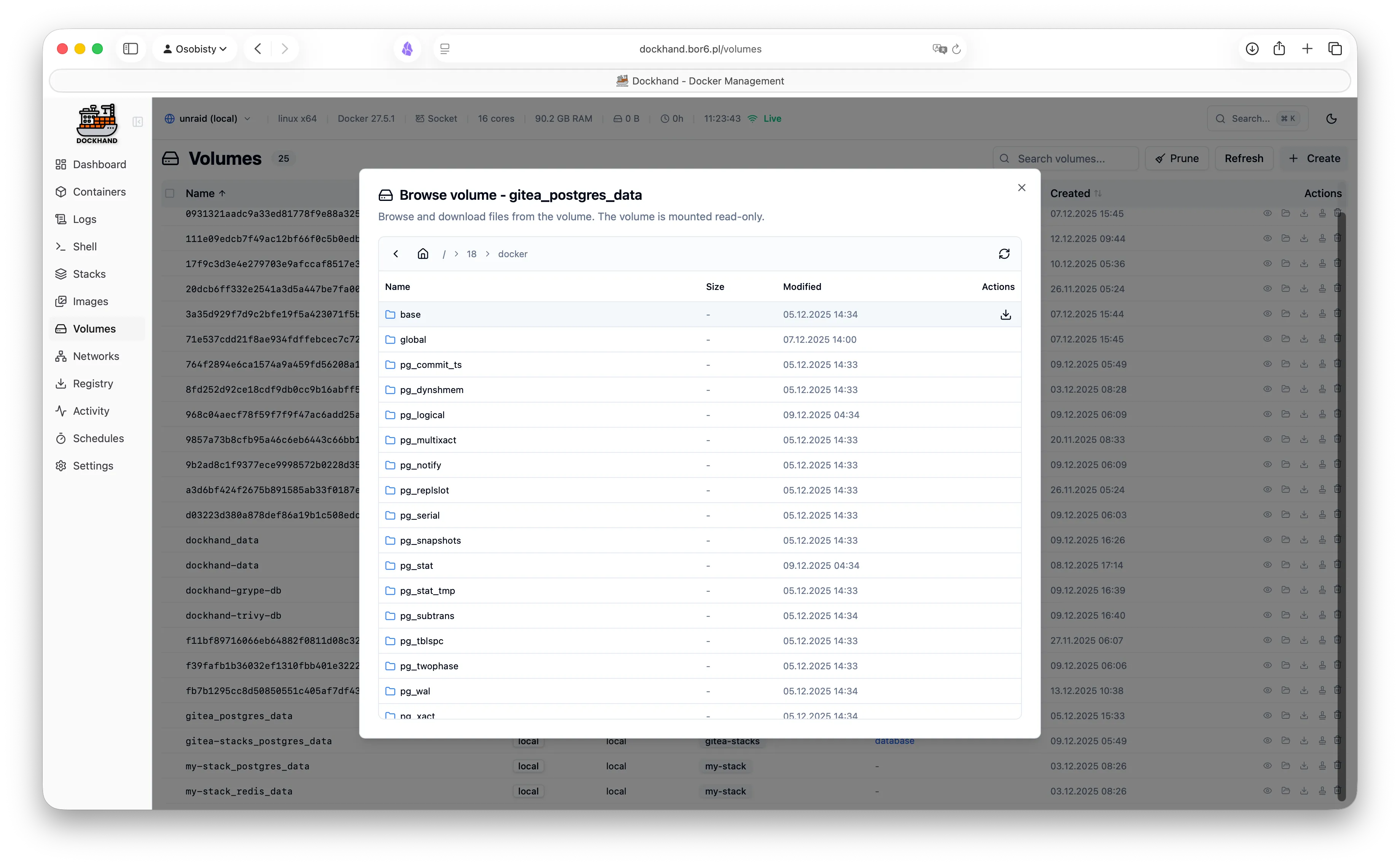
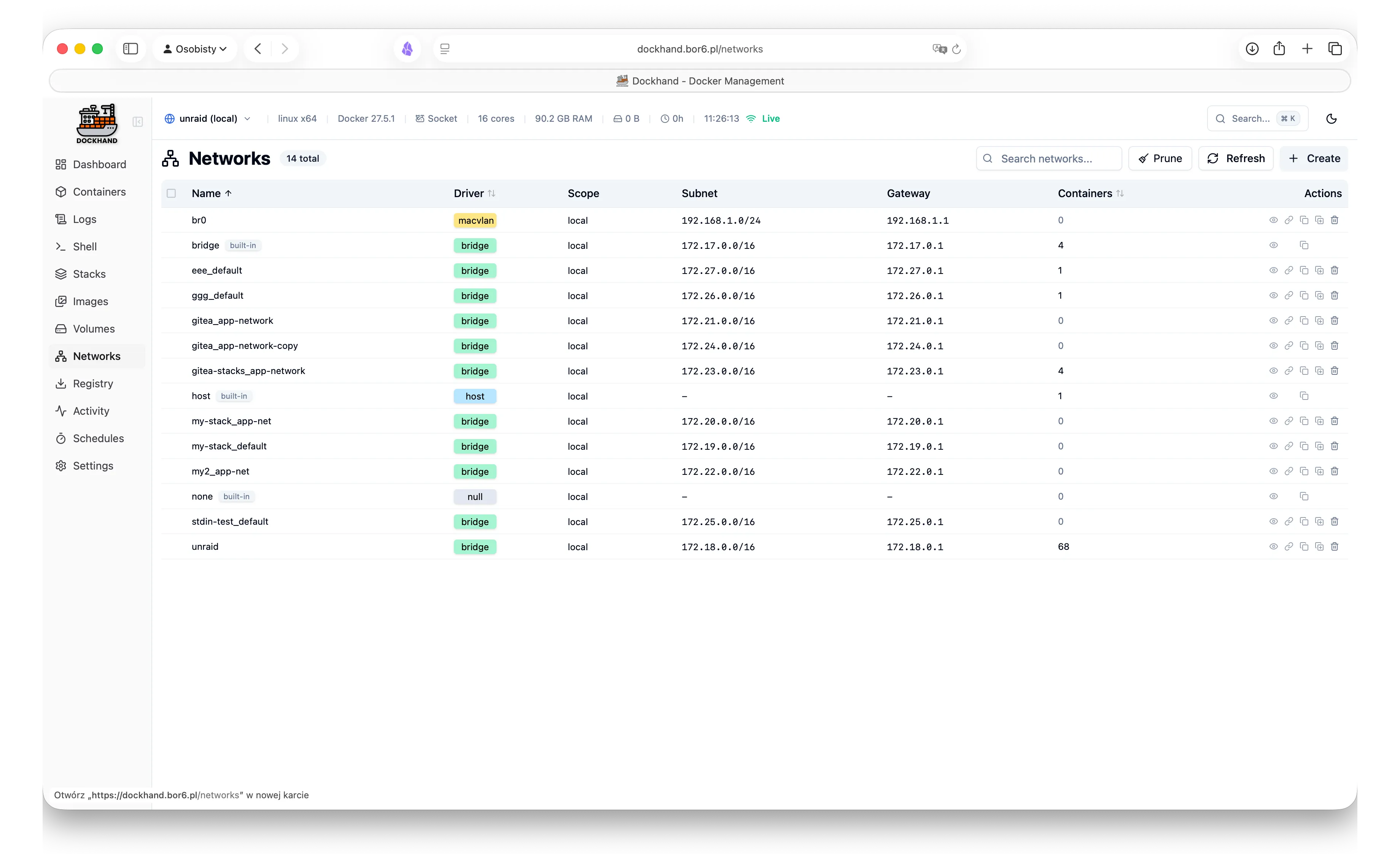
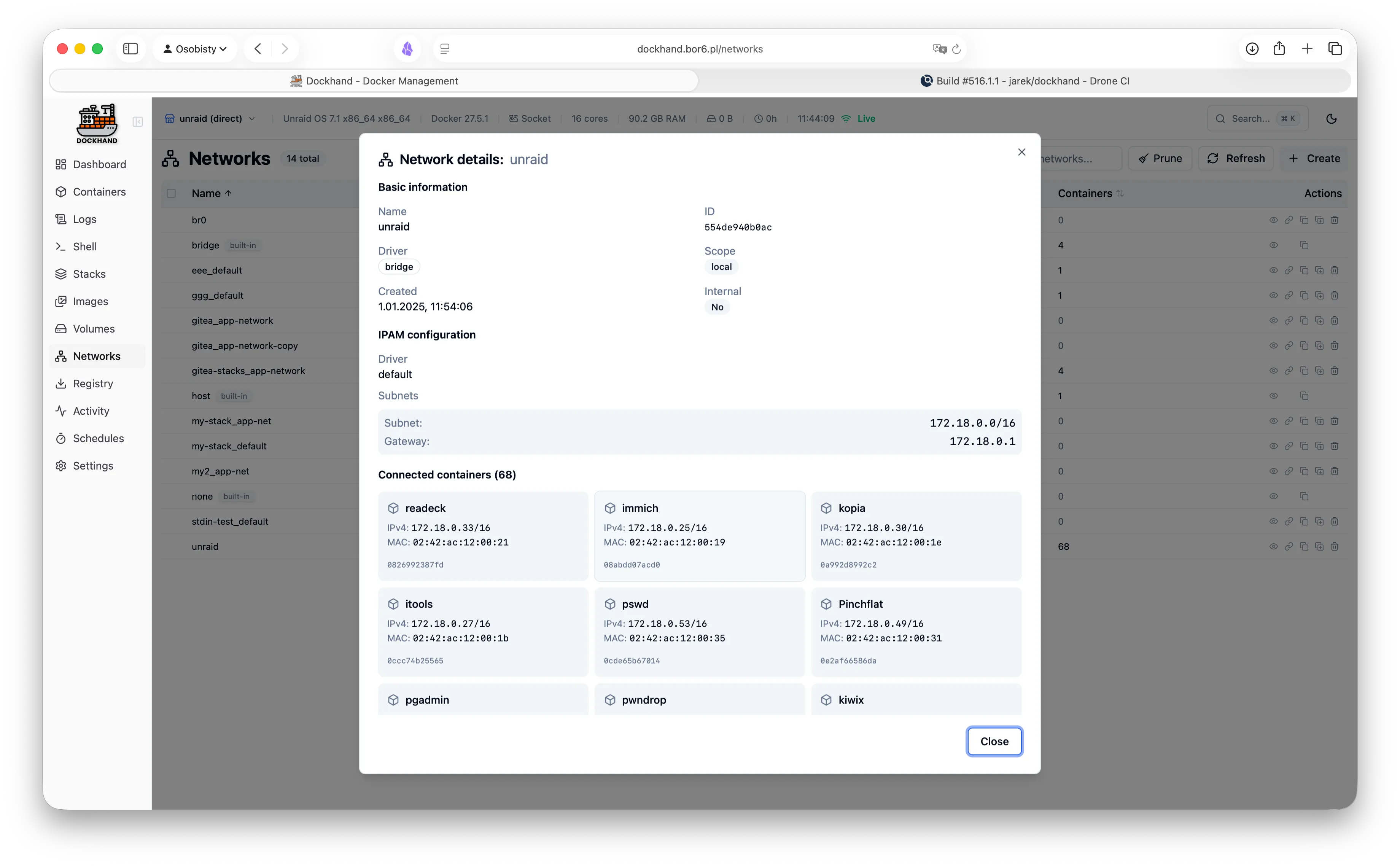
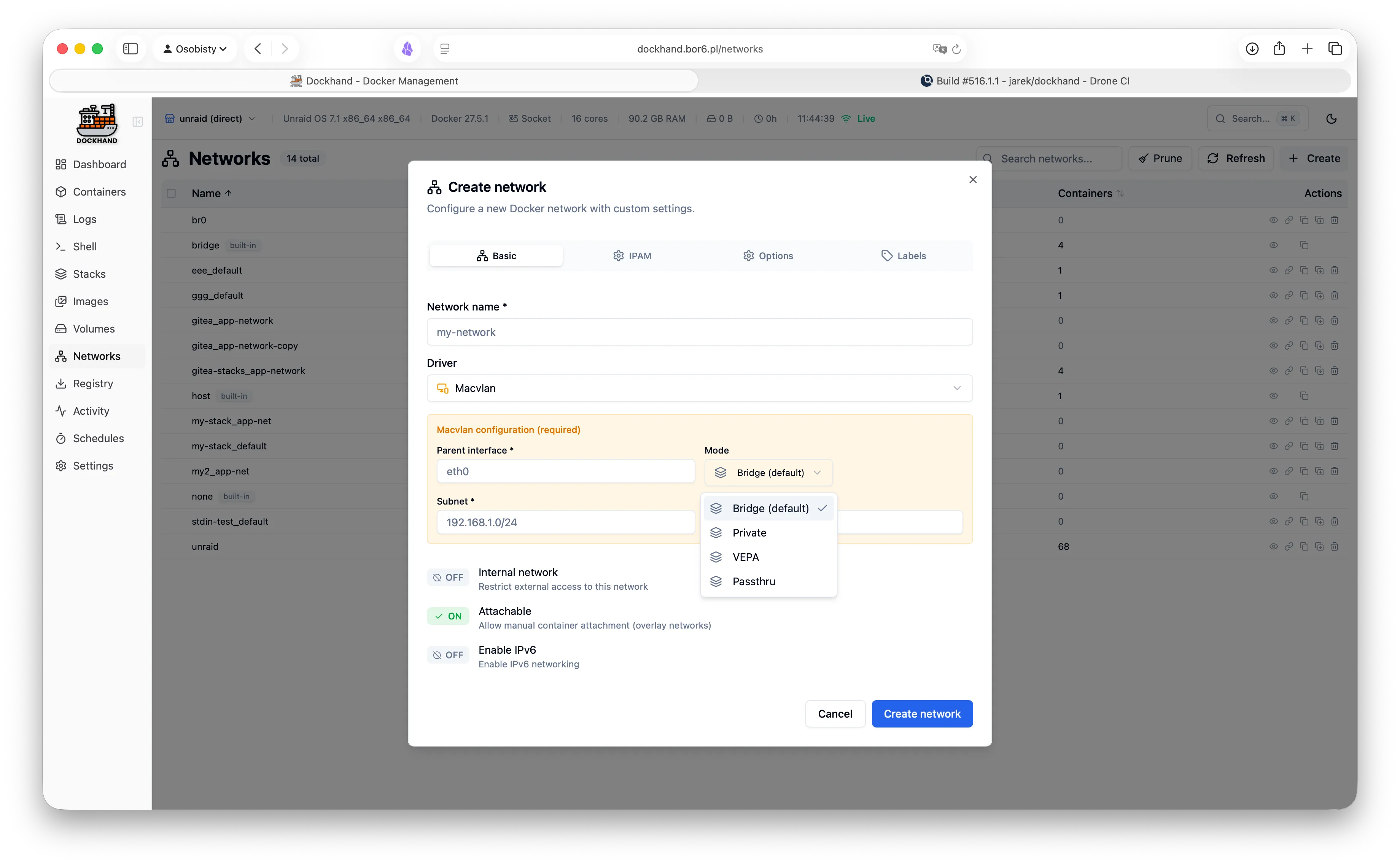
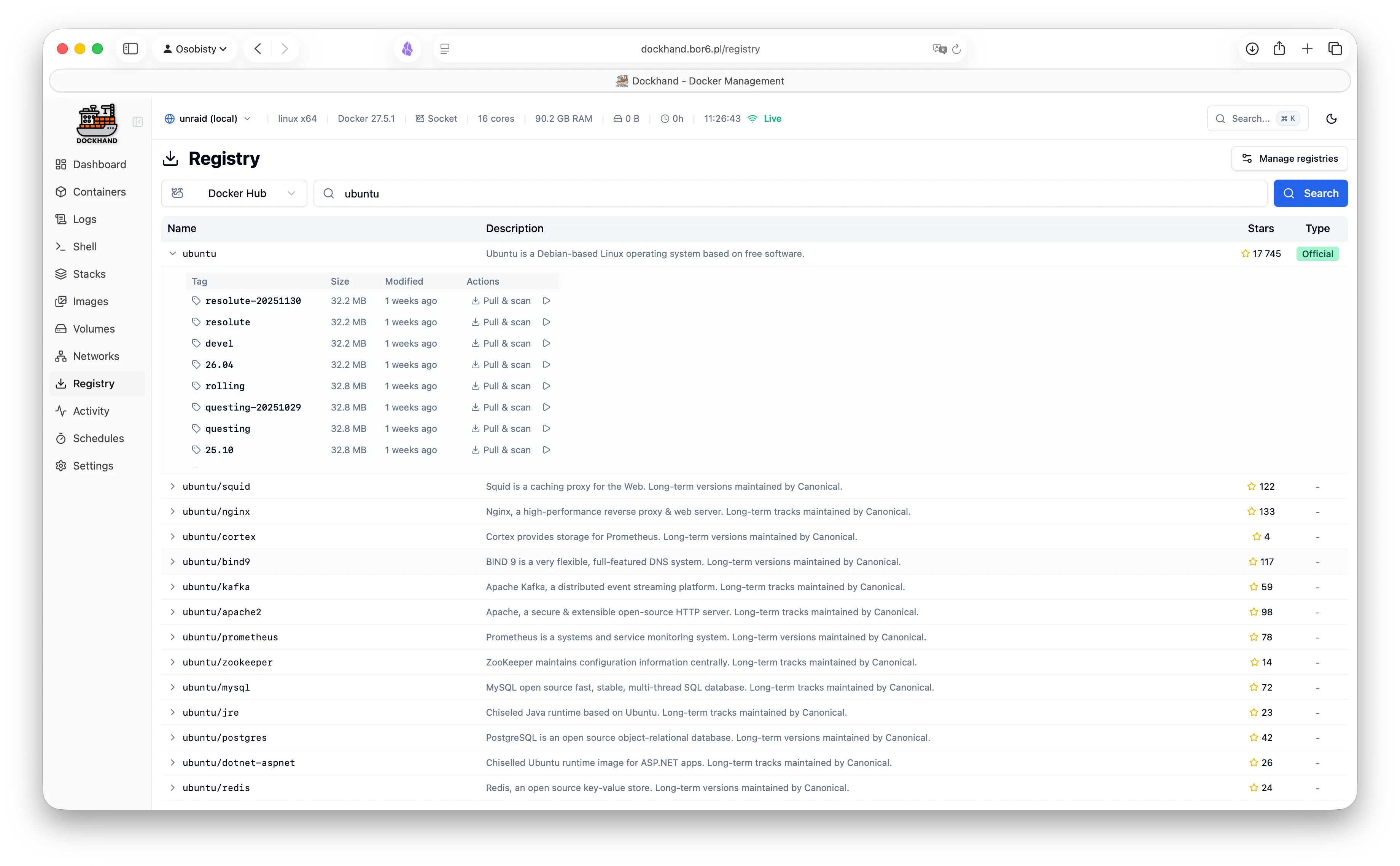
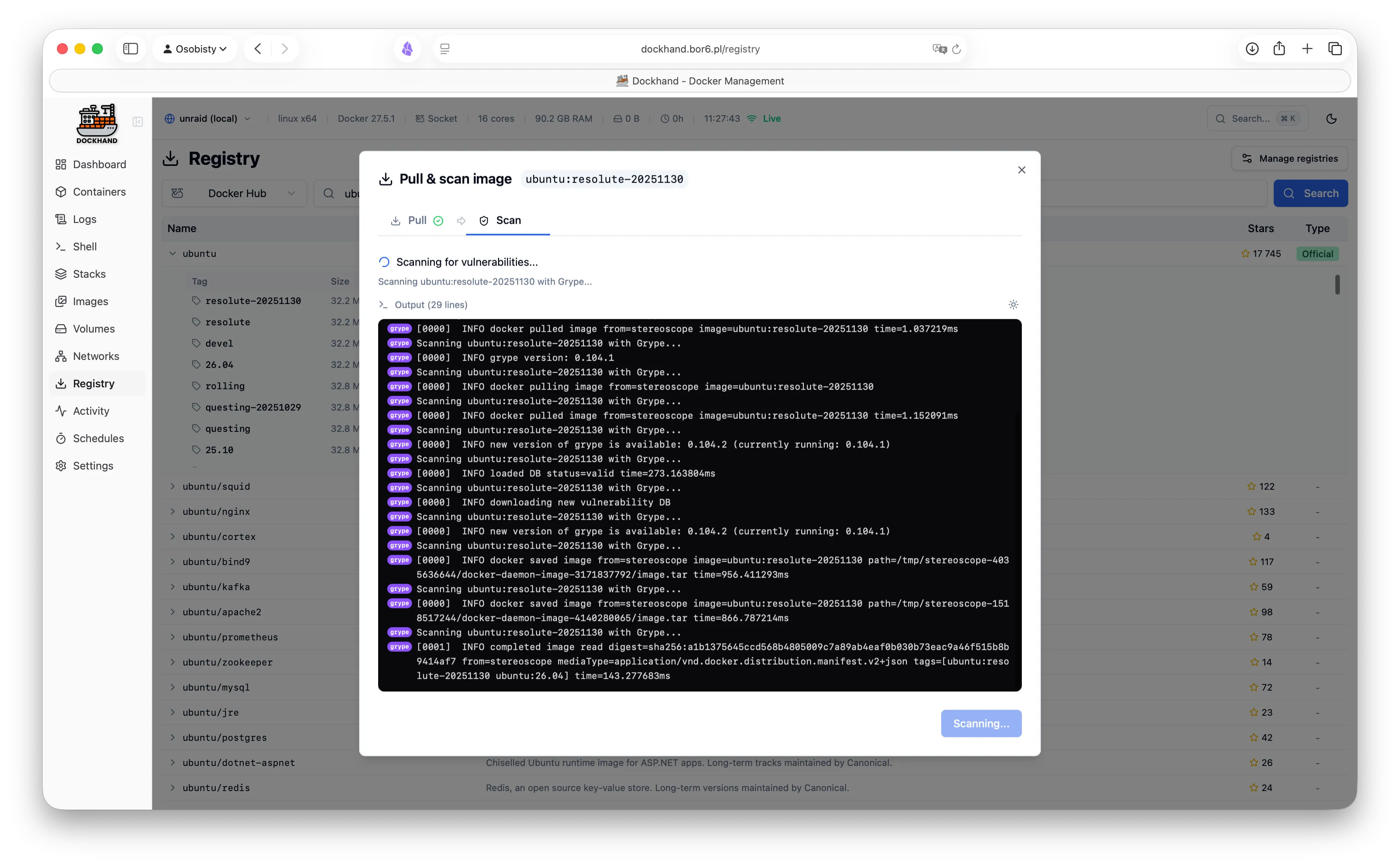
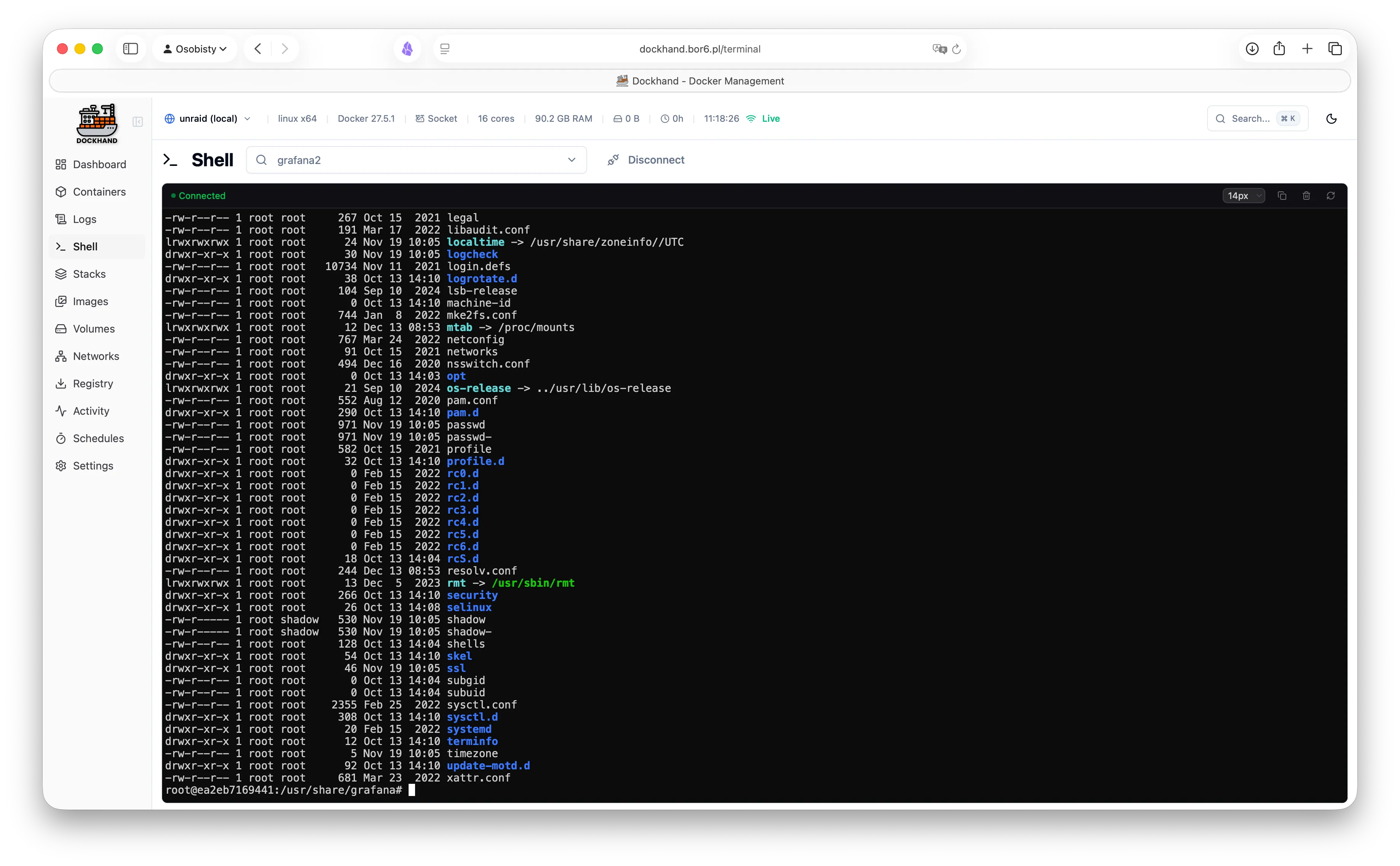
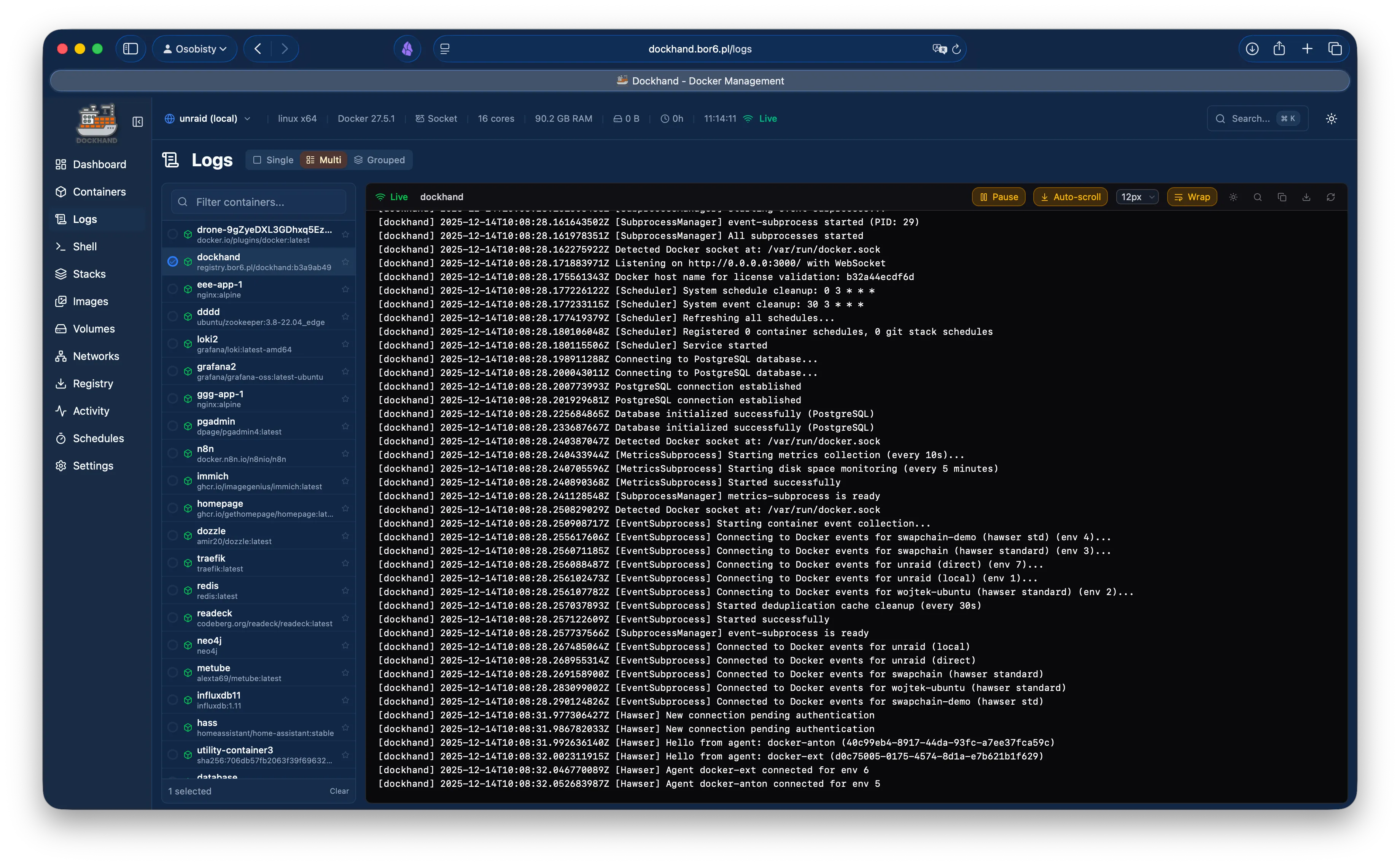
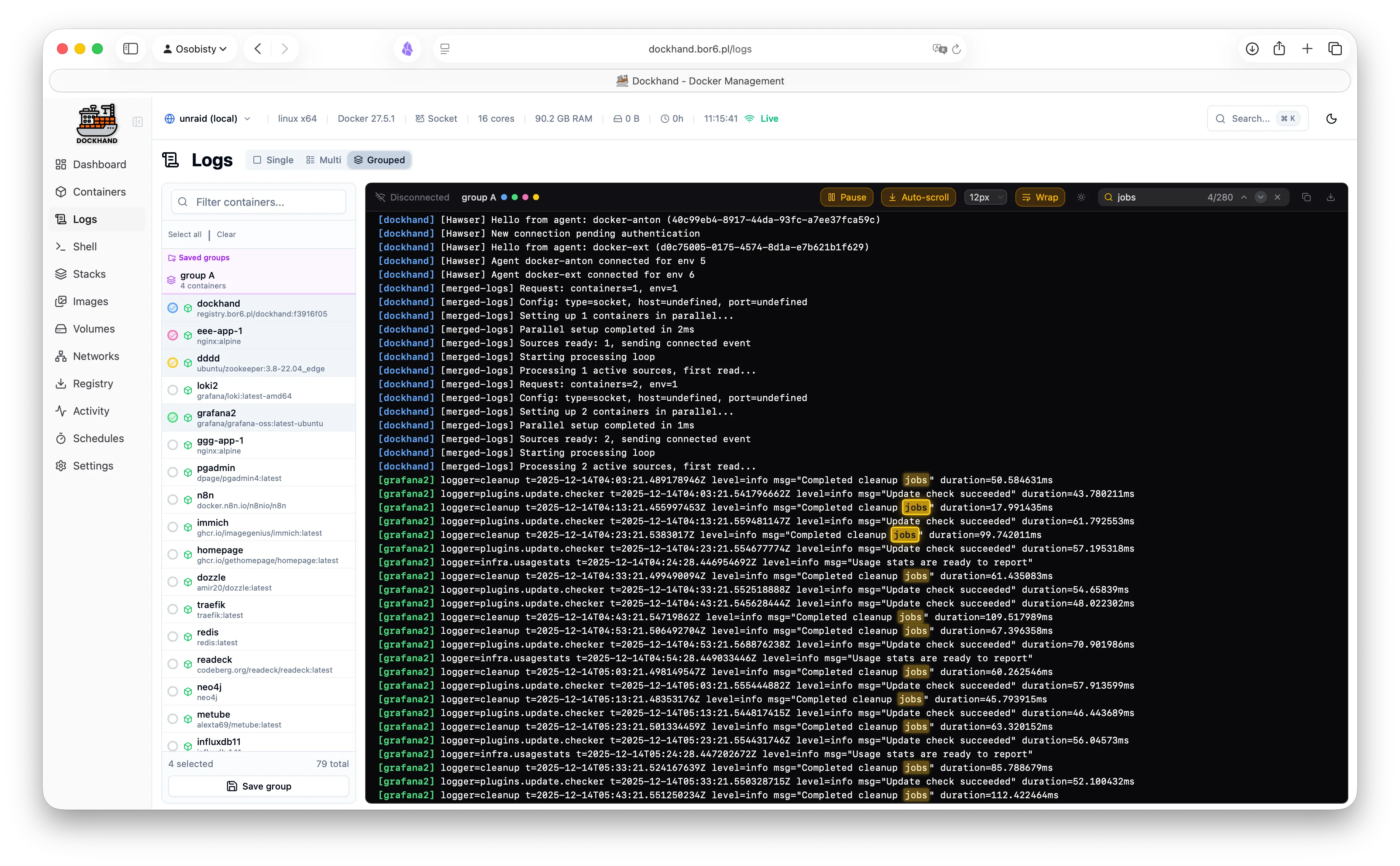
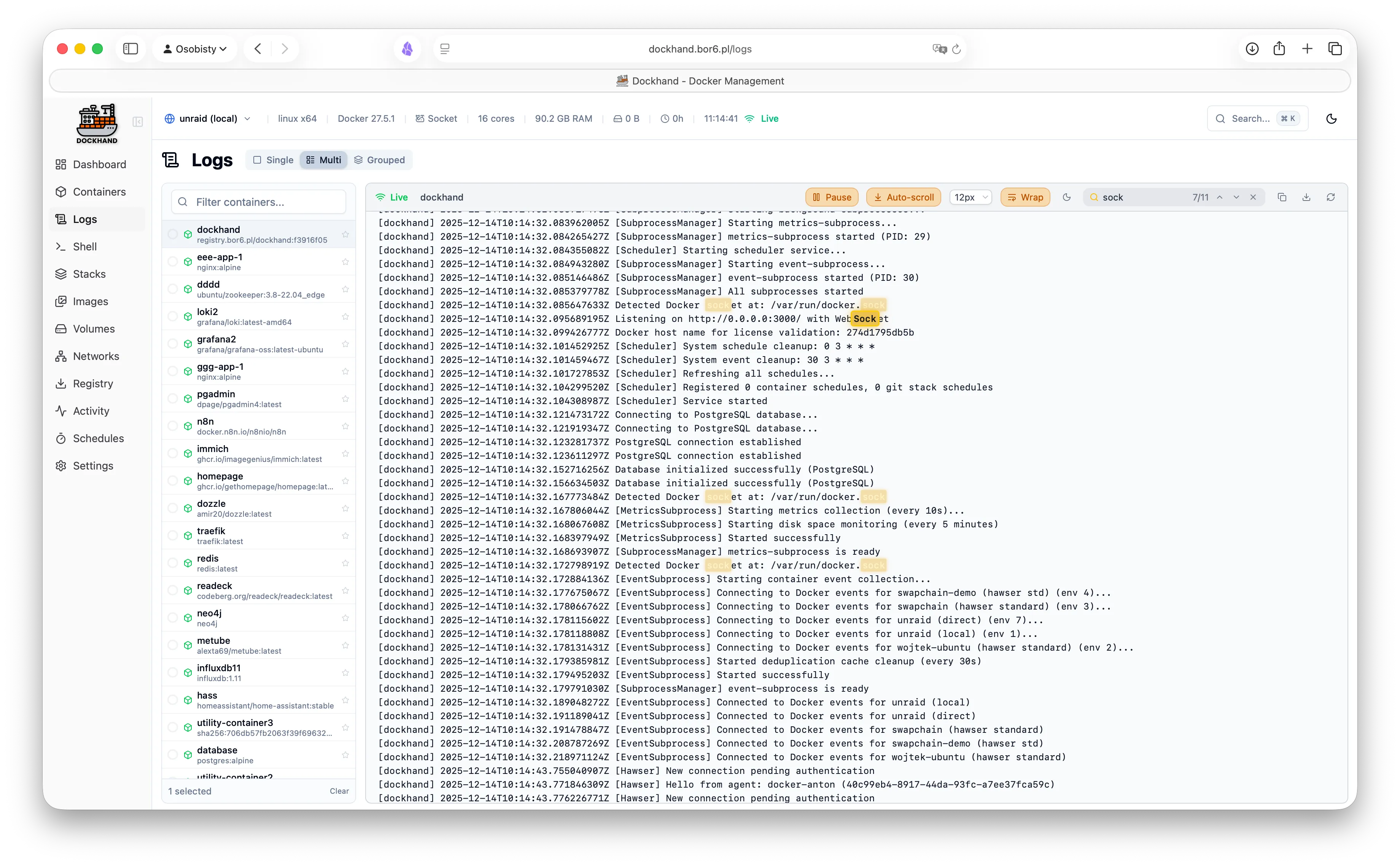
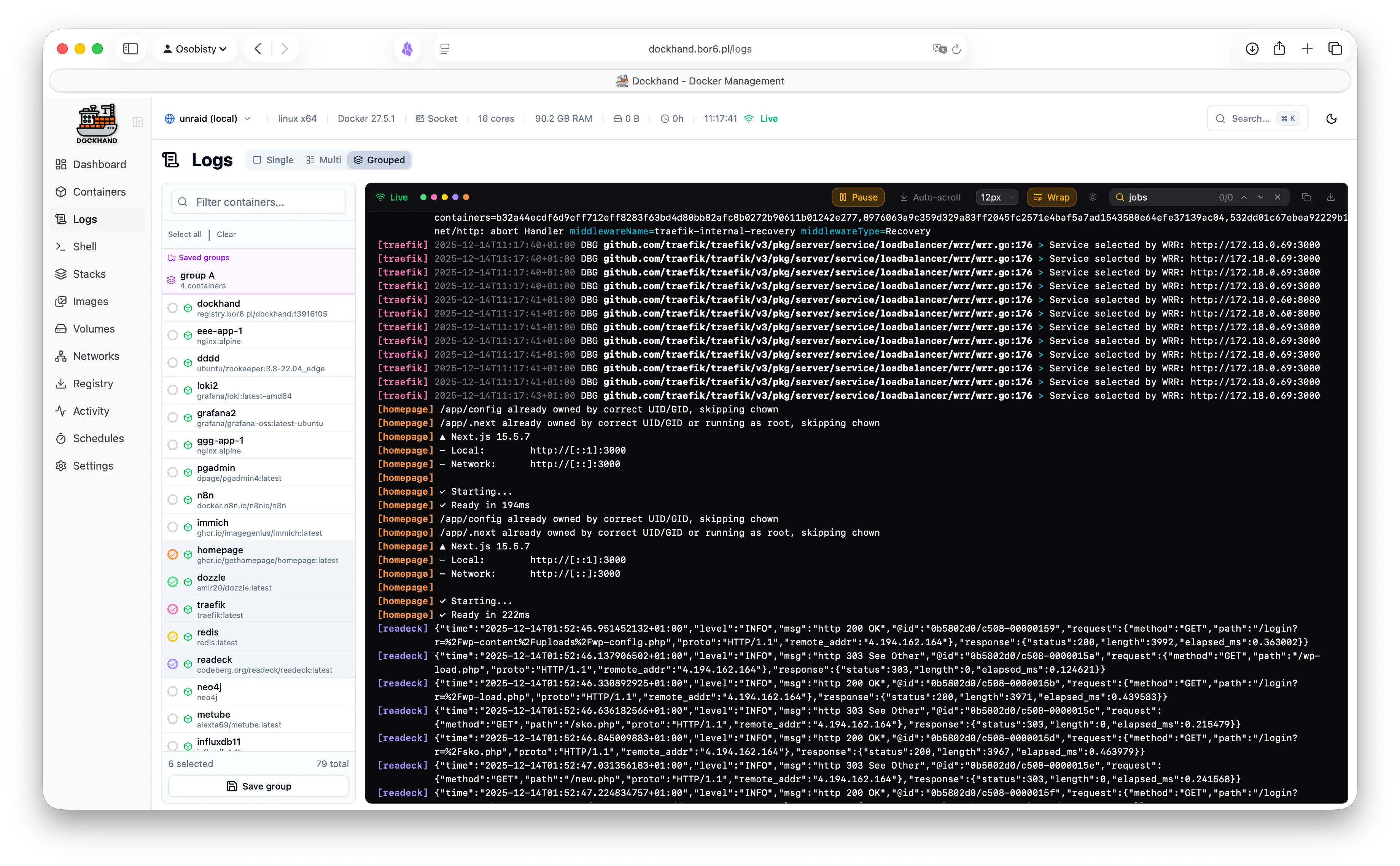
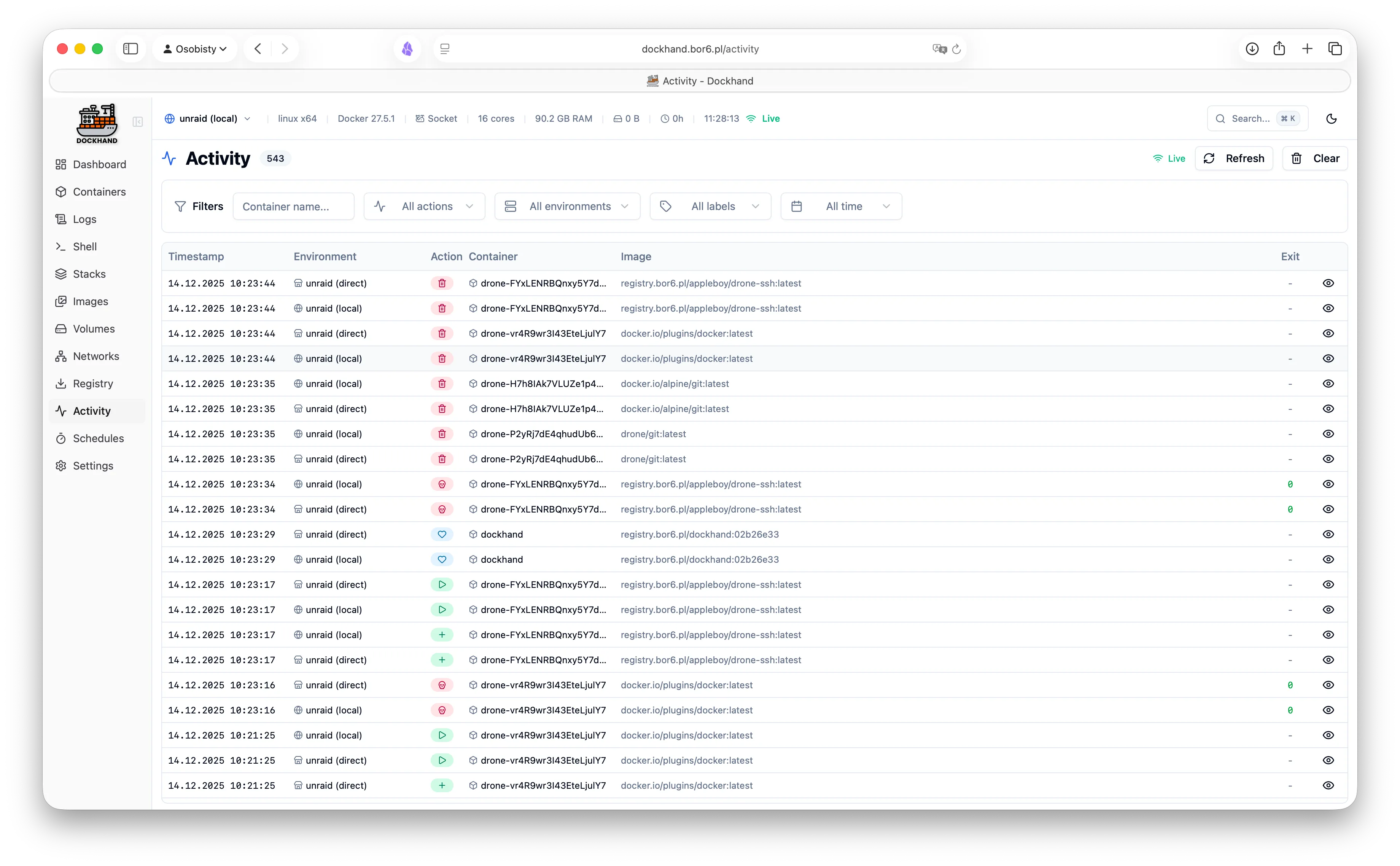
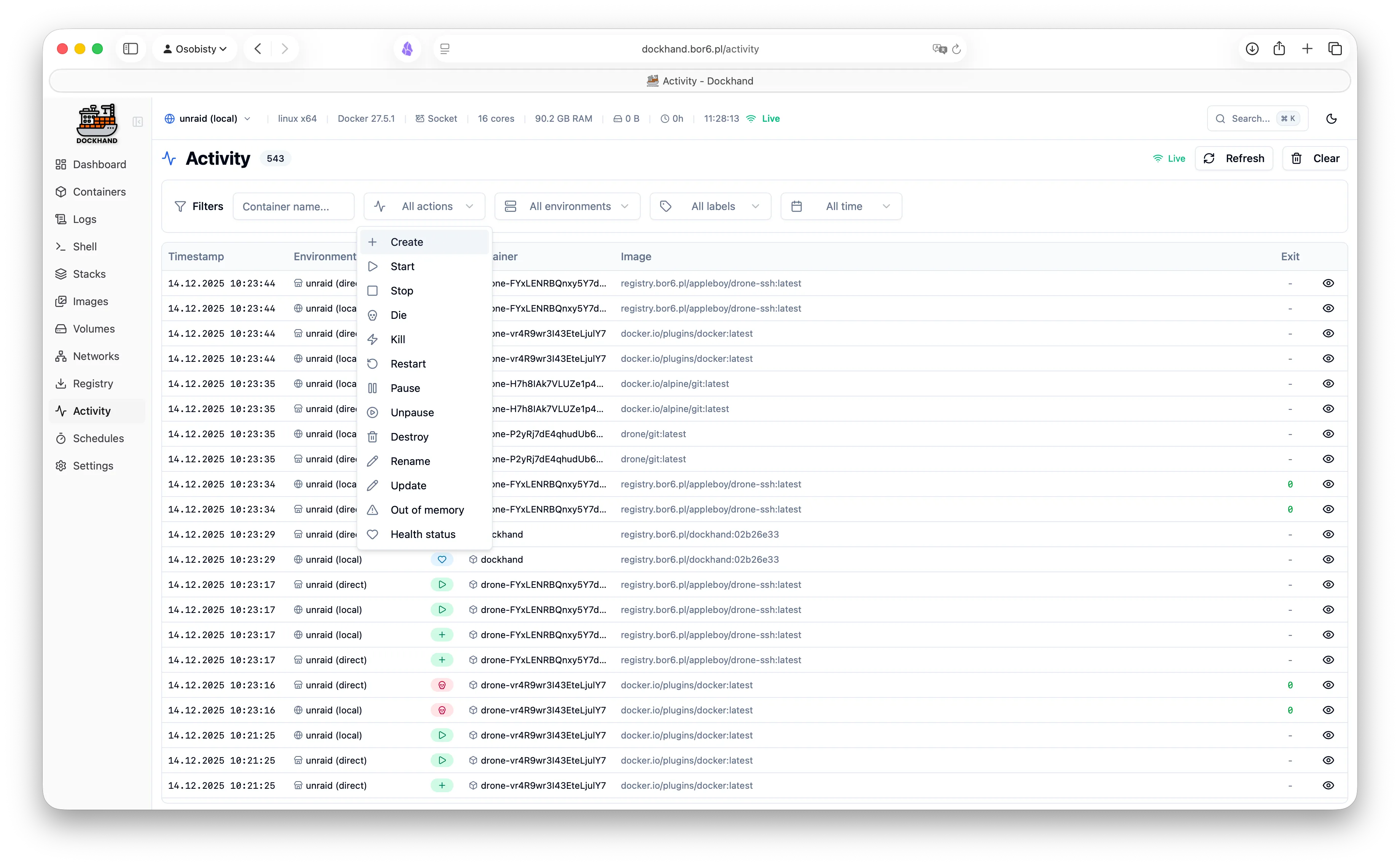
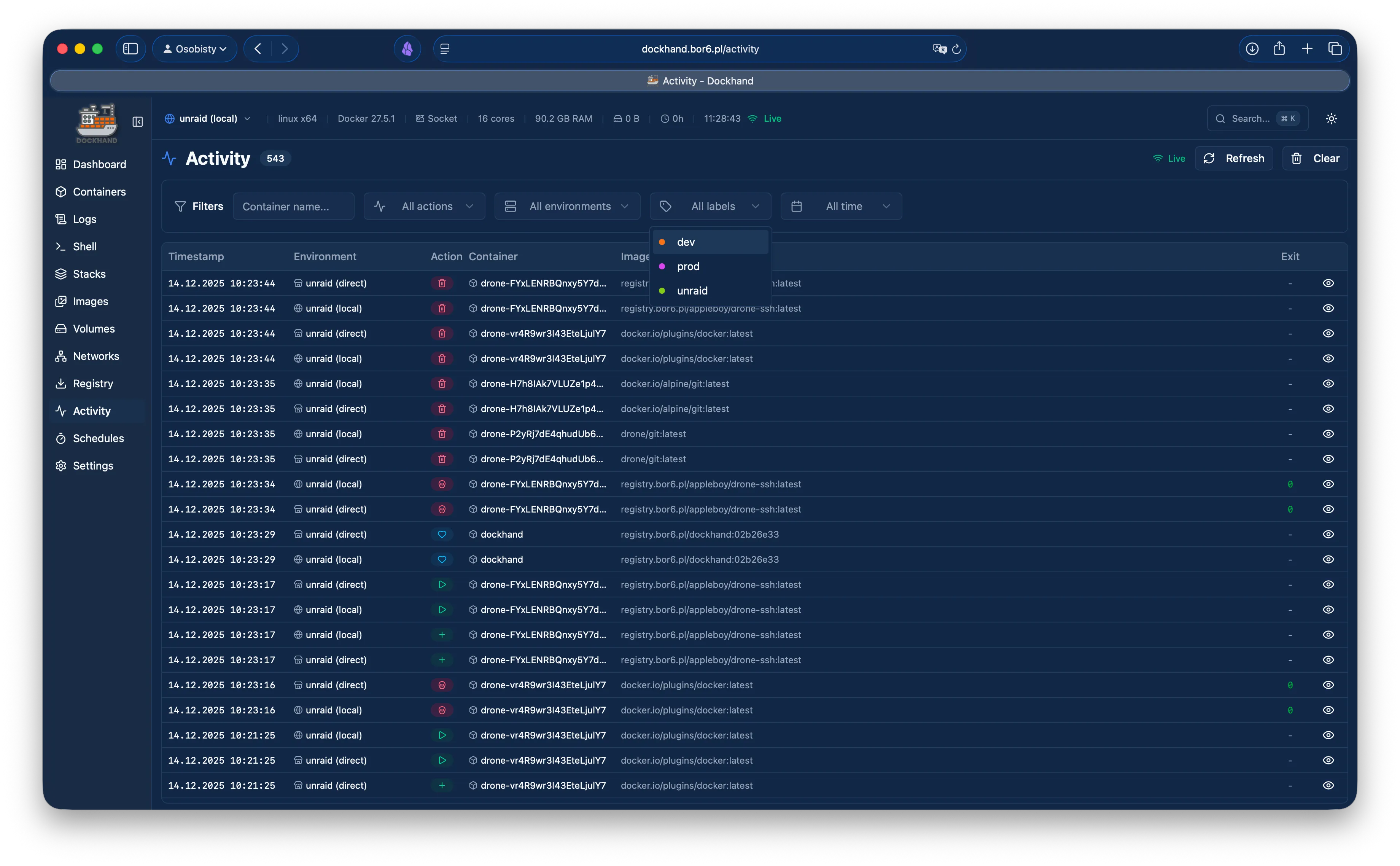
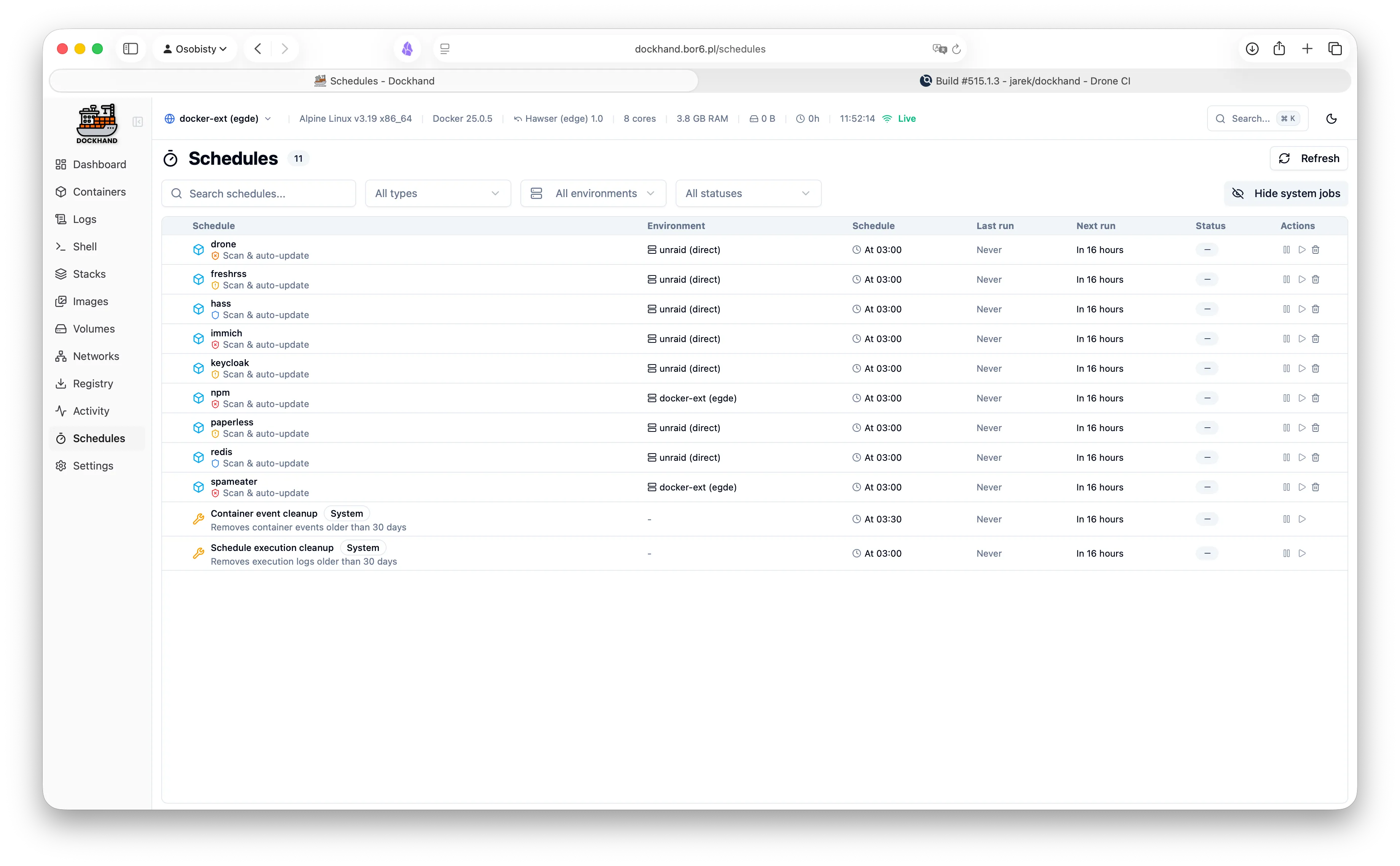
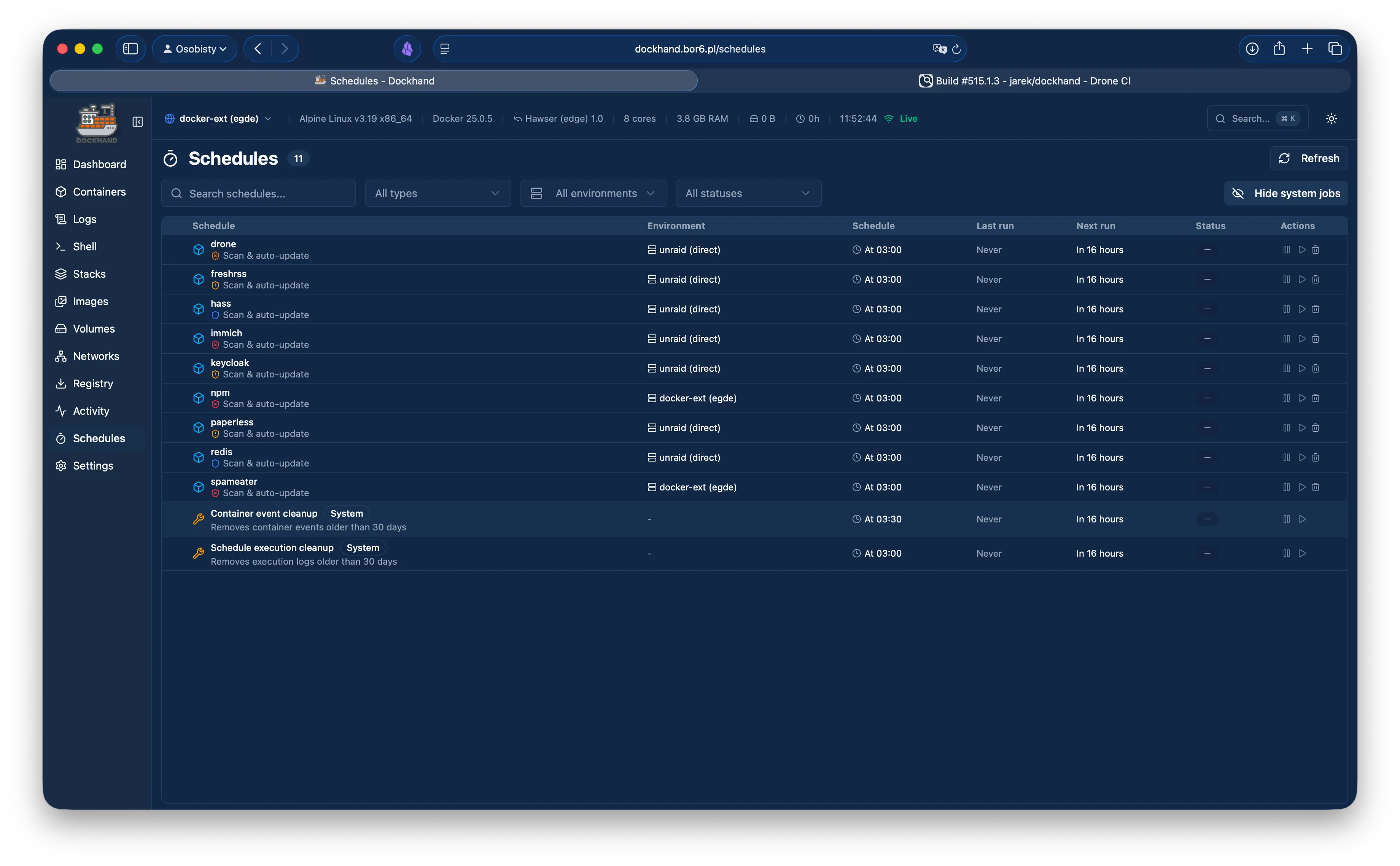
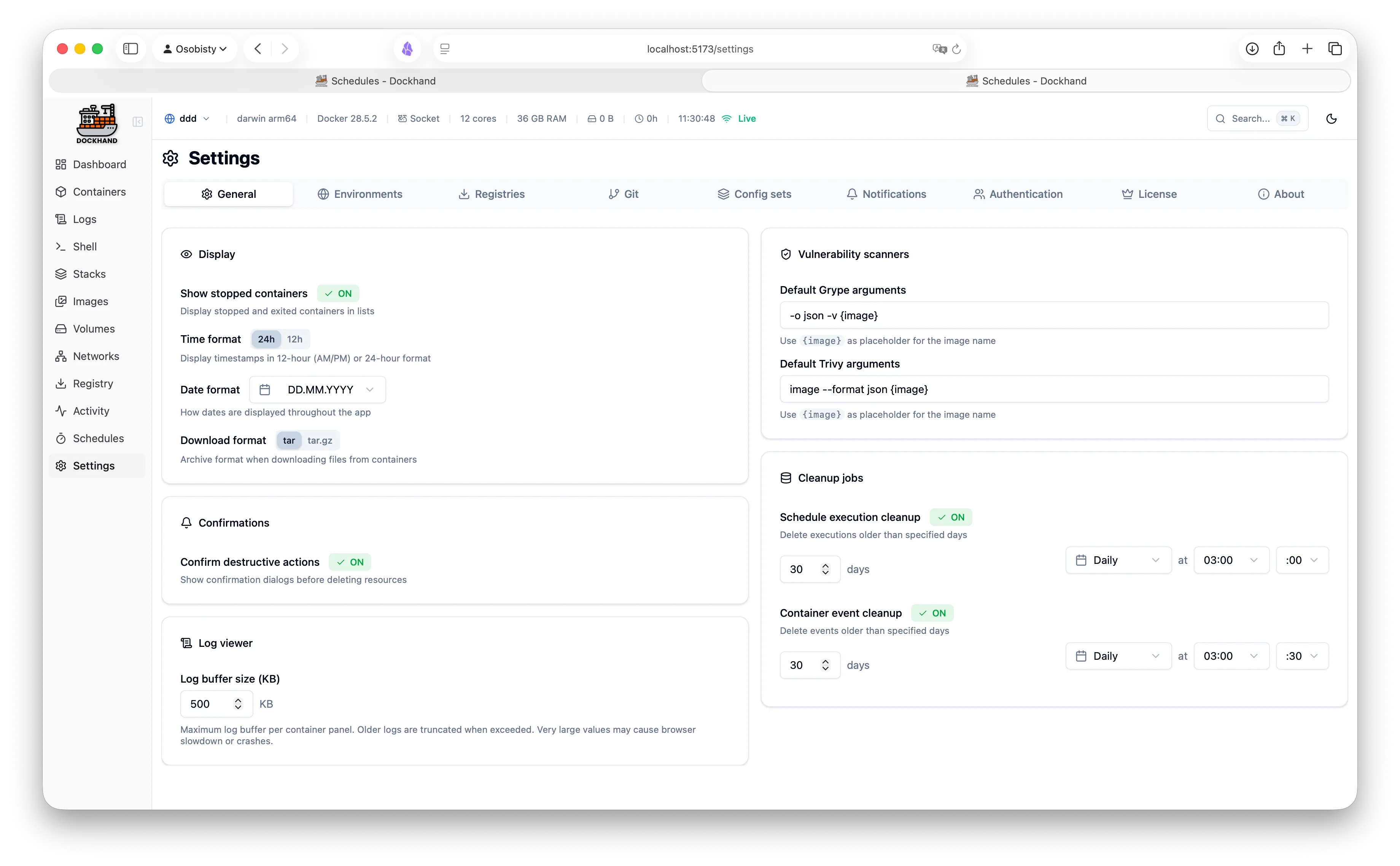
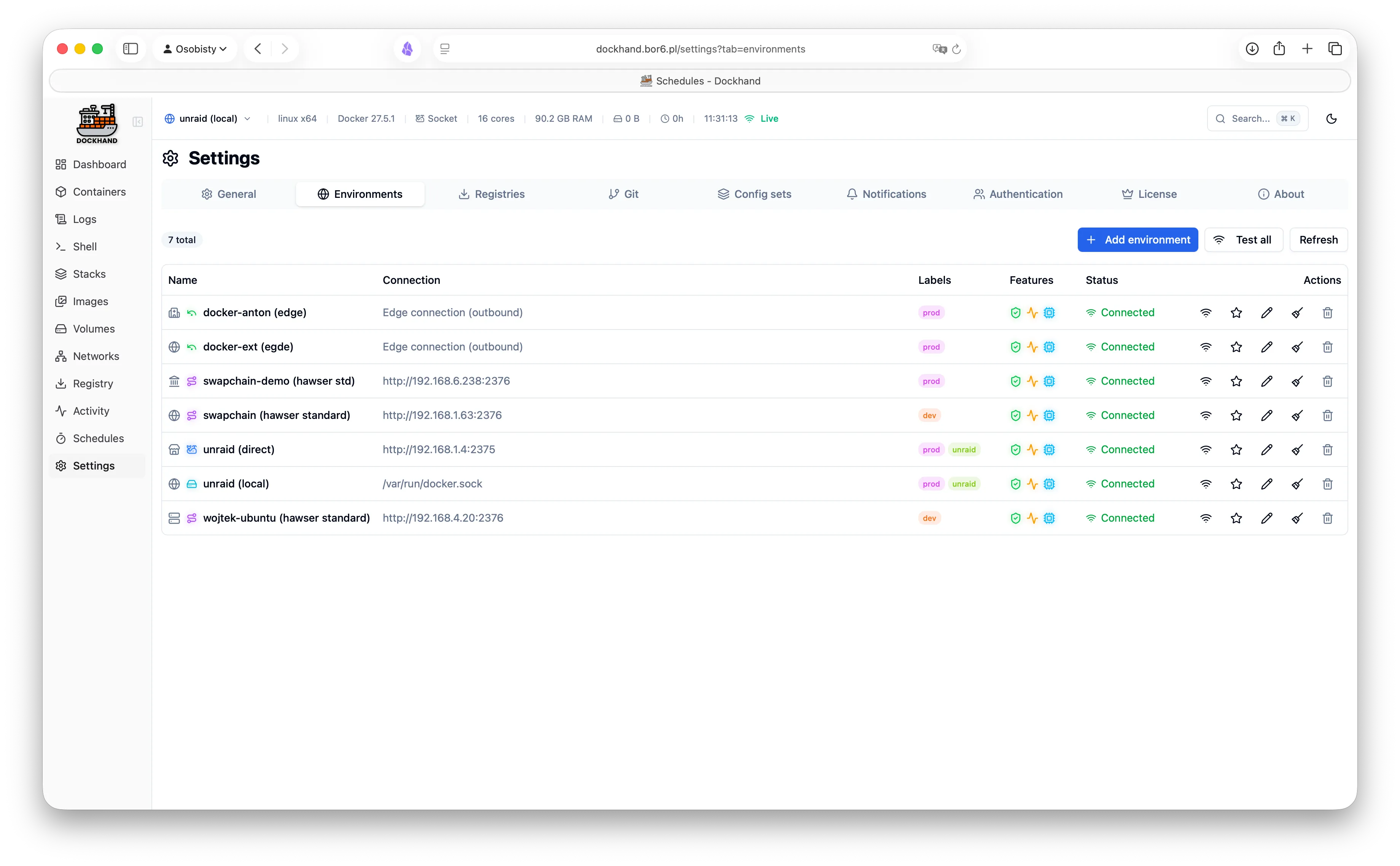
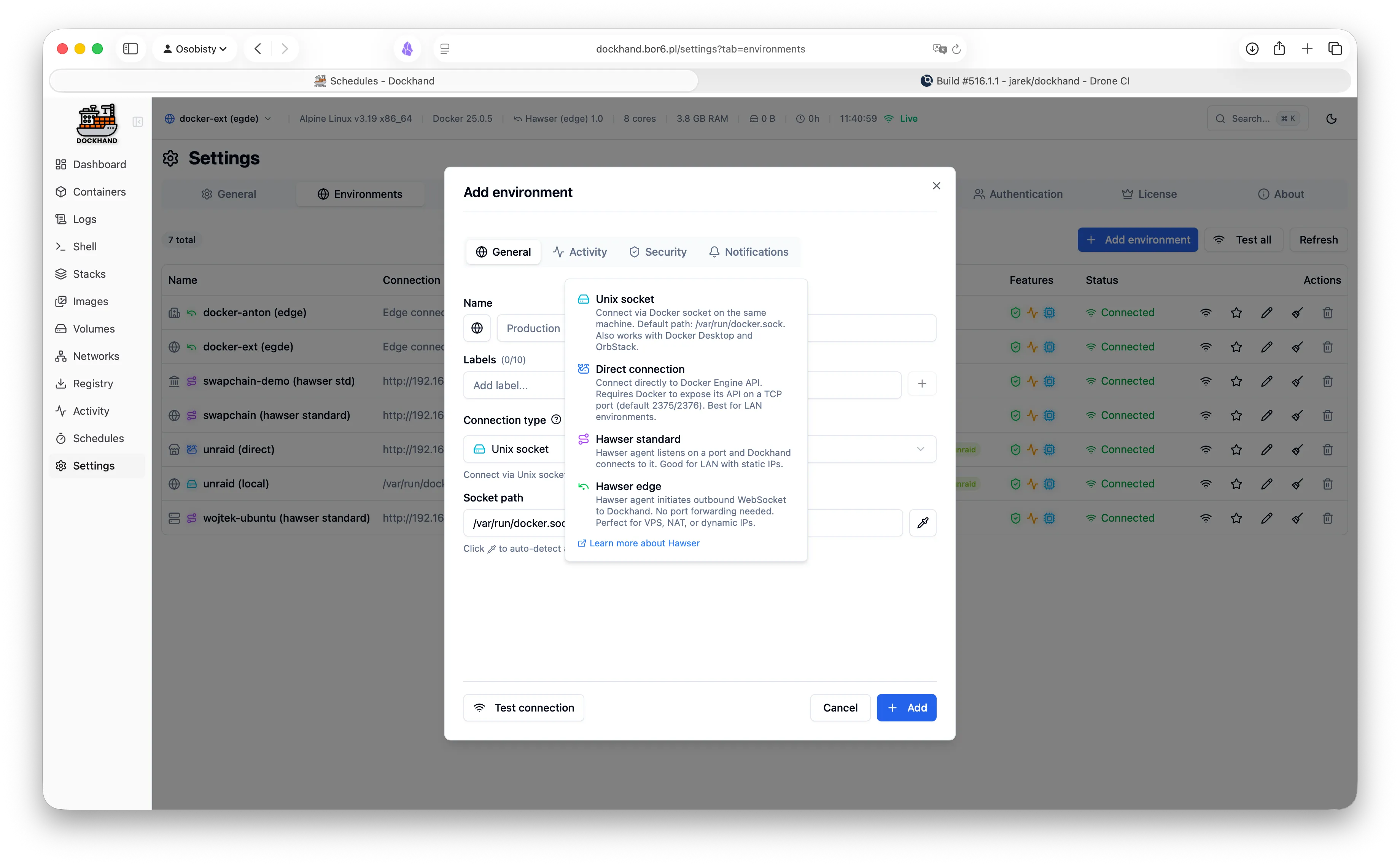
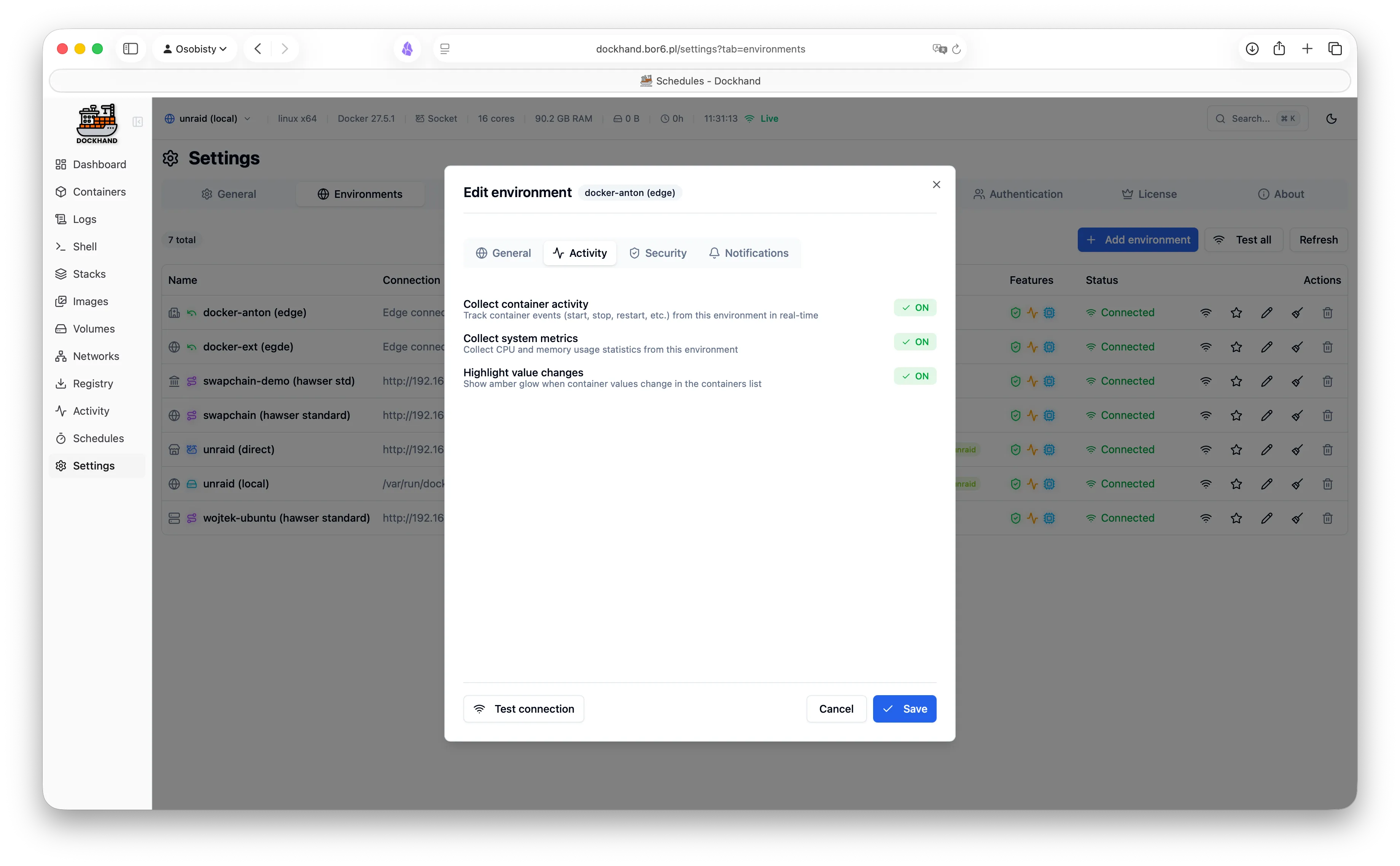
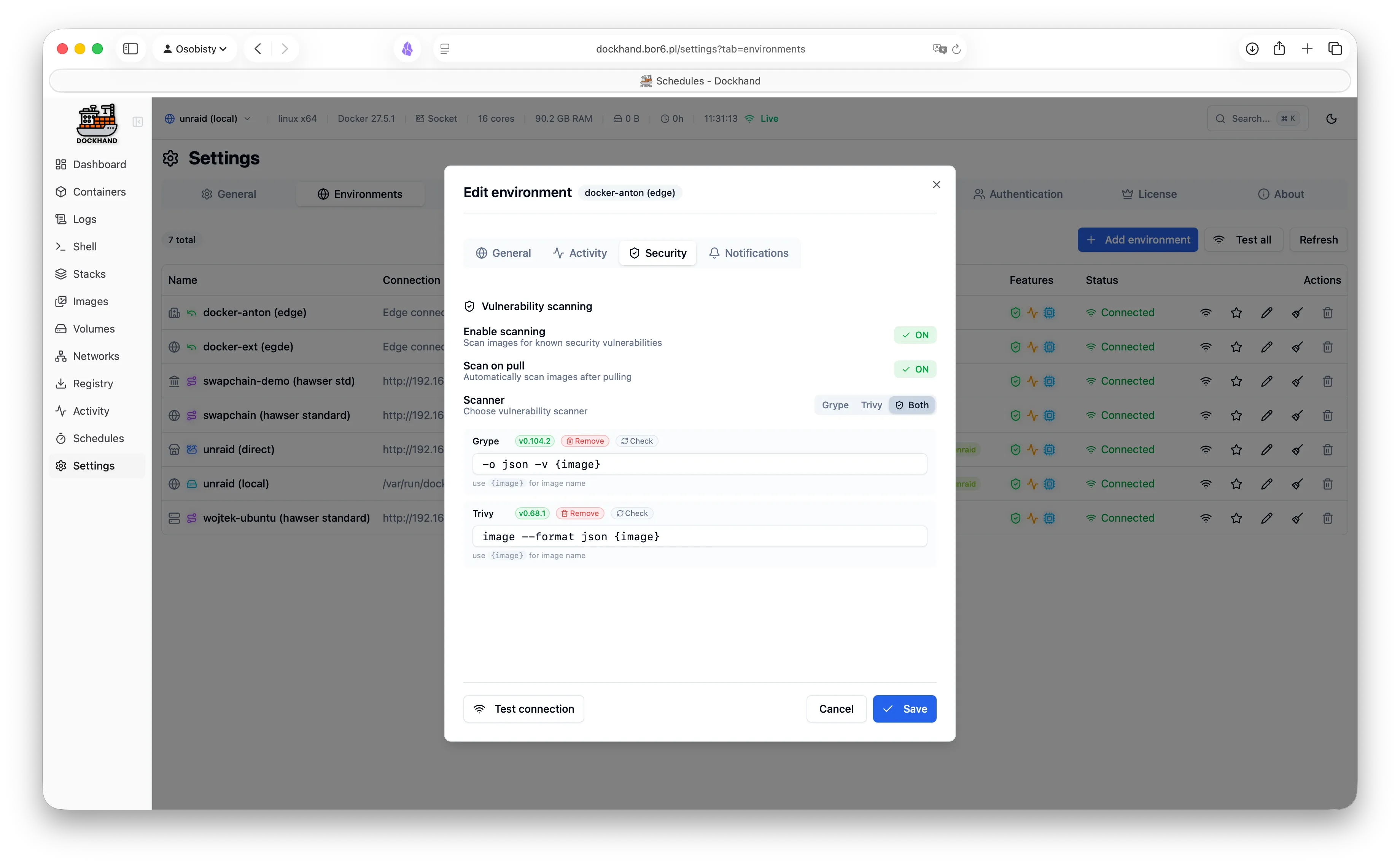
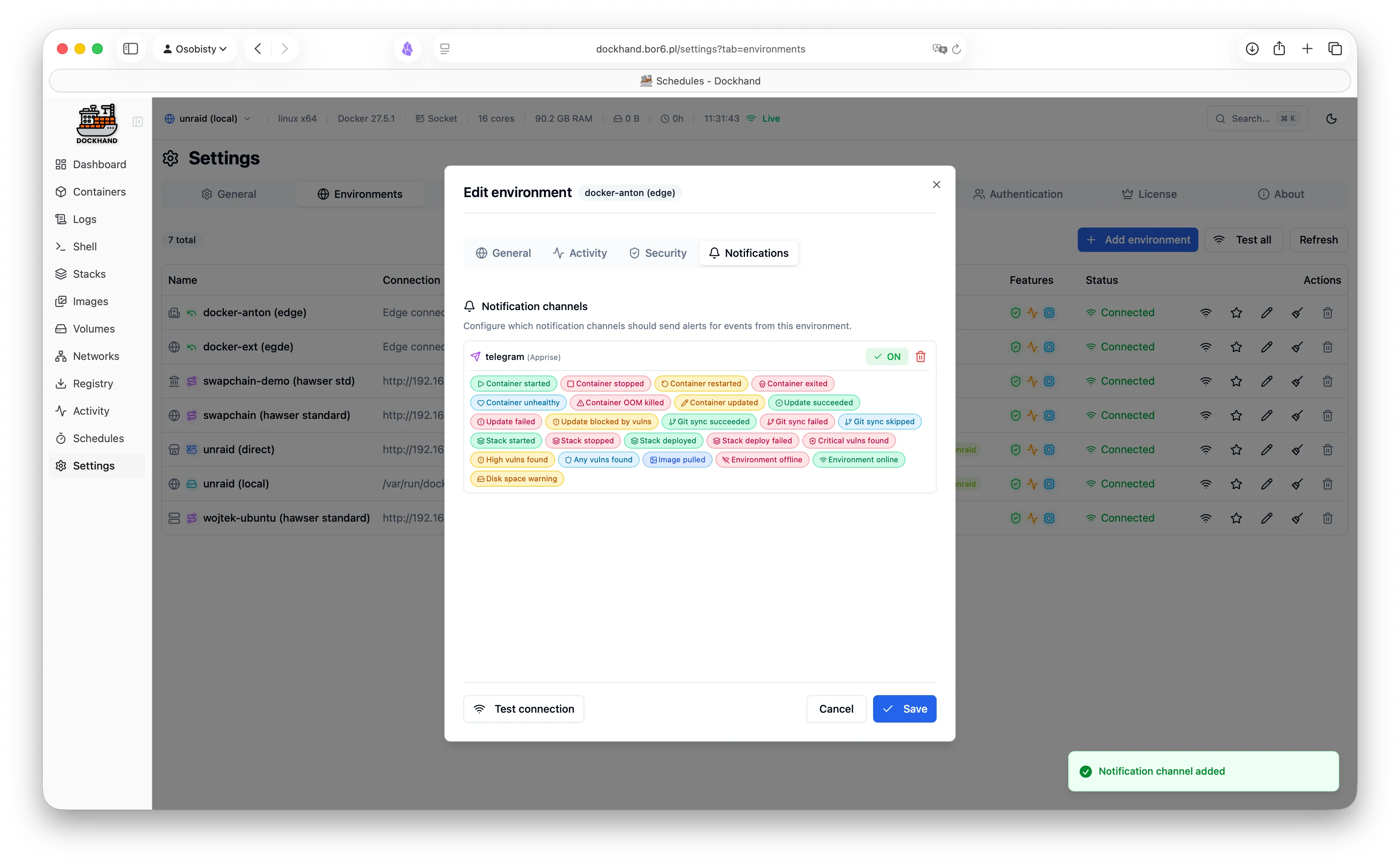
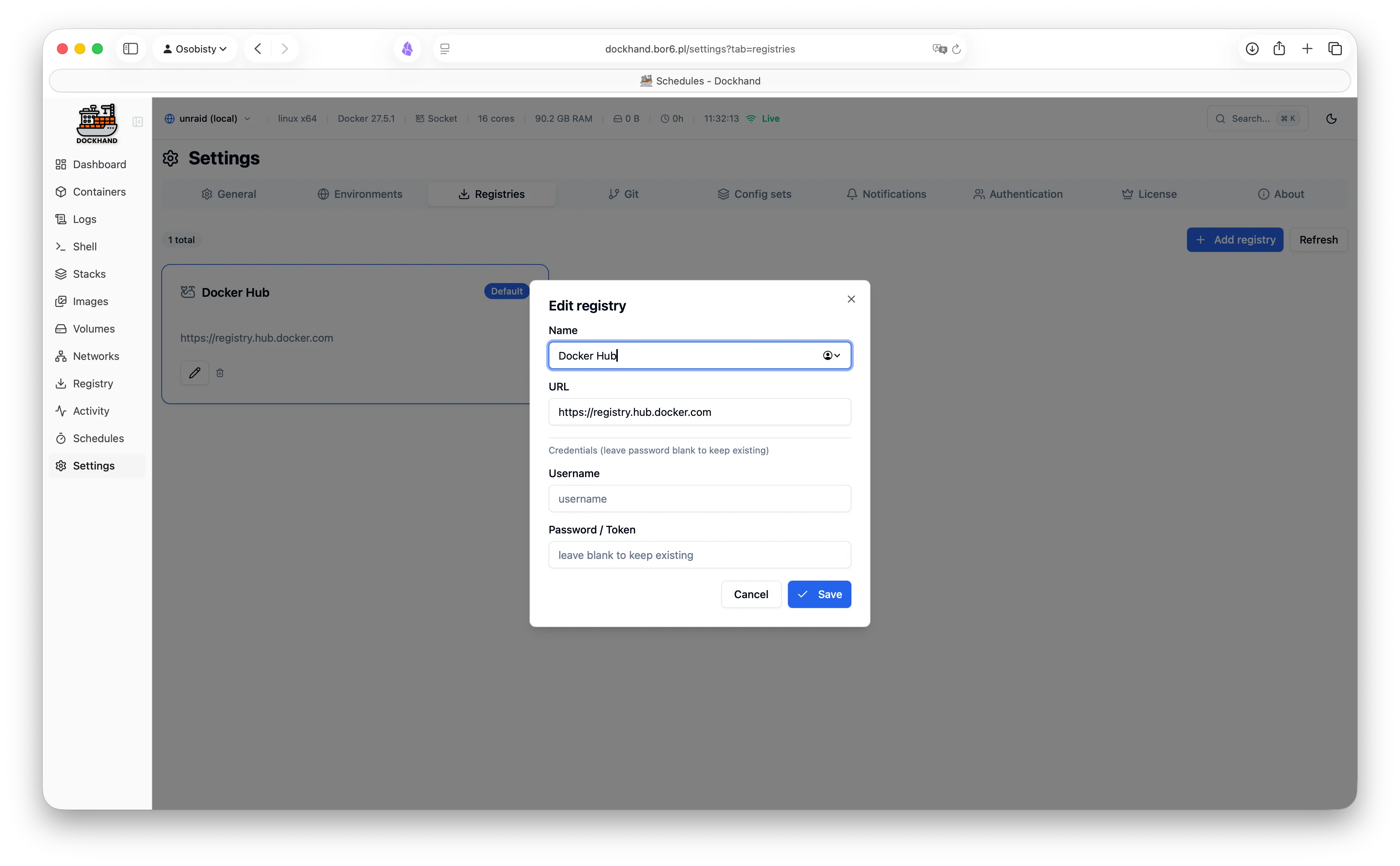
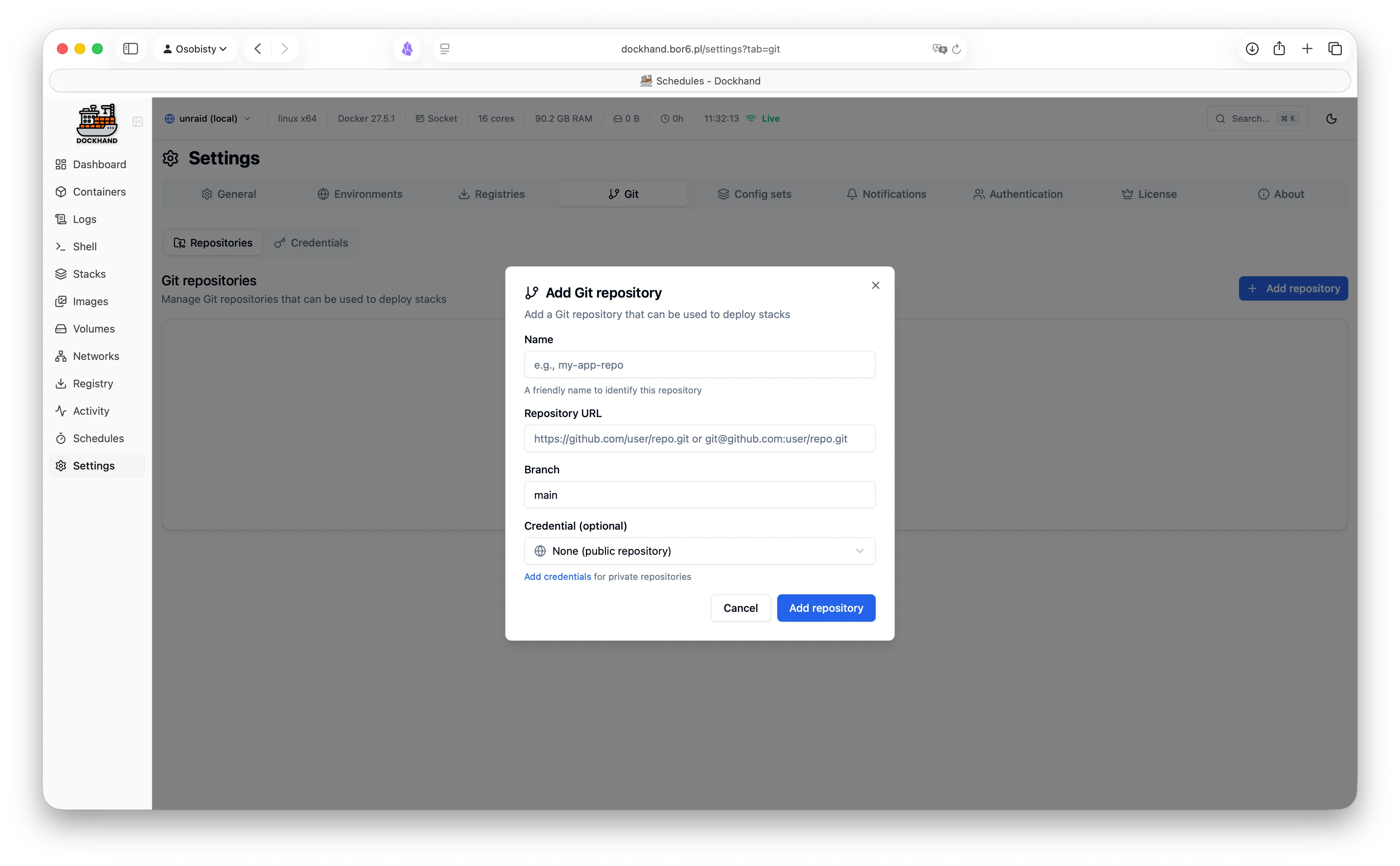
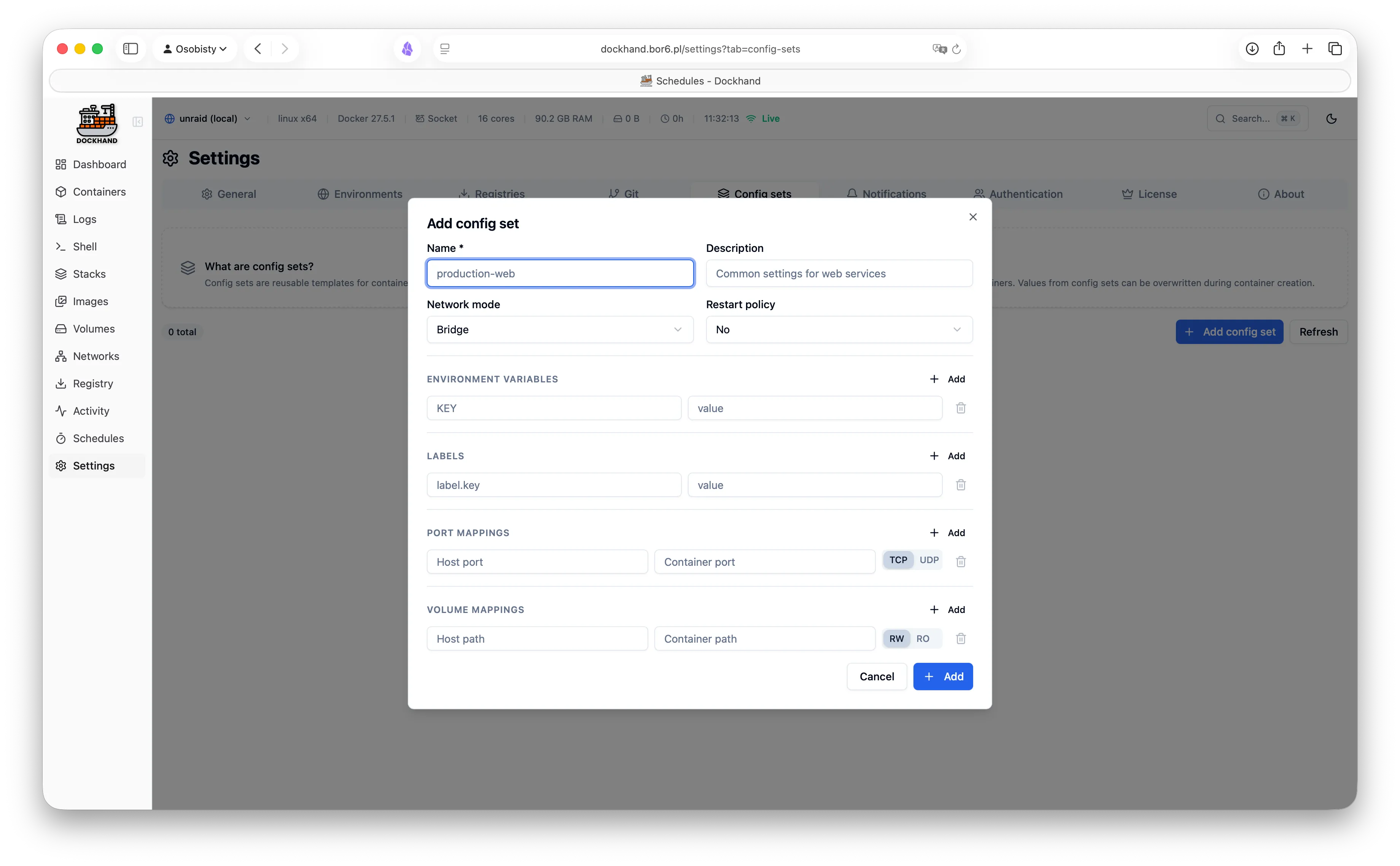
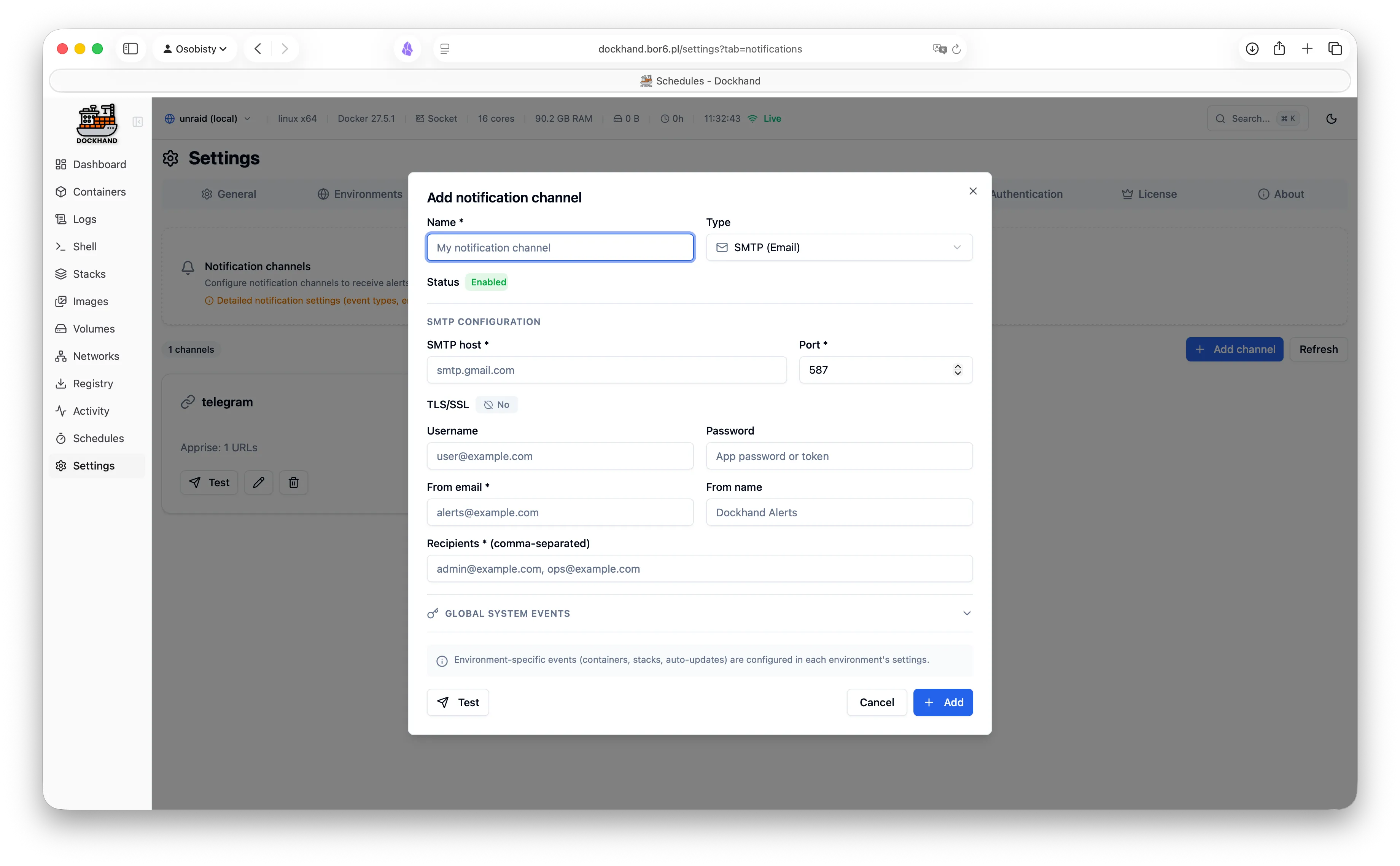
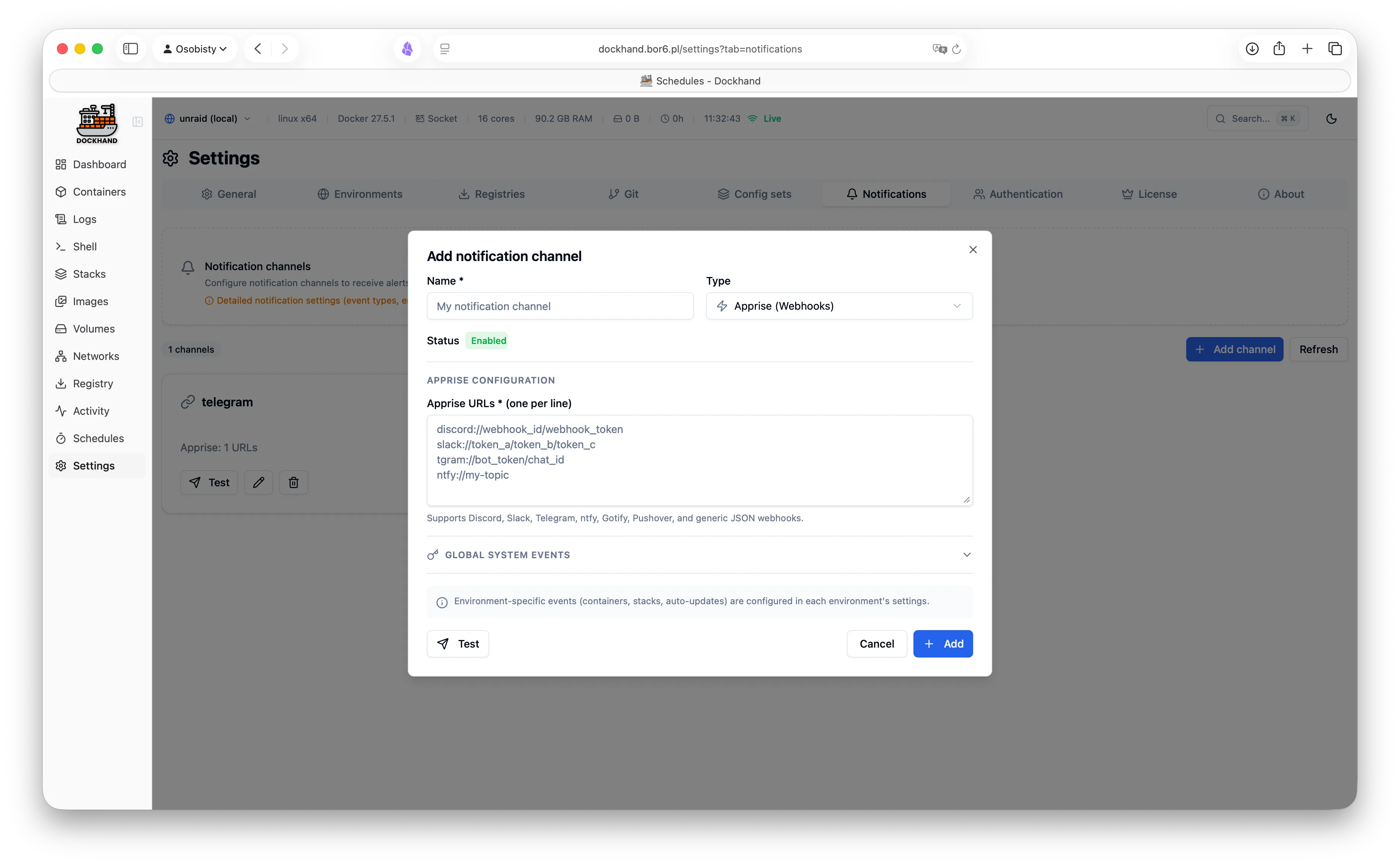
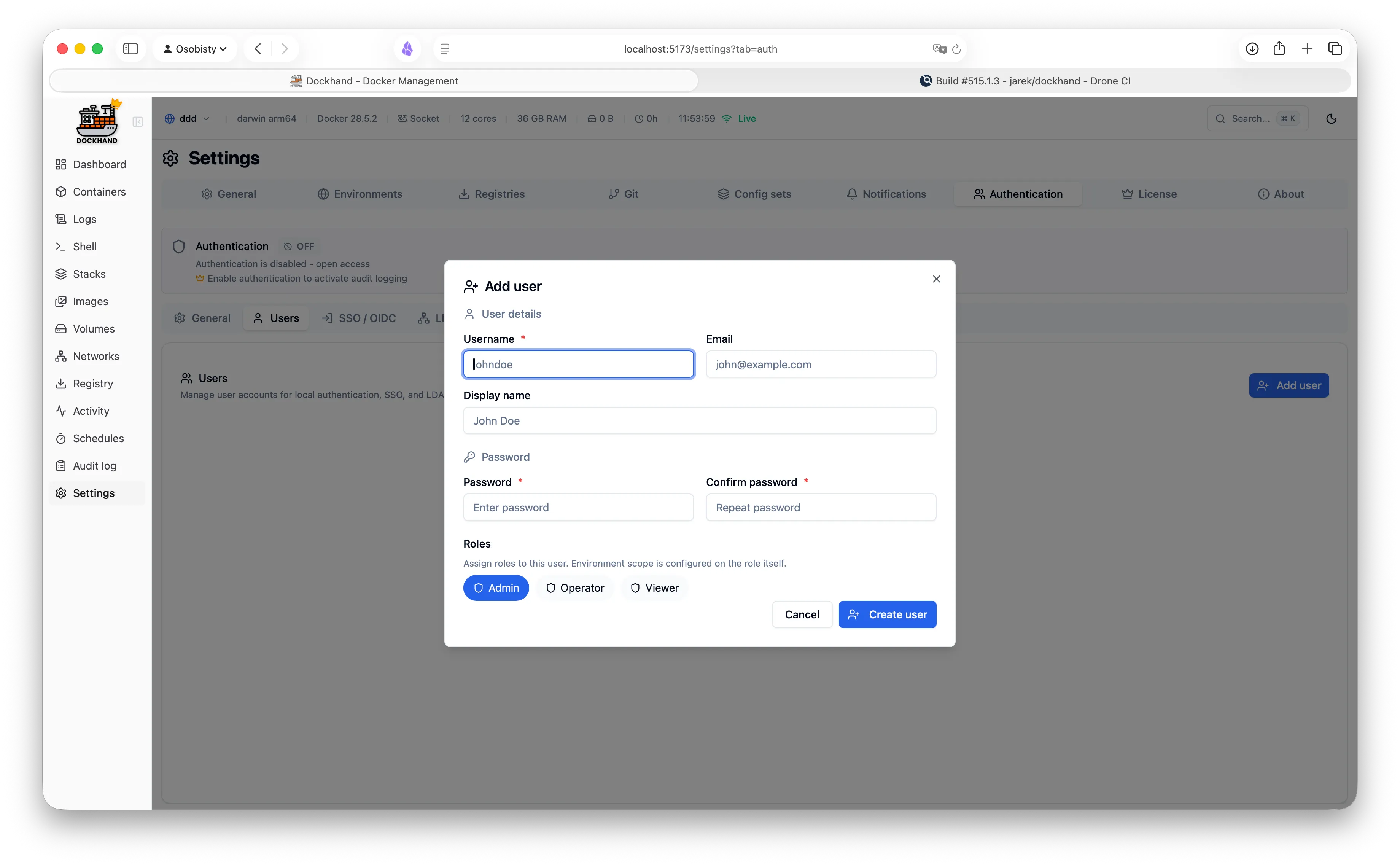
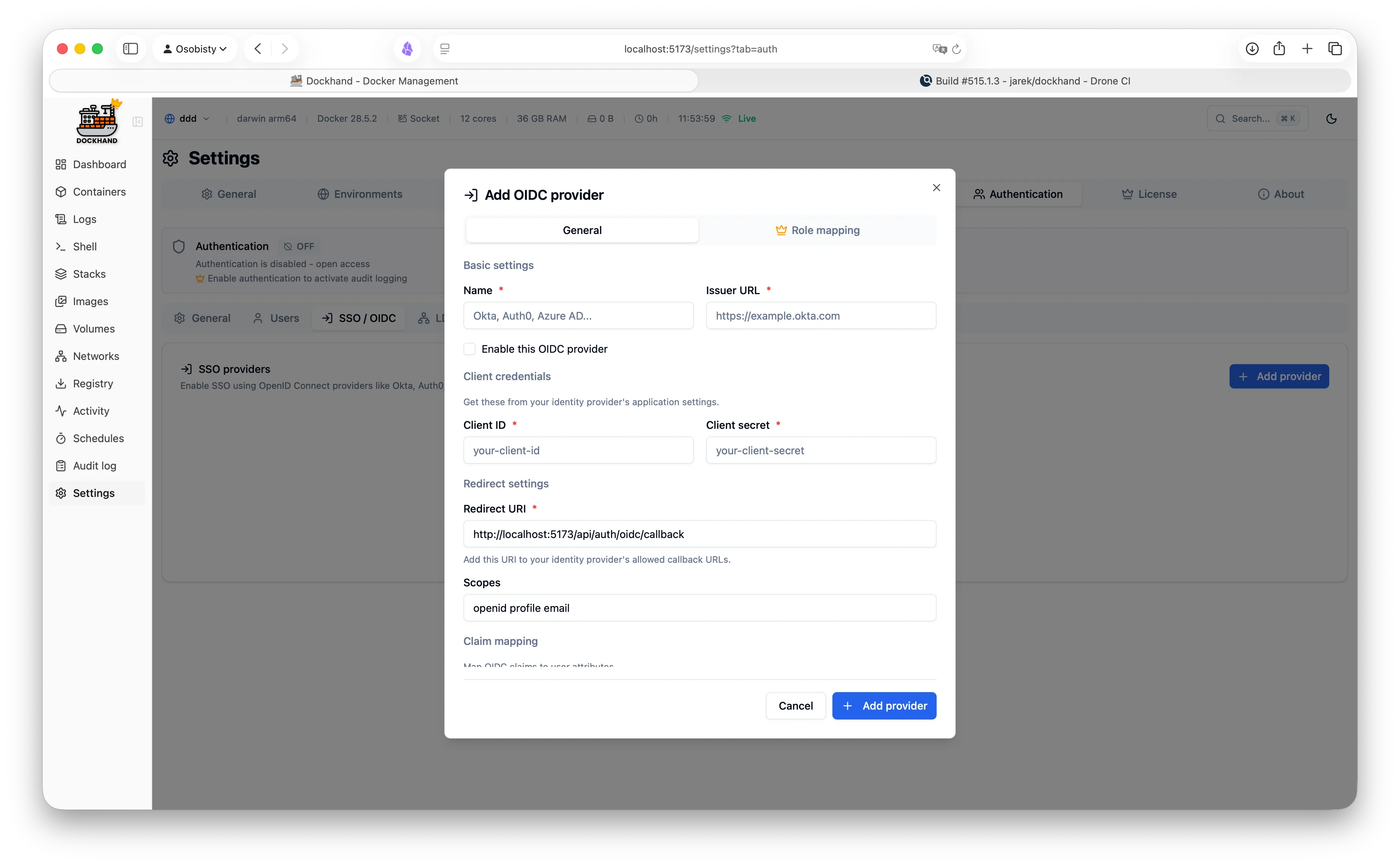
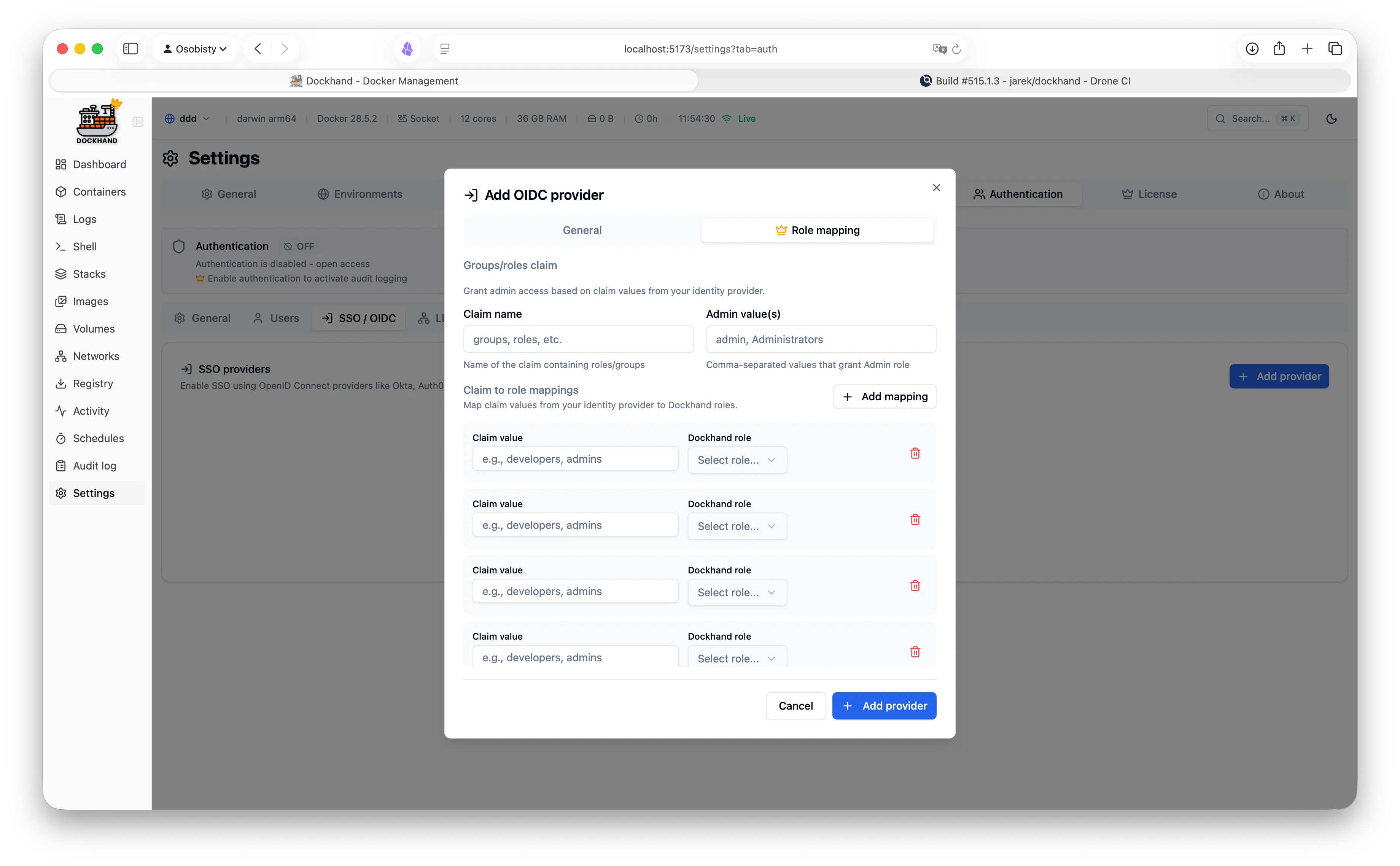
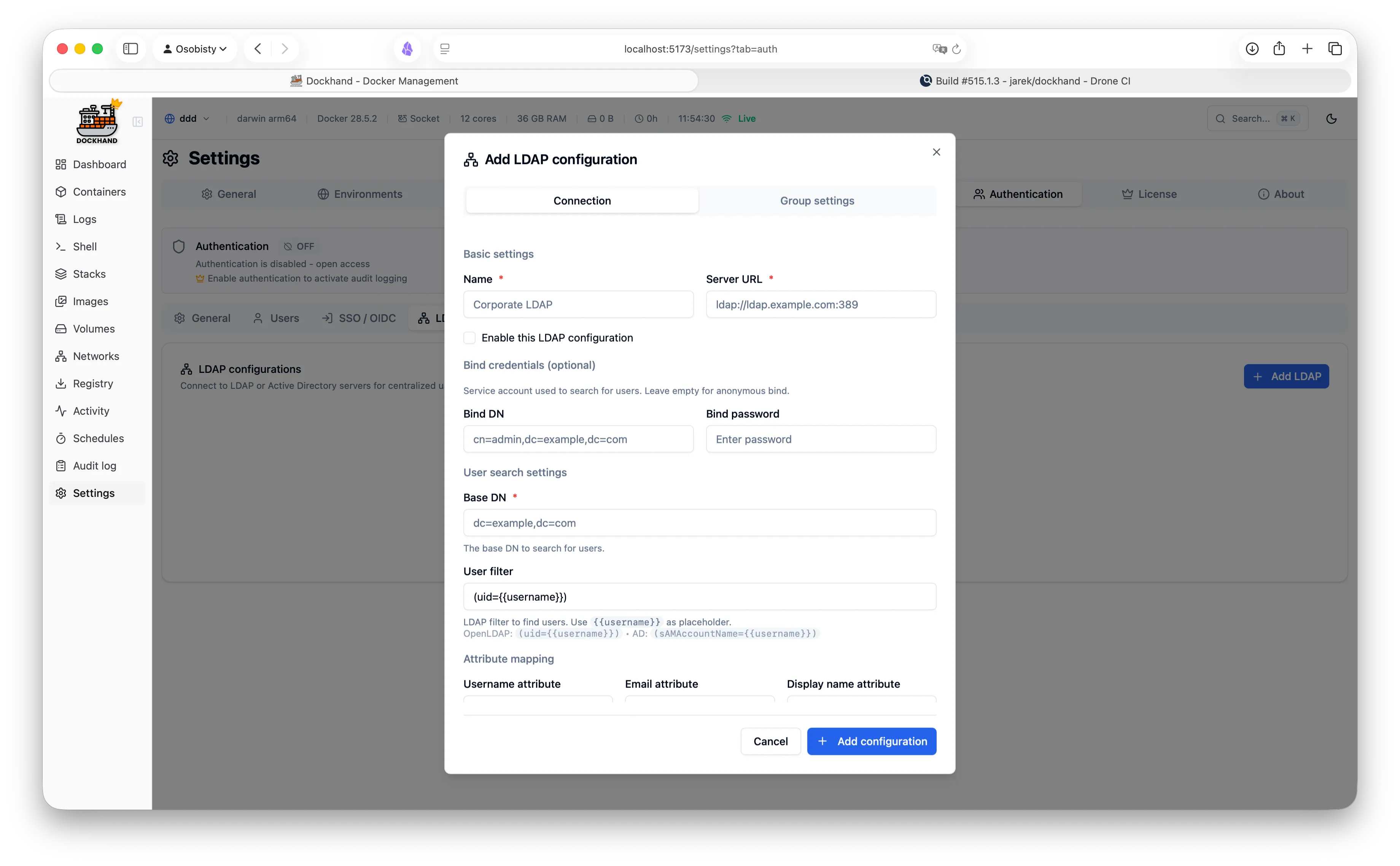
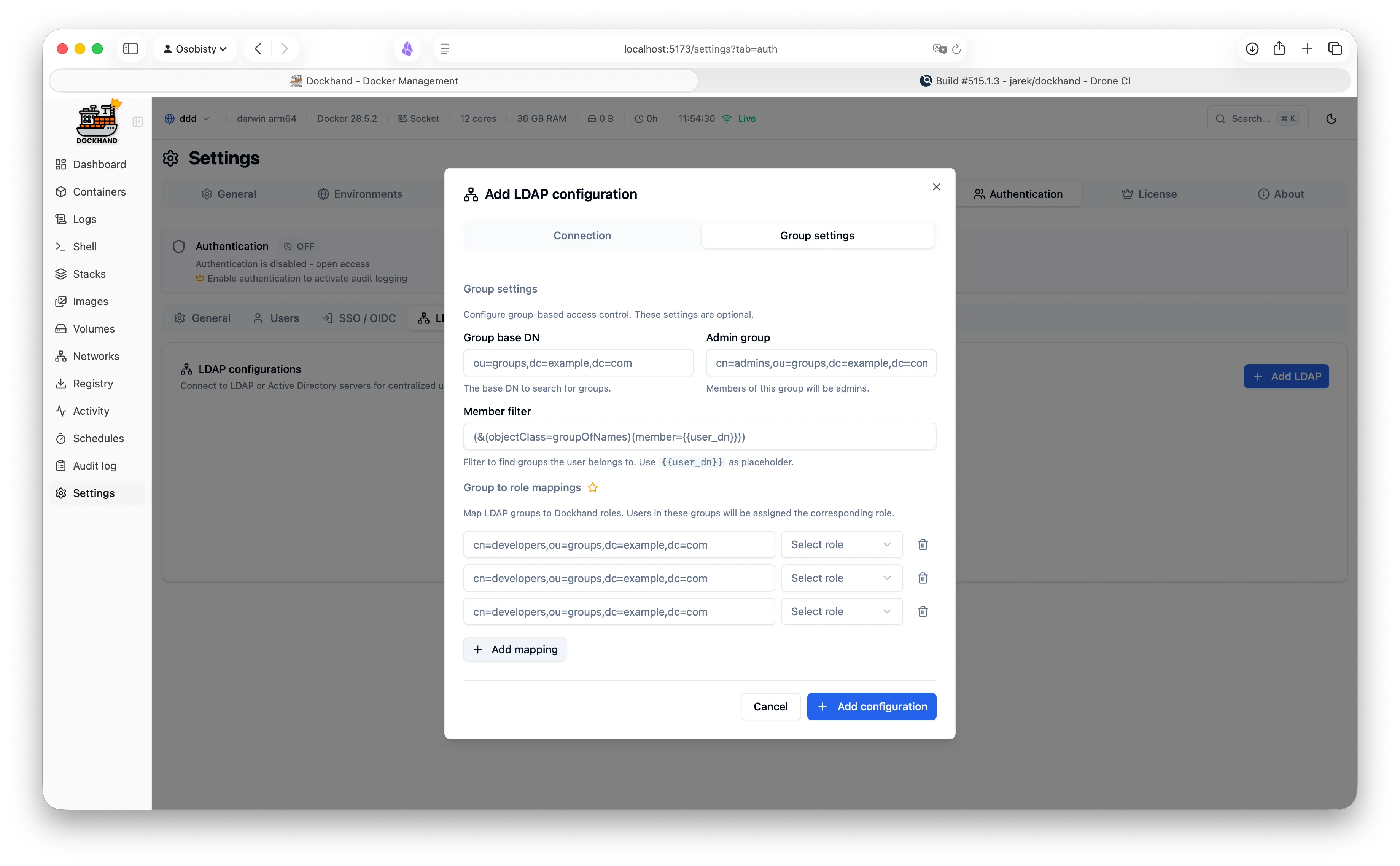
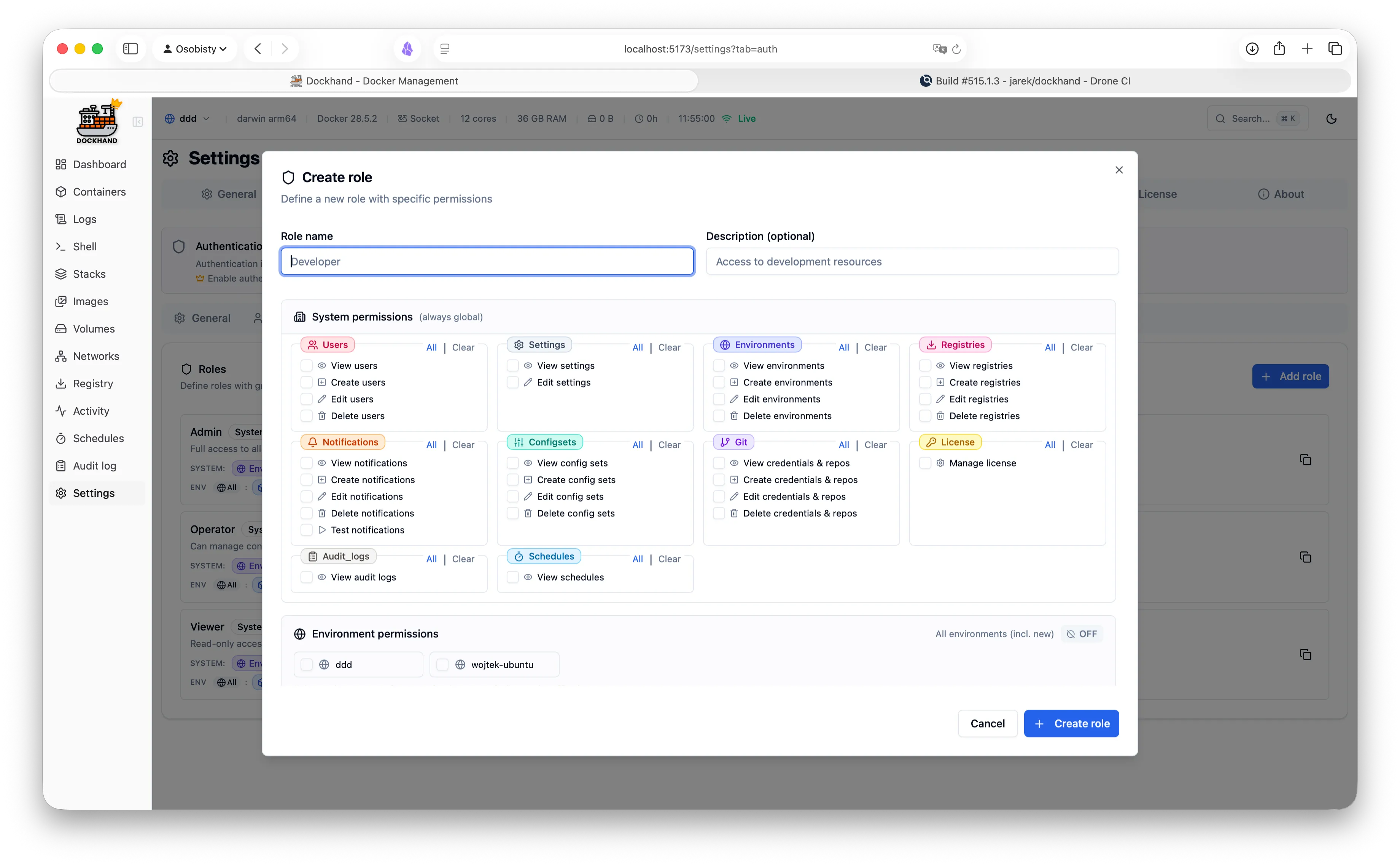
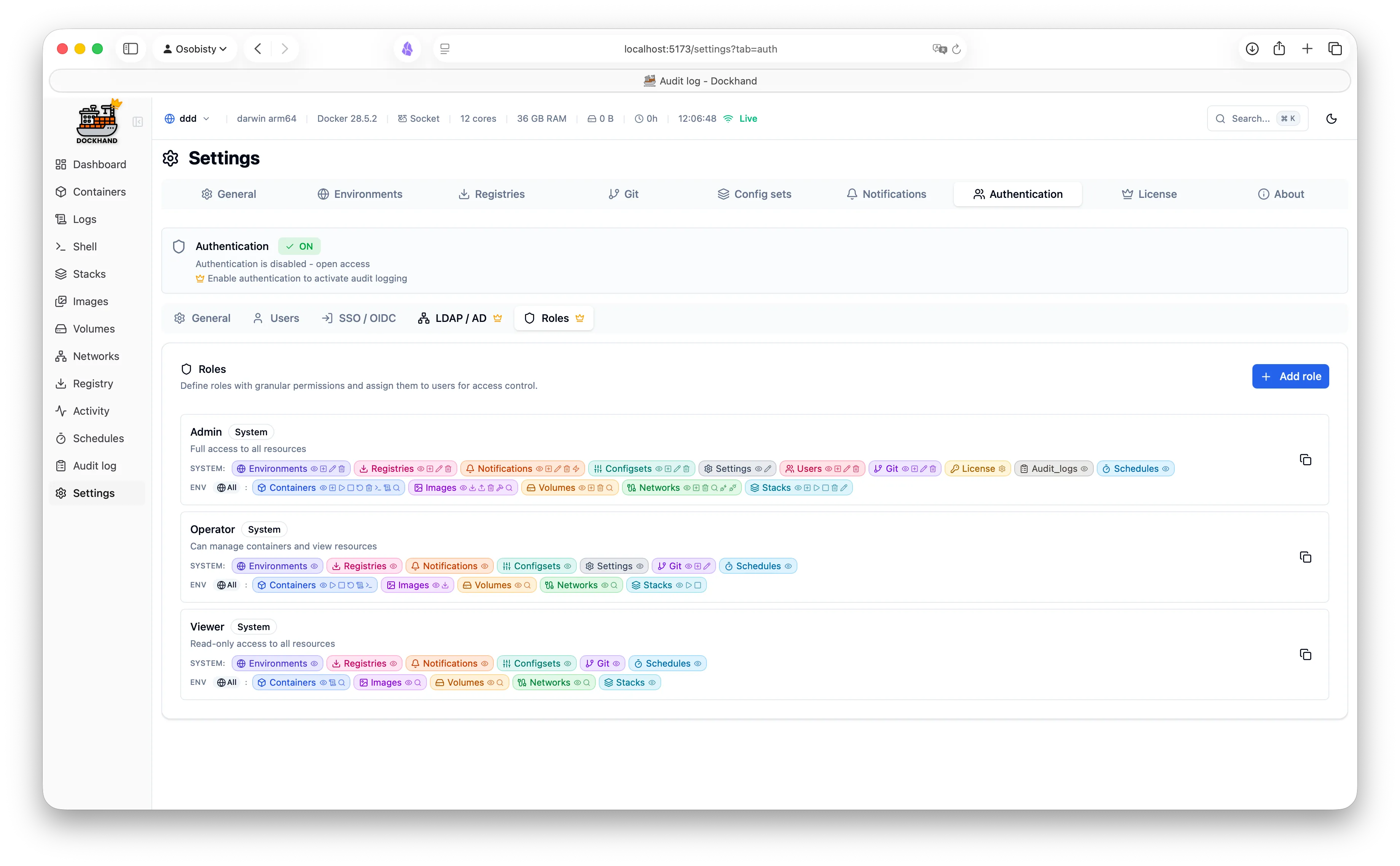
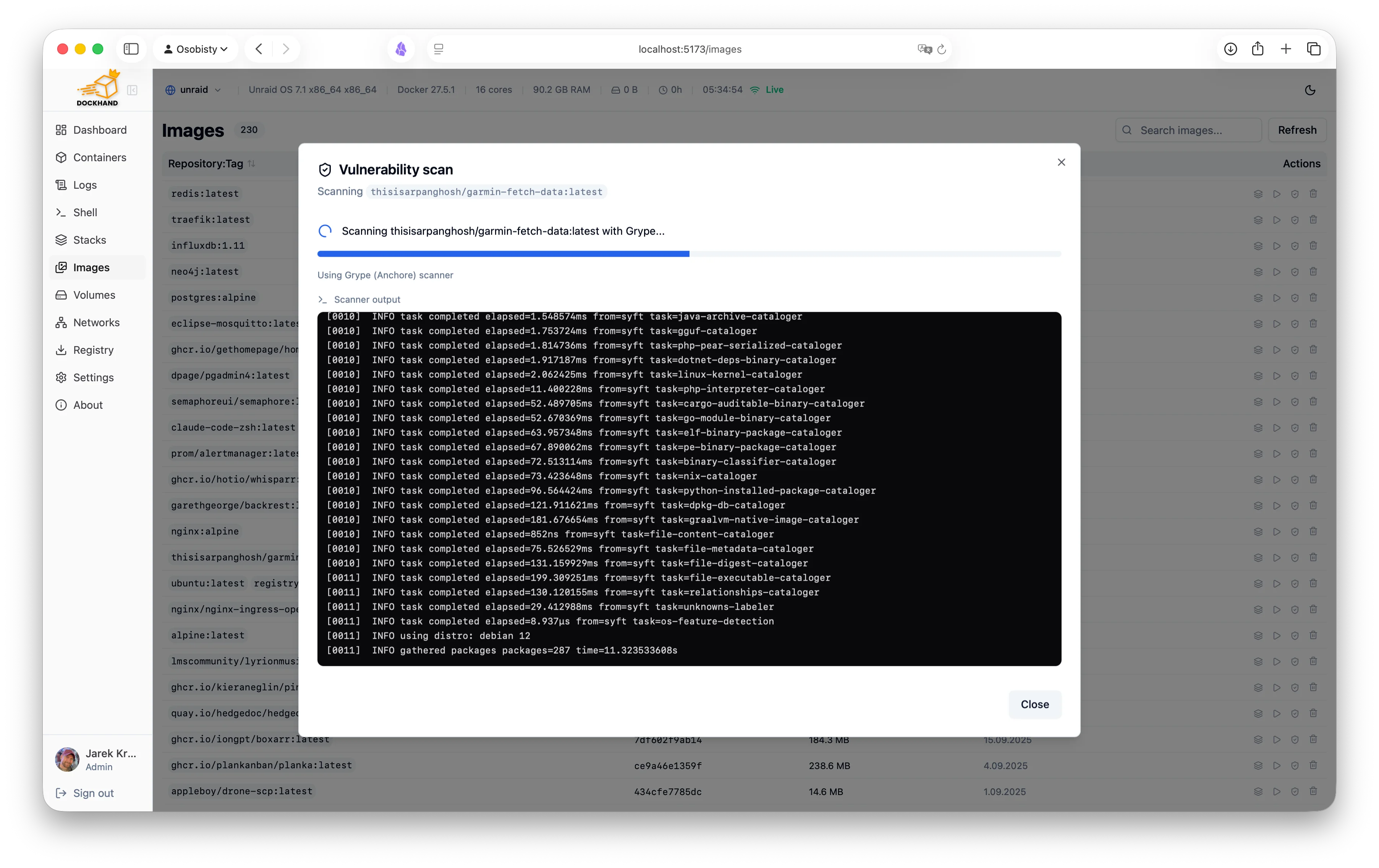
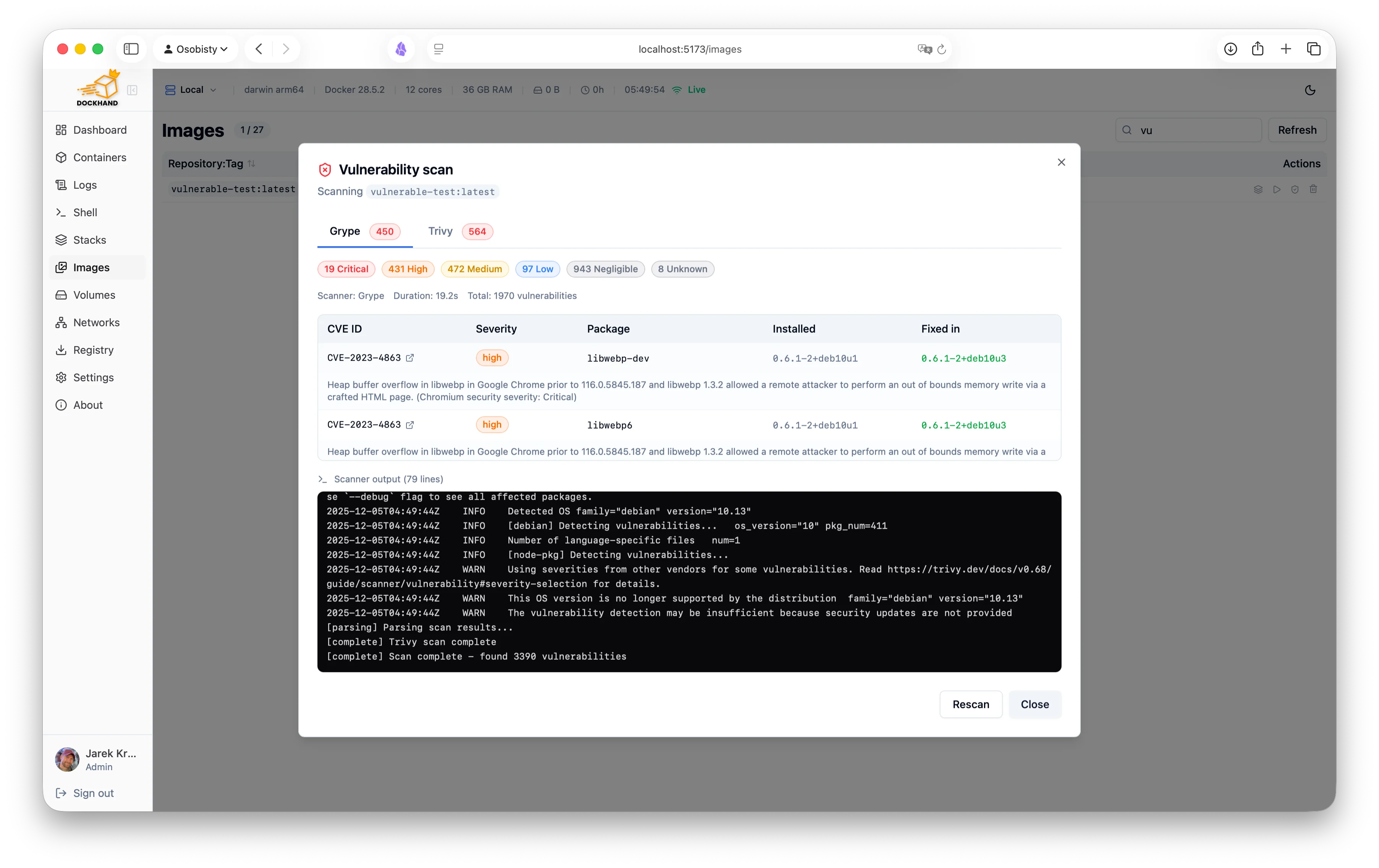
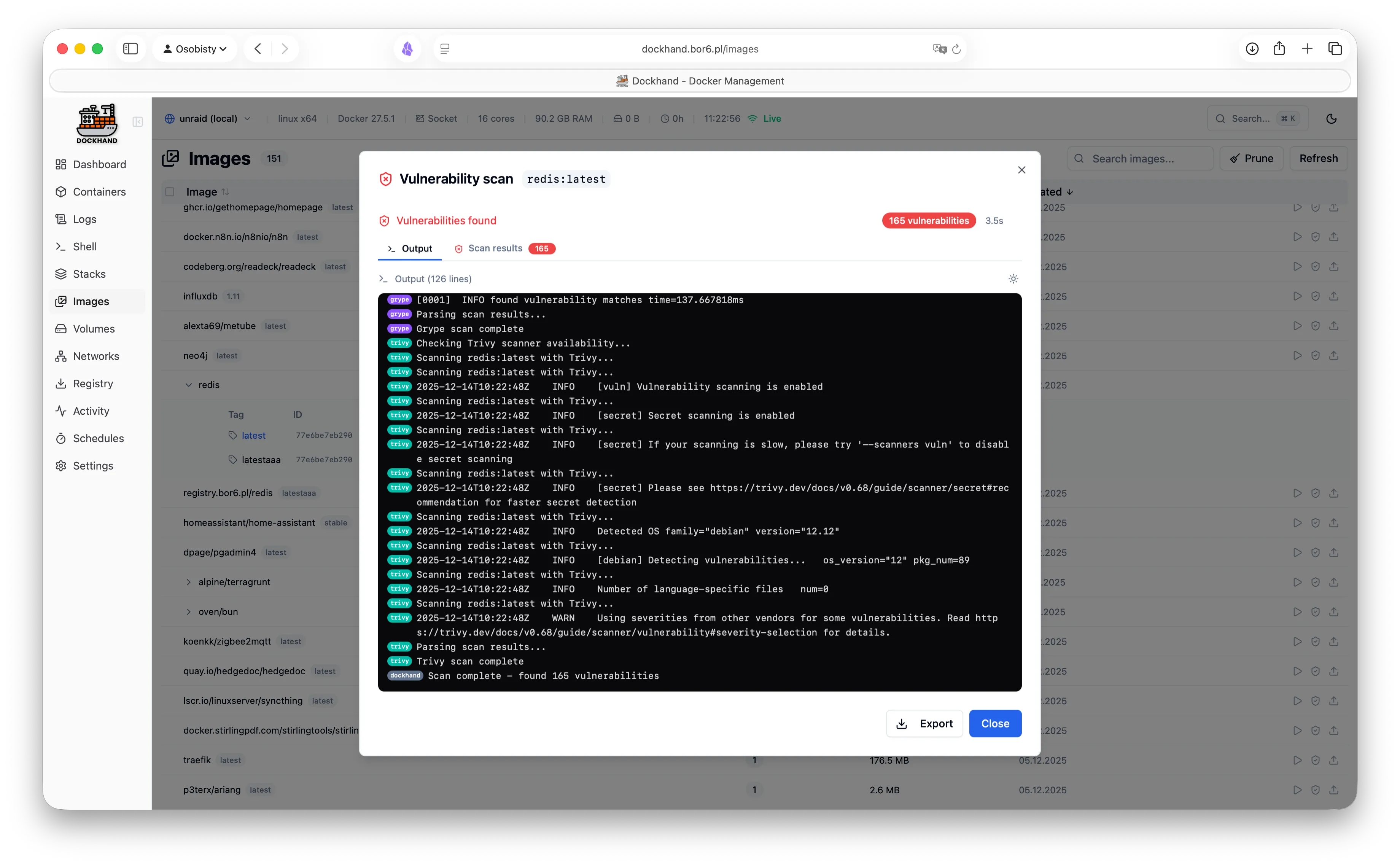
A powerful, intuitive Docker platform. Free for homelabs, ready for enterprise.
We think you'll like it here.
SQLite by default, runs on a Raspberry Pi, zero telemetry, free forever. Self-host everything without the complexity.
OIDC/SSO included free, container activity logging, Git-based deployments, premium support. Everything your team needs without the enterprise price tag.
RBAC, LDAP/AD integration, compliance-grade audit logging, and priority support. Everything you need to satisfy compliance requirements.
One command. No config files. No setup wizards, no 47-page README.
docker run -d \
  --name dockhand \
  --restart unless-stopped \
  -p 3000:3000 \
  -v /var/run/docker.sock:/var/run/docker.sock \
  -v dockhand_data:/app/data \
  fnsys/dockhand:latest
Then open http://localhost:3000. Or put it behind Traefik, Nginx, Caddy, a Kubernetes ingress, three load balancers, and a VPN tunnel. We don't judge.
Prefer Docker Compose?
services:
  dockhand:
    image: fnsys/dockhand:latest
    container_name: dockhand
    restart: unless-stopped
    ports:
      - 3000:3000
    volumes:
      - /var/run/docker.sock:/var/run/docker.sock
      - dockhand_data:/app/data

volumes:
  dockhand_data:
Need PostgreSQL?
services:
  postgres:
    image: postgres:16-alpine
    restart: unless-stopped
    environment:
      POSTGRES_USER: dockhand
      POSTGRES_PASSWORD: changeme
      POSTGRES_DB: dockhand
    volumes:
      - postgres_data:/var/lib/postgresql/data

  dockhand:
    image: fnsys/dockhand:latest
    ports:
      - 3000:3000
    environment:
      DATABASE_URL: postgres://dockhand:changeme@postgres:5432/dockhand
    volumes:
      - /var/run/docker.sock:/var/run/docker.sock
      - dockhand_data:/app/data
    depends_on:
      - postgres
    restart: unless-stopped

volumes:
  postgres_data:
dockhand_data:From simple container operations to complex multi-environment deployments.
Even that one container you forgot about three months ago.
Authentication is free. RBAC is enterprise. No calculator required.
| Feature | Free | SMB | Enterprise |
|---|---|---|---|
| Unlimited environments | ✓ | ✓ | ✓ |
| Container & stack management | ✓ | ✓ | ✓ |
| Git repository integration | ✓ | ✓ | ✓ |
| Vulnerability scanning | ✓ | ✓ | ✓ |
| Local user accounts | ✓ | ✓ | ✓ |
| OIDC/SSO | ✓ | ✓ | ✓ |
| Multi-factor authentication | ✓ | ✓ | ✓ |
| Container activity log | ✓ | ✓ | ✓ |
| Commercial usage license | — | ✓ | ✓ |
| Premium support | — | ✓ | ✓ |
| Priority bug fixes | — | ✓ | ✓ |
| LDAP/Active Directory | — | — | ✓ |
| Role-based access control | — | — | ✓ |
| Environment-scoped permissions | — | — | ✓ |
| Audit logging (compliance) | — | — | ✓ |
| Price | $0 forever | $499/host/year | $1,499/host/year |
| Buy me a coffee |
Host = one machine running Dockhand. Volume discounts available for 5+ hosts.
No cloud dependencies, no telemetry, no data leaving your network. Solid base.
Paranoid? We prefer "security-conscious."
Dockhand runs entirely on your infrastructure. No SaaS, no cloud dependency, no vendor lock-in. Your data never touches our servers.
We don't phone home. No usage tracking, no analytics, no mysterious background connections. Your Docker environment stays private.
SQLite by default, optional PostgreSQL for HA. No Redis, no message queues. Simple deployment, minimal attack surface.
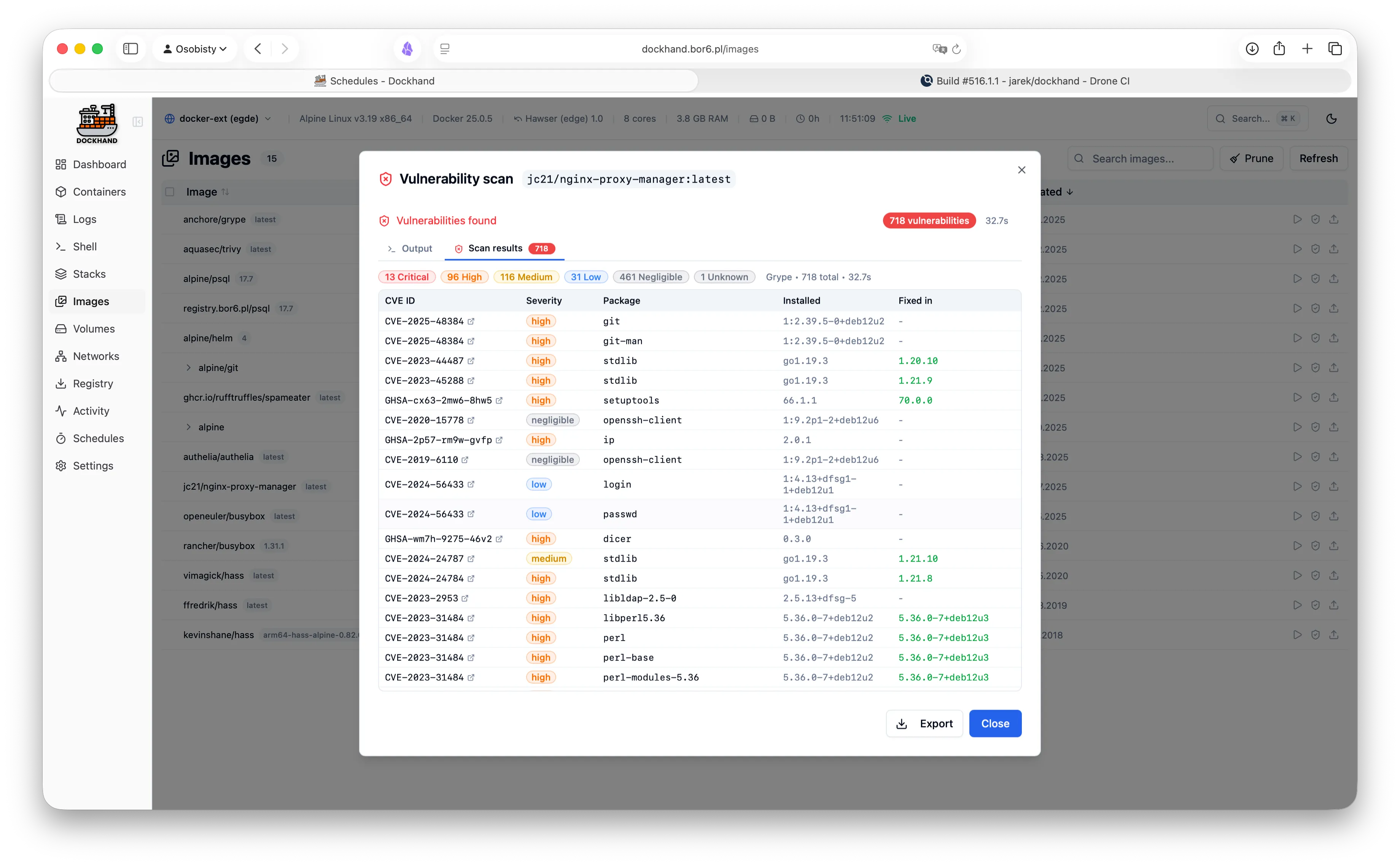
Scan your images for CVEs using Grype and Trivy. Identify security risks before deployment.
Safe-pull protection: During auto-updates, new images are pulled to a temporary tag and scanned before touching your running containers. If vulnerabilities exceed your criteria, the temp image is deleted and your container keeps running safely.
We don't trust pre-built base images. Dockhand builds its own OS layer from scratch using Wolfi packages via apko. Every package is explicitly declared in our Dockerfile - full transparency, zero mystery meat.
While others ship Alpine with 10+ CVEs, we obsess over our own image security. Because a Docker management tool with vulnerabilities is like a locksmith with a broken door. We scan ourselves too.
Our open-source Go agent lets you manage Docker hosts behind NAT, firewalls, or dynamic IPs. The agent initiates outbound connections to Dockhand - no exposed ports, no inbound firewall rules needed.
A modern, intuitive interface designed for productivity.
Warning: May cause sudden urges to containerize everything.
See what our users are saying.
"After trying Dockhand in my lab and comparing features toe to toe with other tools I am currently using, I can honestly say it is one of the best that I have used. It is extremely easy to use, intuitive, and it puts docker management tool security in focus where it should be."
"Perfect for my homelab. It's lightweight, actively maintained, and has all the features I need. Love the terminal access and real-time log streaming!"
"The LDAP integration was a game-changer for our team. Set it up in 10 minutes and now all our developers have proper access control."
"Dockhand wants to be a Portainer replacement, and it might already be there."
"Dockhand is bursting onto the scene with impressive force, bringing a breath of truly fresh air to a world that, let's be honest, had started to feel a bit stagnant."
"Dockhand is incredibly handy to have around."
"The easiest way I've found to manage and update Docker containers."
Free forever. No, really. No bait-and-switch.
Like it? Fuel the dev with caffeine.
For commercial use. Growing teams, happy CFOs.
When compliance asks "is it enterprise-ready?" and you want to say yes.
Since "SmartPSS Version 2.002" is a specific version of , your "proper text" depends on what you need to do.
represents a specific build in the software’s lifecycle that balances the legacy stability of earlier versions with modern interface improvements introduced in the V2.xx series.
You can organize your most critical cameras into "Custom Views" so you aren't digging through a long list of devices to find a specific entry point.
: Features a modular interface where users can customize screen views, manage user privileges, and control PTZ cameras via mouse or joystick. Technical Specifications Operating System Windows XP/7/8/10 (Windows 10 specifically supported) CPU Requirement Intel i3 or higher (2.4GHz+) Memory 2GB RAM or higher recommended Network Support for IPv6 and P2P device connections Languages Support for 18+ languages, including English and Chinese Installation and Setup Template:SmartPSS - Dahua Wiki
One of the most useful aspects of version 2.002 is its deep integration with . Instead of just watching static video, you can configure and monitor automated triggers directly from the software:
Get started in 30 seconds. No credit card required.
Finally, a UI that sparks joy.
Since "SmartPSS Version 2.002" is a specific version of , your "proper text" depends on what you need to do.
represents a specific build in the software’s lifecycle that balances the legacy stability of earlier versions with modern interface improvements introduced in the V2.xx series.
You can organize your most critical cameras into "Custom Views" so you aren't digging through a long list of devices to find a specific entry point.
: Features a modular interface where users can customize screen views, manage user privileges, and control PTZ cameras via mouse or joystick. Technical Specifications Operating System Windows XP/7/8/10 (Windows 10 specifically supported) CPU Requirement Intel i3 or higher (2.4GHz+) Memory 2GB RAM or higher recommended Network Support for IPv6 and P2P device connections Languages Support for 18+ languages, including English and Chinese Installation and Setup Template:SmartPSS - Dahua Wiki
One of the most useful aspects of version 2.002 is its deep integration with . Instead of just watching static video, you can configure and monitor automated triggers directly from the software: